DMX-Lichtsteuerung erklärt
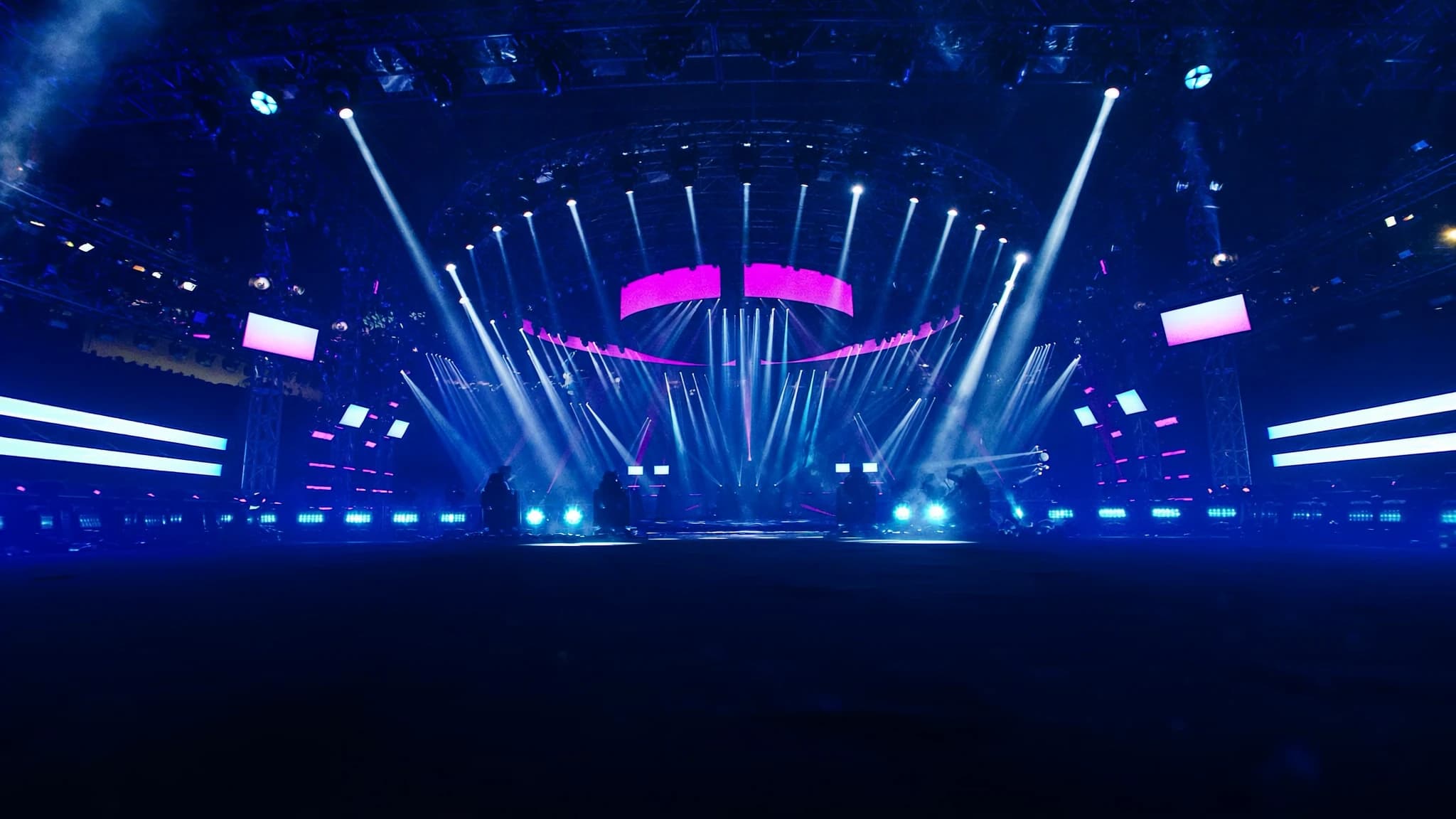
DMX512 ist die universelle Sprache der professionellen Lichtsteuerung und verbindet Konsolen mit Dimmern, Moving Lights, LEDs und Effekten. Das Verständnis seiner Grundlagen, von der Kanaladressierung und Daisy-Chaining bis hin zu Netzwerkprotokollen wie Art-Net, ist essenziell für zuverlässige, skalierbare Rigs. Dieser Leitfaden erklärt, wie DMX funktioniert und wie Sie es in realen Setups anwenden.
Wichtigste Punkte
- DMX512 ermöglicht bis zu 512 Steuerkanäle pro Universum, wobei jeder Kanal einen Wert von 0 bis 255 trägt.
- Korrekte Adressierung und Persönlichkeitsauswahl verhindern Kanalüberlappungen und gewährleisten die richtige Gerätesteuerung.
- Daisy-Chain mit bis zu 32 Geräten pro Universum, mit einem 120-Ohm-Terminator am Ende, um Signalreflexionen zu vermeiden.
- Verwenden Sie dediziertes DMX-Kabel (120-Ohm-Impedanz) und vermeiden Sie Mikrofonkabel für zuverlässige Leistung.
- Art-Net und sACN ermöglichen den Transport mehrerer Universen über Ethernet und vereinfachen groß angelegte Installationen.
- Eine Lichtkonsole sendet kontinuierlich DMX-Daten; Geräte reagieren nur auf ihre zugewiesenen Adressen.
Was ist DMX512?
DMX512 (Digital Multiplex mit 512 Kanälen) ist das branchenübliche Protokoll zur Steuerung von Beleuchtungs- und Effektgeräten. Es wurde 1986 von der USITT entwickelt und überträgt Daten über ein symmetrisches RS-485-Differenzpaar mit 250 kbit/s, wodurch bis zu 512 Steuerkanäle pro Universum möglich sind. Jeder Kanal trägt einen Wert von 0 bis 255 (8-Bit) und steuert Parameter wie Intensität, Farbe, Pan, Tilt oder Gobowahl.
Das Protokoll ist unidirektional: Eine Lichtkonsole (oder ein Controller) sendet Daten an die Geräte, die auf ihre zugewiesenen Adressen hören. DMX ist für Echtzeitsteuerung mit geringer Latenz ausgelegt und eignet sich daher für Live-Events, Theater, Broadcast und architektonische Installationen.
Universen, Kanäle und Adressierung
Ein DMX-Universum ist ein einzelner Datenstrom von bis zu 512 Kanälen. In der Praxis kann ein großes Rig mehrere Universen erfordern, zum Beispiel 1 Universum für Dimmer, ein weiteres für Moving Lights und ein drittes für LED-Streifen. Jedes Gerät belegt einen Block aufeinanderfolgender Kanäle (seine 'Persönlichkeit' oder sein 'Footprint'). Ein einfacher Dimmer nutzt 1 Kanal; ein Moving Head kann 16 oder mehr Kanäle für Pan, Tilt, Farbe, Gobo, Strobe usw. verwenden.
Adressierung ist der Prozess, den Startkanal eines Geräts innerhalb eines Universums festzulegen. Wenn beispielsweise ein 16-Kanal-Moving-Light auf Adresse 1 eingestellt ist, nutzt es die Kanäle 1-16. Das nächste Gerät sollte bei Adresse 17 beginnen. Korrekte Adressierung verhindert Überlappungen und stellt sicher, dass jedes Gerät nur auf die vorgesehenen Steuerungen reagiert. Viele moderne Geräte ermöglichen die Adresseinstellung über ein Display, DIP-Schalter oder RDM (Remote Device Management).
Geräte und Persönlichkeiten
Jedes DMX-gesteuerte Gerät hat eine oder mehrere 'Persönlichkeiten', vordefinierte Kanalzuordnungen, die festlegen, wie viele Kanäle es nutzt und was jeder Kanal steuert. Ein Moving Head könnte beispielsweise einen 16-Kanal-Modus (Basissteuerung) und einen 24-Kanal-Modus (mit feinerer Kontrolle über Farbmischung, Effekte und Makros) bieten. Die Wahl der richtigen Persönlichkeit hängt von der benötigten Komplexität und den verfügbaren Konsolenkanälen ab.
Es ist entscheidend, die Persönlichkeit des Geräts mit dem Patch der Konsole abzustimmen. Wenn ein Gerät auf 24-Kanal-Modus eingestellt ist, die Konsole aber 16 erwartet, fehlen einige Parameter oder sind falsch ausgerichtet. Dokumentieren Sie immer die Persönlichkeit und Adresse jedes Geräts in Ihrem Rig zur Fehlerbehebung.
Daisy-Chaining und Terminierung
DMX-Geräte werden in einer Daisy-Chain-Topologie verbunden: Der Konsolenausgang geht zum DMX IN des ersten Geräts, dann dessen DMX THRU (oder LINK) zum nächsten Gerät und so weiter. Die empfohlene maximale Kettenlänge beträgt 32 Geräte pro Universum, kann jedoch je nach Kabelqualität und Geräteelektronik variieren. Die Gesamtkabellänge sollte 300 Meter (1000 Fuß) pro Universum nicht überschreiten.
Korrekte Terminierung ist entscheidend: Ein 120-Ohm-Widerstand muss über die Datenleitungen (Pins 2 und 3) des Ausgangs des letzten Geräts gelegt werden, um Signalreflexionen zu verhindern. Die meisten professionellen Geräte haben einen Terminierungsschalter; falls nicht, verwenden Sie einen DMX-Terminator-Stecker. Ohne Terminierung können Datenfehler, Flackern oder unregelmäßiges Verhalten auftreten.
Kabel und Steckverbinder
DMX verwendet 5-polige XLR-Steckverbinder (Pin 1 = Masse, Pin 2 = Data -, Pin 3 = Data +, Pins 4 und 5 sind ungenutzt, aber für zukünftige Verwendung reserviert). 3-poliges XLR ist ebenfalls verbreitet, besonders bei kostengünstigerem Equipment, entspricht aber nicht strikt dem DMX-Standard. Für zuverlässige lange Strecken verwenden Sie dediziertes DMX-Kabel mit 120-Ohm-Wellenwiderstand, nicht Mikrofonkabel, das Signalverschlechterung verursachen kann.
Beim Mischen von 3-poligen und 5-poligen Geräten verwenden Sie Adapter oder Spezialkabel. Achten Sie immer auf korrekte Polarität und vermeiden Sie Masseschleifen. Für feste Installationen sollten Sie geschirmtes Twisted-Pair-Kabel mit Beilaufdraht in Betracht ziehen.
Netzwerkbasierte Protokolle: Art-Net und sACN
Für große Rigs oder verteilte Systeme ermöglichen DMX-over-Ethernet-Protokolle wie Art-Net und sACN (Streaming ACN) die Übertragung mehrerer Universen über ein Standardnetzwerk. Art-Net, entwickelt von Artistic Licence, ist weit verbreitet und kann bis zu 32.768 Universen über IP transportieren. sACN (ANSI E1.31) ist ein neuerer Standard mit besserer Multicast-Unterstützung und automatischer Erkennung.
Um diese Protokolle zu nutzen, benötigen Sie eine Lichtkonsole mit Ethernet-Ausgang (oder einen Computer mit Lichtsoftware), einen Netzwerk-Switch und DMX-Knoten (auch Gateways oder Decoder genannt), die die Netzwerkdaten zurück in DMX512 für die Geräte umwandeln. Dieser Ansatz vereinfacht die Verkabelung, ermöglicht Fernsteuerung und erlaubt die Integration mit Video- und Audiosystemen über ein einziges Netzwerk-Backbone.
Wie eine Lichtkonsole ein Rig steuert
Die Lichtkonsole ist das Gehirn des Systems. Sie sendet DMX-Daten (entweder direkt über XLR oder über Ethernet) an alle angeschlossenen Geräte. Der Bediener programmiert Cues, Chases und Effekte auf der Konsole, die die entsprechenden Kanalwerte in Echtzeit ausgibt. Konsolen reichen von einfachen 2-Universen-Boards bis hin zu leistungsstarken Pulten, die Hunderte von Universen mit erweiterten Funktionen wie Pixelmapping, Timecode-Synchronisation und 3D-Visualisierung bewältigen.
Wenn eine Konsole Daten sendet, überträgt sie kontinuierlich das gesamte Universum (512 Kanäle) mit einer Rate von bis zu 44 Mal pro Sekunde. Geräte hören nur auf ihre zugewiesenen Adressen und ignorieren den Rest. Für große Rigs sind mehrere Universen erforderlich, und die Konsole muss so konfiguriert sein, dass jedes Universum auf einer separaten DMX-Leitung oder über Ethernet an mehrere Knoten ausgegeben wird.
Häufige Fragen
Wie lang darf ein DMX-Kabel maximal sein?
Der empfohlene Maximalwert beträgt 300 Meter (1000 Fuß) pro Universum. Darüber hinaus kann es zu Signalverschlechterung kommen, was einen DMX-Splitter oder Repeater erfordert.
Kann ich Audio-XLR-Kabel für DMX verwenden?
Das ist nicht empfehlenswert. Audiokabel haben eine andere Impedanz (typischerweise 50-70 Ohm) und entbehren die für zuverlässiges DMX erforderliche Twisted-Pair-Konstruktion. Verwenden Sie für lange Strecken dediziertes 120-Ohm-DMX-Kabel.
Was ist RDM und wie funktioniert es?
RDM (Remote Device Management) ermöglicht bidirektionale Kommunikation über DMX, sodass Konsolen Geräte remote erkennen und konfigurieren können. Es nutzt dieselbe Verkabelung, erfordert jedoch Unterstützung sowohl auf Konsolen- als auch auf Geräteseite.
Wie viele Universen brauche ich für eine große Show?
Das hängt von der Anzahl der Geräte und deren Kanalanzahl ab. Ein typischer Moving Head nutzt 16-24 Kanäle; ein LED-Washlight vielleicht 4-8. Zählen Sie die benötigten Gesamtkanäle und teilen Sie durch 512, um die Universen zu schätzen. Lassen Sie immer Reserve für zukünftige Erweiterungen.
Was ist der Unterschied zwischen Art-Net und sACN?
Art-Net ist älter und nutzt Broadcast oder Unicast; sACN ist neuer, nutzt Multicast und unterstützt automatische Erkennung. Beide sind weit verbreitet; sACN wird für größere Netzwerke aufgrund des besseren Bandbreitenmanagements allgemein bevorzugt.
System aufbauen oder aufrüsten?
SSOUNDS entwickelt und fertigt professionelle PA weltweit, vom einzelnen Raum bis zur Stadiongröße.