DMX 조명 제어 완전 가이드
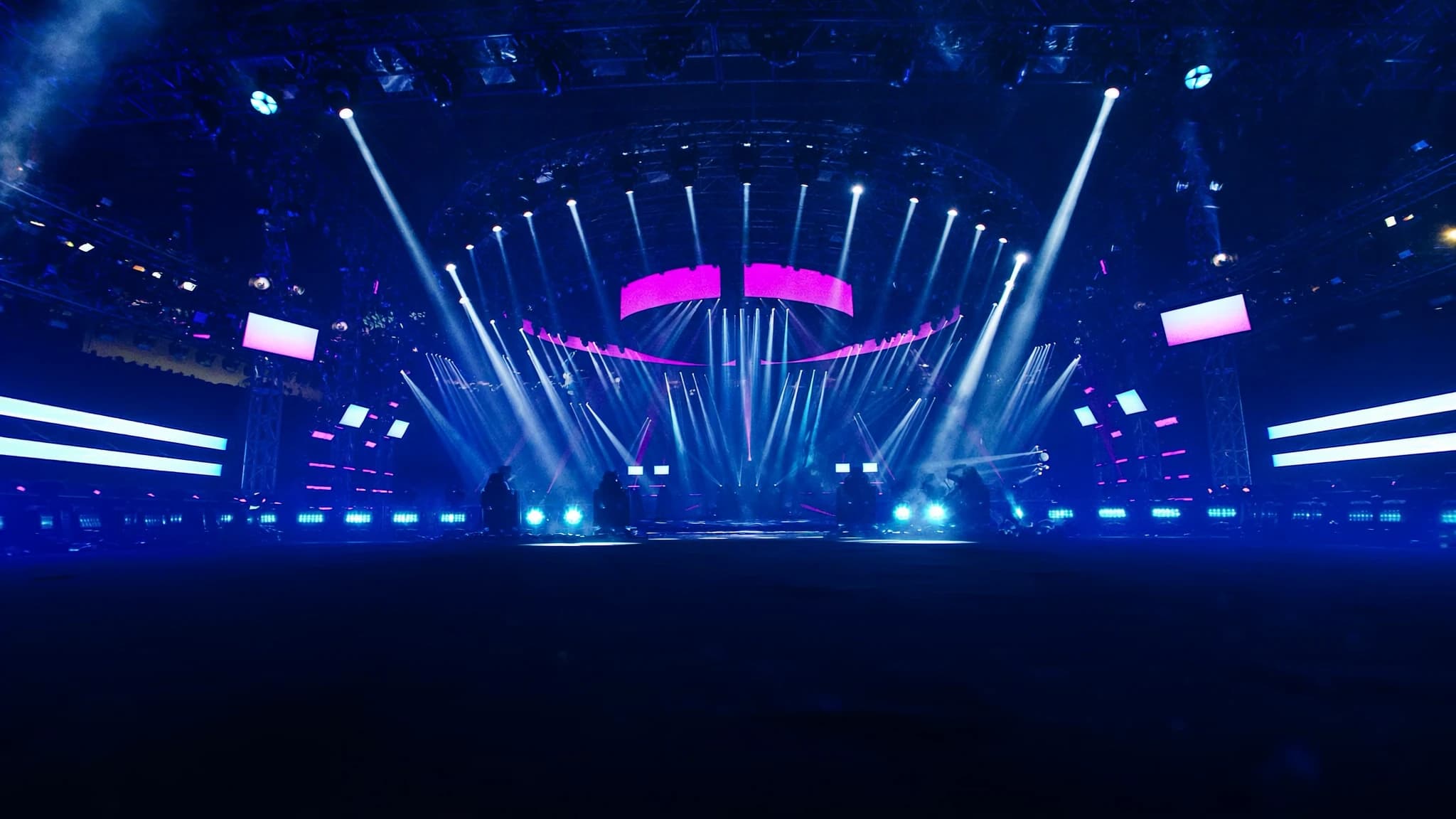
DMX는 라이브 공연, 설치 예술, 건축 조명에서 가장 널리 사용되는 조명 제어 프로토콜입니다. 이 가이드에서는 DMX의 기본 원리부터 고급 활용 팁까지, 조명 디자이너와 기술자가 알아야 할 모든 것을 다룹니다. SSOUNDS는 전문 오디오 및 조명 시스템의 통합 전문가로서, DMX를 활용한 완벽한 공연 경험을 만드는 방법을 제시합니다.
핵심 요약
- DMX는 512채널을 지원하는 표준 조명 제어 프로토콜로, 각 채널은 0-255 값을 가집니다.
- DMX 시스템은 컨트롤러, 케이블, 조명 기기로 구성되며, 올바른 주소 설정과 터미네이터 사용이 중요합니다.
- 네트워크 프로토콜(Art-Net, sACN)은 DMX를 보완하지만, 최종 조명 제어는 여전히 DMX를 사용합니다.
- 문제 해결을 위해 신호 간섭, 주소 오류, 케이블 결함을 우선 확인하세요.
- SSOUNDS는 오디오와 조명 시스템을 통합하여 완벽한 공연 경험을 제공합니다.
DMX란 무엇인가?
DMX(Digital Multiplex)는 512개 채널을 하나의 데이터 링크로 전송하는 표준 프로토콜입니다. 각 채널은 0에서 255 사이의 값(8비트)을 가지며, 조명의 밝기, 색상, 이동, 셔터 등 다양한 기능을 제어합니다. DMX는 1986년 USITT에서 표준화된 이후, 현재는 ANSI E1.11 표준으로 발전했습니다.
DMX는 RS-485 전기 표준을 기반으로 하며, 5핀 XLR 커넥터를 사용합니다(3핀도 호환). 데이터 전송 속도는 250kbps로, 하나의 DMX 유니버스는 최대 512개 채널을 지원합니다. 이는 현대 조명 시스템의 기본 단위로, 대규모 공연에서는 여러 유니버스를 사용합니다.
DMX의 작동 원리
DMX는 연속적인 데이터 스트림으로, 컨트롤러가 각 채널의 값을 순차적으로 전송합니다. 각 채널은 0에서 255까지의 정수 값을 가지며, 예를 들어 0은 꺼짐, 255는 최대 밝기를 의미합니다. 조명 기기는 시작 주소(DMX address)를 설정하여 자신이 어떤 채널을 수신할지 결정합니다.
DMX는 단방향 통신이므로 컨트롤러에서 조명 기기로만 데이터가 전송됩니다. 따라서 조명 기기의 상태를 컨트롤러로 되돌릴 수 없습니다. 이를 보완하기 위해 RDM(Remote Device Management) 프로토콜이 등장했지만, 기본 DMX는 여전히 표준입니다.
DMX 시스템 구성 요소
DMX 시스템은 크게 컨트롤러, 케이블, 조명 기기로 구성됩니다. 컨트롤러는 조명 콘솔이나 소프트웨어 기반 시스템으로, DMX 신호를 생성합니다. 케이블은 5핀 XLR 또는 3핀 XLR을 사용하며, 신호 품질을 위해 120옴 임피던스의 특수 케이블을 권장합니다.
조명 기기는 각각 DMX 주소를 설정받아 데이터를 해석합니다. 예를 들어, 16채널 무빙 헤드 라이트는 16개의 연속된 채널을 사용합니다. 주소 설정은 기기의 DIP 스위치나 디지털 디스플레이를 통해 이루어집니다.
시스템 종단에는 120옴 터미네이터를 연결하여 신호 반사를 방지해야 합니다. 또한 DMX 신호는 최대 300미터까지 전송 가능하지만, 장거리 전송 시 신호 분배기(splitter)를 사용하는 것이 안전합니다.
DMX vs. 다른 프로토콜
DMX는 조명 제어의 표준이지만, 최근에는 Art-Net이나 sACN과 같은 네트워크 기반 프로토콜이 등장했습니다. 이들은 이더넷을 통해 DMX 데이터를 전송하여 더 많은 유니버스와 긴 거리를 지원합니다. 그러나 실제 조명 기기 제어는 여전히 DMX로 변환됩니다.
SSOUNDS는 오디오와 조명 시스템을 통합할 때 Dante나 AES67 같은 오디오 네트워크와 함께 DMX를 사용합니다. 예를 들어, 공연장에서 오디오와 조명을 동기화하기 위해 타임코드를 사용하며, DMX는 조명 제어의 핵심으로 남아 있습니다.
DMX 시스템 설계 및 설치 팁
DMX 시스템을 설계할 때는 먼저 필요한 채널 수를 계산하고, 각 조명 기기의 주소를 체계적으로 할당해야 합니다. 주소 할당은 유지보수와 문제 해결을 쉽게 하기 위해 그룹별로 정리하는 것이 좋습니다.
케이블 배선은 전원 케이블과 분리하고, 꼬임 케이블을 사용하여 노이즈를 최소화해야 합니다. 또한 DMX 신호는 루프 스루(loop-through) 대신 스플리터를 사용하여 각 기기에 직접 연결하는 것이 안정적입니다.
SSOUNDS는 대규모 투어와 설치 프로젝트에서 DMX 시스템을 설계할 때, 신호 무결성과 확장성을 최우선으로 고려합니다. 예를 들어, 여러 유니버스가 필요한 경우 네트워크 게이트웨이를 사용하여 중앙에서 관리합니다.
DMX 문제 해결 및 유지보수
DMX 시스템에서 가장 흔한 문제는 신호 간섭, 잘못된 주소 설정, 케이블 결함입니다. 신호 간섭은 전원 케이블과의 거리, 접지 문제, 터미네이터 누락으로 발생할 수 있습니다.
문제 해결을 위해 DMX 테스터나 오실로스코프를 사용하여 신호를 확인하는 것이 좋습니다. 또한 각 기기의 주소를 문서화하고, 정기적으로 케이블과 커넥터를 점검하는 것이 중요합니다.
SSOUNDS는 고객에게 DMX 시스템 교육과 지원을 제공하며, 복잡한 문제는 원격 진단 도구를 통해 해결합니다. 우리의 엔지니어링 팀은 현장에서 발생할 수 있는 다양한 문제에 대한 경험을 바탕으로 신속한 솔루션을 제공합니다.
SSOUNDS와 함께하는 DMX 통합
SSOUNDS는 전문 오디오 시스템과 조명 제어를 통합하는 데 강점을 가지고 있습니다. 우리는 DMX 컨트롤러, 조명 기기, 그리고 오디오 시스템을 하나의 네트워크로 연결하여 공연의 완성도를 높입니다.
예를 들어, 콘서트에서 음악과 조명이 동기화되어야 할 때, SSOUNDS는 타임코드 기반의 동기화 시스템을 구축합니다. DMX는 조명을 제어하고, Dante는 오디오를 전송하며, 모든 것이 중앙에서 관리됩니다.
SSOUNDS는 전 세계 고객에게 맞춤형 솔루션을 제공하며, 설계부터 설치, 교육까지 지원합니다. 우리의 목표는 고객이 최상의 공연 경험을 제공할 수 있도록 돕는 것입니다.
자주 묻는 질문
DMX 케이블은 일반 XLR 케이블과 다른가요?
네, DMX 케이블은 120옴 임피던스의 특수 케이블로, 일반 오디오 XLR 케이블보다 신호 전송에 적합합니다. 장거리 전송 시 신호 품질이 크게 달라지므로 DMX 전용 케이블을 사용하는 것이 좋습니다.
DMX 유니버스가 무엇인가요?
DMX 유니버스는 512개 채널의 그룹을 의미합니다. 대규모 공연에서는 여러 유니버스를 사용하며, 각 유니버스는 별도의 케이블 또는 네트워크로 전송됩니다.
DMX 주소는 어떻게 설정하나요?
조명 기기의 DIP 스위치나 디지털 디스플레이를 통해 주소를 설정합니다. 예를 들어, 16채널 기기의 시작 주소를 1로 설정하면 1-16 채널을 사용합니다.
DMX 신호가 간섭을 받으면 어떻게 하나요?
전원 케이블과 분리하고, 터미네이터를 연결하며, 가능하면 스플리터를 사용하세요. 또한 케이블 품질과 접지 상태를 확인하는 것이 중요합니다.
SSOUNDS는 DMX 시스템 설치를 지원하나요?
네, SSOUNDS는 조명 시스템 설계, 설치, 교육을 포함한 통합 솔루션을 제공합니다. 고객의 요구에 맞춰 오디오와 조명을 함께 구축할 수 있습니다.
시스템을 새로 구축하거나 업그레이드하시나요?
SSOUNDS는 단일 공간부터 스타디움 규모까지, 전 세계에서 전문 PA 시스템을 설계하고 제작합니다.