라이브 사운드에서의 Waves 플러그인 활용 가이드
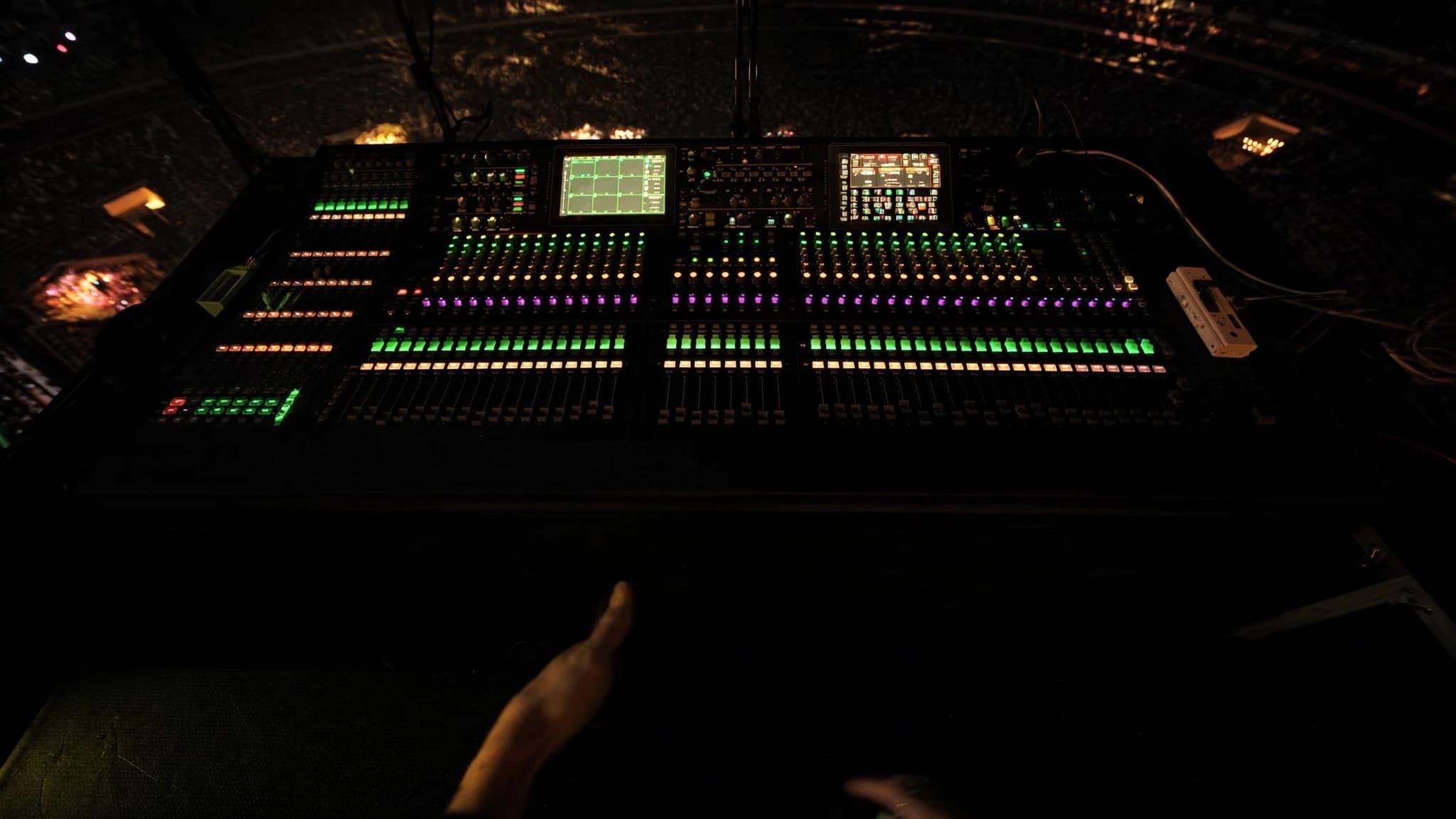
Waves 플러그인은 SoundGrid 에코시스템을 기반으로 프로 라이브 사운드의 필수 요소가 되었으며, FOH와 모니터 엔지니어에게 스튜디오에서 사용하던 것과 동일한 프로세싱을 제공합니다. 채널 스트립부터 멀티밴드 다이내믹스와 리버브까지, SuperRack을 통한 Waves 라이브 워크플로는 믹스를 변화시킬 수 있는 저지연, 고음질 프로세싱을 제공합니다. 이 가이드에서는 주요 플러그인, 실용적인 워크플로 팁, 라이브 리그에 Waves를 통합하기 위한 고려 사항을 살펴봅니다.
핵심 요약
- Waves SoundGrid와 SuperRack은 콘솔에서 DSP 부하를 분산하여 라이브 사운드를 위한 초저지연 플러그인 프로세싱을 제공합니다.
- 필수 FOH 플러그인으로는 SSL E-Channel, CLA-76, F6 Dynamic EQ, C6 Multiband Compressor가 정밀한 제어를 위해 포함됩니다.
- 모니터의 경우 Q10 EQ와 C6로 피드백 억제를 우선시하고, 폴드백에 과도한 리버브를 피하세요.
- 멀티밴드 컴프레션과 다이내믹 EQ는 정적 EQ 없이 공진을 길들이고 다이내믹을 제어하는 데 핵심입니다.
- H-Reverb와 같은 리버브와 H-Delay와 같은 딜레이는 깊이를 더합니다. aux send에 사용하고 명료도를 위해 테일을 짧게 유지하세요.
- 전용 서버, 낮은 버퍼 크기, 적절한 네트워크 설정으로 지연 시간을 최적화하고 공연 전에 철저히 테스트하세요.
SoundGrid 에코시스템과 SuperRack
SoundGrid는 Waves의 실시간 오디오 오버 IP 네트워킹 플랫폼으로, 초저지연(일반적으로 왕복 2ms 미만)을 위해 설계되었습니다. 이를 통해 전용 서버(예: DiGiGrid 또는 SoundGrid 서버)에서 Waves 플러그인을 실행하고 컴퓨터나 터치스크린으로 제어할 수 있습니다. SuperRack은 라이브 사운드 플러그인 호스트로, 각각 자체 랙 슬롯에 여러 Waves 플러그인 인스턴스를 로드하고 유연한 라우팅과 스냅샷 리콜을 제공합니다.
라이브 사용에서 핵심 이점은 프로세싱이 콘솔이 아닌 서버에서 이루어져 DSP 부하를 분산하고 일관된 지연 시간을 보장한다는 점입니다. SuperRack은 MADI, Dante 또는 아날로그 I/O를 통해 대부분의 디지털 콘솔과 통합되며 최대 256개의 플러그인 인스턴스를 지원합니다. 스냅샷 자동화를 통해 곡이나 장면별로 전체 플러그인 체인을 리콜할 수 있어 뮤지컬, 투어, 페스티벌에 이상적입니다.
FOH를 위한 필수 채널 스트립 플러그인
모니터의 경우 초점은 피드백 억제와 명료도로 전환됩니다. Q10 Paragraphic EQ는 피드백 주파수를 정밀하게 노칭하는 도구입니다. C6 Multiband Compressor는 나머지 믹스에 영향을 주지 않고 치찰음이나 저역 럼블을 제어할 수 있습니다. Renaissance Axx(RAxx)는 보컬 폴드백을 위한 간단하고 빠른 컴프레서입니다. 모니터에는 과도한 리버브를 피하고, 대신 H-Delay로 슬랩 에코를 만들거나 TrueVerb로 짧은 앰비언스를 사용하세요.
멀티밴드 컴프레션과 다이내믹 EQ
멀티밴드 프로세싱은 라이브 사운드의 게임 체인저입니다. C6 Multiband Compressor를 사용하면 특정 주파수 범위를 독립적으로 컴프레션할 수 있어, 믹스를 둔탁하게 만들지 않고 보컬리스트의 치찰음을 제어하거나 튀어나오는 베이스 기타 노트를 길들일 수 있습니다. F6 Dynamic EQ는 임계값을 초과할 때만 EQ를 적용하여 더 나아가, 큰 스네어 타격의 거친 소리를 줄이거나 모니터의 피드백을 제어하는 데 완벽합니다.
실제로는 마스터 버스에 C6를 사용하여 전체 스펙트럼 밸런스를 잡고, 개별 채널에 F6를 사용하여 외과적 다이내믹 EQ를 적용하세요. 예를 들어, 보컬 채널의 2-4kHz에 좁은 Q와 적당한 컴프레션으로 밴드를 설정하여 거친 자음을 잡을 수 있습니다. 베이스에서는 플레이어가 세게 연주할 때 붐iness를 줄이기 위해 로우 셸프 다이내믹 EQ를 사용하세요.
라이브를 위한 리버브, 딜레이, 모듈레이션
H-Reverb, Renaissance Reverb, TrueVerb와 같은 Waves 리버브는 풍부하고 자연스러운 공간감을 제공합니다. H-Reverb는 하이브리드 컨볼루션과 알고리즘 엔진으로 특히 유연하여 룸, 플레이트, 홀 사운드를 블렌딩할 수 있습니다. 라이브에서는 리버브 테일을 짧게(1.5-2.5초) 유지하여 탁함을 피하세요. 클래식 플레이트와 룸 사운드에는 Renaissance Reverb를 사용하세요.
딜레이는 깊이감을 위해 필수적입니다. H-Delay는 아날로그 스타일 컨트롤과 핑퐁 기능으로 인기 있는 제품입니다. SuperTap은 리드미컬한 딜레이에 탁월합니다. MondoMod와 MetaFlanger 같은 모듈레이션 효과는 기타나 신스에 움직임을 더하지만, 위상 문제를 피하기 위해 절제해서 사용하세요. 믹스 명료도를 유지하려면 항상 딜레이와 리버브를 채널에 직접 삽입하지 말고 aux send에 연결하세요.
지연 시간 관리와 시스템 최적화
지연 시간은 라이브 사운드에서 가장 큰 관심사입니다. SoundGrid 서버는 일반적으로 48kHz에서 버퍼 크기 32 또는 64 샘플로 왕복 지연 시간 0.8-2ms를 달성합니다. 지연 시간을 최소화하려면: 전용 SoundGrid 서버를 사용하고(컴퓨터만 사용하지 말 것), 전용 네트워크 스위치를 통해 연결하며, 여러 장치를 데이지 체인으로 연결하지 마세요. SuperRack에서 버퍼 크기를 가장 낮은 안정 값으로 설정하세요(먼저 32를 시도).
모니터링의 경우 지연 시간은 IEM과 웨지에 중요해집니다. SuperRack의 'Monitor' 모드를 사용하여 필요하지 않을 때 모니터 send의 플러그인을 바이패스하세요. 또는 콘솔 출력을 분할하여 모니터에는 드라이 신호를, FOH에는 프로세싱된 신호를 보내세요. 공연 전에 전체 밴드와 함께 시스템을 테스트하여 드롭아웃이나 과도한 지연이 없는지 확인하세요.
워크플로 팁: 스냅샷, 템플릿, 원격 제어
SuperRack의 스냅샷 시스템은 강력합니다. 가장 많이 사용하는 플러그인(예: SSL 채널, C6, H-Reverb)으로 템플릿을 만들고 콘솔 페이더나 MIDI 컨트롤러에 매핑하세요. 'Scene' 기능을 사용하여 곡별로 다른 플러그인 설정을 리콜하세요. 원격 제어의 경우 Waves eMotion LV1 믹서나 MyFOH 앱이 설치된 태블릿을 사용하여 하우스에서 플러그인을 조정하세요.
SuperRack에서 플러그인 이름, 프리셋, 라우팅 등 모든 것을 명확하게 라벨링하세요. 쇼 파일의 여러 버전(예: 'Day 1', 'Soundcheck', 'Final')을 저장하세요. 페스티벌의 경우 표준 I/O 매핑을 사용하여 모든 콘솔과 호환되는 범용 템플릿을 만드세요. 또한 공연 후 분석을 위해 라이브 믹스와 함께 멀티트랙 녹음을 위해 Waves Tracks Live DAW를 사용하는 것도 고려하세요.
자주 묻는 질문
라이브에서 Waves 플러그인을 사용할 때 일반적인 지연 시간은 얼마인가요?
전용 SoundGrid 서버와 32 또는 64 샘플의 버퍼 크기를 사용하면 48kHz에서 왕복 지연 시간은 일반적으로 0.8-2ms이며, 이는 FOH에서는 감지할 수 없고 적절한 설정을 갖춘 모니터에서는 허용 가능합니다.
SoundGrid 서버 없이 Waves 플러그인을 사용할 수 있나요?
예, DAW나 플러그인 호스트를 통해 컴퓨터에서 Waves 플러그인을 실행할 수 있지만 지연 시간이 더 높고(5-10ms) 안정성이 떨어집니다. 전문 라이브 사운드에는 SoundGrid 서버를 강력히 권장합니다.
모니터에서 피드백을 제어하는 데 가장 좋은 Waves 플러그인은 무엇인가요?
Q10 Paragraphic EQ는 피드백 주파수를 정밀하게 노칭하는 데 탁월합니다. C6 Multiband Compressor도 문제가 되는 대역의 게인을 동적으로 줄여 도움이 될 수 있습니다.
SuperRack에서 몇 개의 플러그인을 실행할 수 있나요?
SuperRack은 최대 256개의 플러그인 인스턴스를 지원하지만 실제 수는 서버의 DSP 용량에 따라 다릅니다. 일반적으로 중급 서버는 EQ와 컴프레서 같은 보통 수준의 플러그인을 64-128개 처리할 수 있습니다.
Waves 플러그인은 모든 디지털 콘솔과 호환되나요?
Waves 플러그인은 MADI, Dante 또는 아날로그 I/O를 통해 대부분의 디지털 콘솔과 통합됩니다. SuperRack은 콘솔과 SoundGrid 네트워크 간에 오디오를 라우팅하는 브리지 역할을 합니다. 특정 콘솔에 대해서는 Waves의 호환성 목록을 확인하세요.
시스템을 새로 구축하거나 업그레이드하시나요?
SSOUNDS는 단일 공간부터 스타디움 규모까지, 전 세계에서 전문 PA 시스템을 설계하고 제작합니다.