Dante in der Audiotechnik: Der komplette Leitfaden
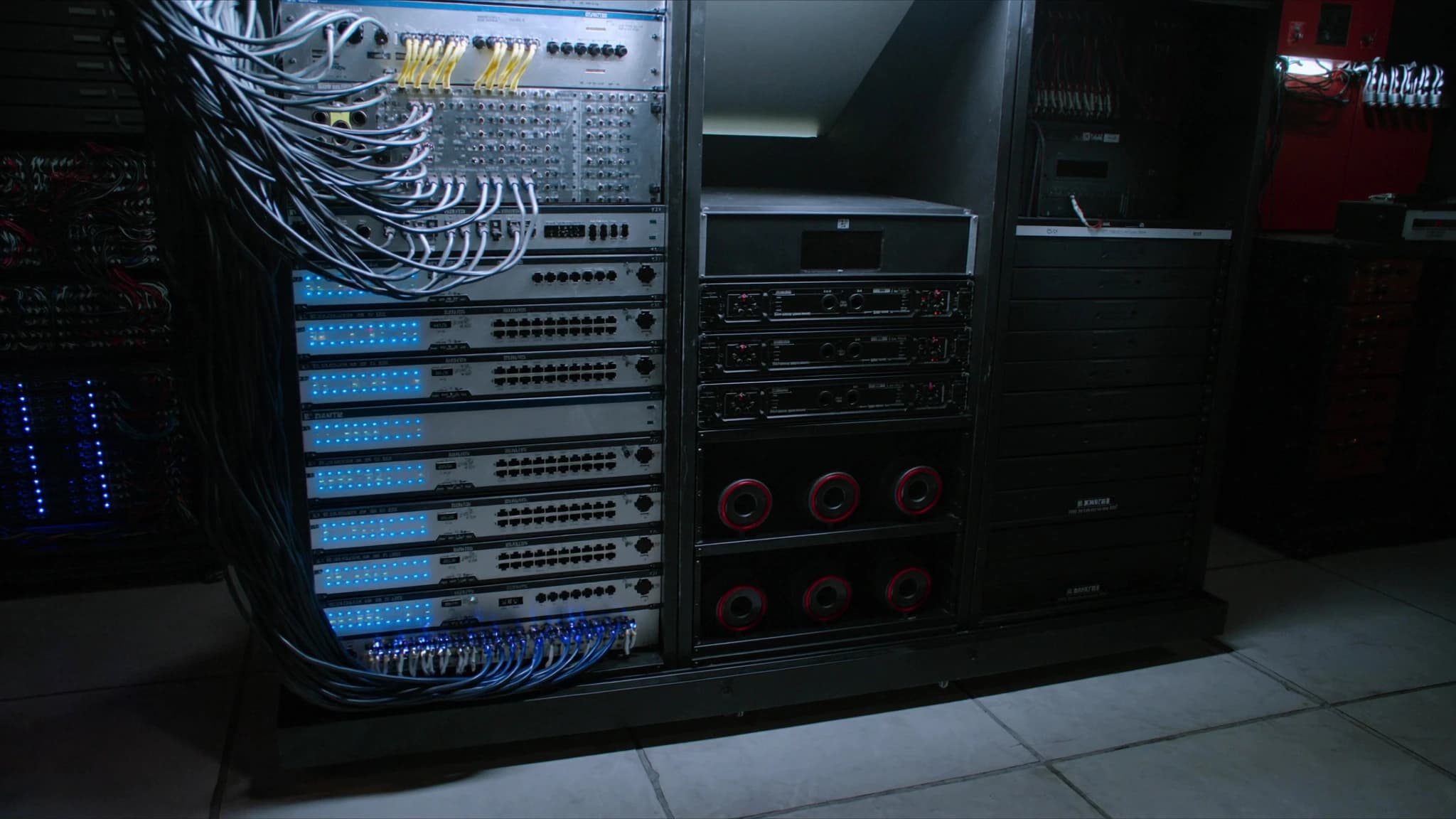
Dante hat sich zum De-facto-Standard für digitales Audio-Networking entwickelt und ermöglicht Audiotransport mit hoher Kanalzahl und niedriger Latenz über Standard-IP-Netzwerke. Dieser Leitfaden erklärt, wie Dante funktioniert, von Kernkonzepten wie Clocking und Latenz bis hin zu praktischen Werkzeugen wie Dante Controller und Domain Manager, und behandelt seine Rolle in Live-, Installations- und Broadcast-Umgebungen.
Wichtigste Punkte
- Dante ist ein ausgereiftes, weit verbreitetes AoIP-Protokoll, das unkomprimiertes Audio über Standard-Ethernet transportiert.
- Precision Time Protocol (PTPv2) gewährleistet sample-genaue Synchronisation über alle Geräte im Netzwerk.
- Konfigurierbare Latenz von 0,25 ms bis 5 ms ermöglicht Optimierung für Live-, Installations- oder Broadcast-Anwendungen.
- Dante Controller bietet intuitive Routing- und Überwachungsfunktionen; Dante Domain Manager fügt zentrale Verwaltung für große Netzwerke hinzu.
- Der AES67-Modus ermöglicht Interoperabilität mit anderen AoIP-Systemen und überbrückt Dante mit Drittanbieter-Geräten.
- Ordnungsgemäßes Netzwerkdesign (Gigabit-Switches, QoS, VLANs) ist essenziell für zuverlässigen Dante-Betrieb.
Was ist Dante und wie funktioniert AoIP?
Dante, entwickelt von Audinate, ist eine Kombination aus Software, Hardware und Netzwerkprotokollen, die es ermöglicht, unkomprimiertes, mehrkanaliges digitales Audio über Standard-Ethernet-Netzwerke zu übertragen. Es nutzt das Internetprotokoll (IP), um Audio zwischen Geräten zu routen, und ersetzt sperrige analoge Multicores und dedizierte digitale Multicore-Kabel durch ein einziges Cat5e- oder Cat6-Kabel.
Audio over IP (AoIP) funktioniert, indem Audiosamples in Datenpakete verpackt, mit Timing- und Routing-Informationen versehen und über ein geswitchtes Ethernet-Netzwerk übertragen werden. Dante verwendet Layer-3-IP-Routing, was bedeutet, dass es über Subnetze und VLANs hinweg betrieben werden kann, was es für große Installationen skalierbar macht. Jedes Dante-Gerät hat eine eindeutige IP-Adresse, und Audioflüsse sind je nach Konfiguration Unicast oder Multicast.
Clocking und PTP (Precision Time Protocol)
Präzises Clocking ist essenziell für synchronisiertes Audio über mehrere Geräte hinweg. Dante verwendet IEEE 1588-2008 Precision Time Protocol (PTPv2), um einen Master-Clock über das Netzwerk zu verteilen. Ein Gerät wird als Clock Leader gewählt (normalerweise automatisch über den Best Master Clock Algorithmus), und alle anderen Geräte synchronisieren sich darauf.
PTP versieht jedes Audiopaket mit präzisen Timing-Informationen und stellt sicher, dass Samples von verschiedenen Geräten synchron ankommen. Dies eliminiert Jitter und ermöglicht sample-genaue Ausrichtung. In größeren Netzwerken können Boundary Clocks und Transparent Clocks verwendet werden, um die Genauigkeit über Switches hinweg aufrechtzuerhalten. Das Clocking von Dante ist robust, aber das Netzwerkdesign muss übermäßige Hops vermeiden und ordnungsgemäßes QoS sicherstellen, um die PTP-Stabilität zu erhalten.
Latenz: Verstehen und Konfigurieren
Dante bietet konfigurierbare Latenzeinstellungen, typischerweise von 0,25 ms bis 5 ms oder mehr. Niedrigere Latenz ist entscheidend für Live-Sound (z. B. Monitoring), erfordert jedoch ein gut optimiertes Netzwerk. Höhere Latenz ist akzeptabel für installierte Systeme oder Broadcast, wo Verzögerung weniger kritisch ist.
Die Latenz wird durch die Puffergröße des Dante-Geräts und die Netzwerkausbreitungsverzögerung bestimmt. Für ein typisches Live-Sound-Setup sind 0,25 ms oder 0,5 ms mit Gigabit-Switches und kurzen Kabelwegen erreichbar. Für größere Netzwerke mit mehreren Switches können 1 ms oder 2 ms erforderlich sein. Dante Controller ermöglicht die Latenzanpassung pro Gerät, und das Netzwerk sollte vor dem Einstellen aggressiver Latenzen auf Paketverlust und Jitter getestet werden.
Abtastraten und Bittiefe
Dante unterstützt Abtastraten von 44,1 kHz bis 192 kHz, mit Bittiefen bis zu 32 Bit. Übliche Wahl sind 48 kHz oder 96 kHz für Live-Sound und 48 kHz oder 96 kHz für Broadcast. Höhere Abtastraten erhöhen die Bandbreitennutzung, bieten aber verbesserten Frequenzgang und niedrigere Latenz.
Die Bittiefe beeinflusst den Dynamikbereich: 24 Bit bietet 144 dB Dynamikbereich, ausreichend für die meisten Anwendungen. 32-Bit-Float ist in einigen Dante-Geräten für Headroom bei der Aufnahme verfügbar. Beim Mischen von Abtastraten in einem Netzwerk verwendet Dante Sample Rate Conversion (SRC) am Empfänger, aber es ist am besten, alle Geräte auf derselben Abtastrate zu halten, um Konvertierungsartefakte zu vermeiden.
Dante Controller und Domain Manager
Dante Controller ist die kostenlose Software zur Konfiguration und Überwachung von Dante-Netzwerken. Sie erkennt Geräte, ermöglicht das Routing von Audiokanälen per Drag-and-Drop und zeigt Latenz, Taktstatus und Netzwerkzustand an. Sie ist unerlässlich für Einrichtung und Fehlerbehebung.
Dante Domain Manager (DDM) ist eine serverbasierte Software zur Verwaltung mehrerer Dante-Netzwerke über verschiedene Standorte oder Organisationen hinweg. Sie bietet Benutzerauthentifizierung, rollenbasierten Zugriff und zentrale Konfiguration. DDM ist ideal für große Installationen, Campus-Umgebungen oder Broadcast-Einrichtungen, in denen mehrere Techniker kontrollierten Zugriff benötigen. Es ermöglicht Dante auch den Betrieb über Subnetze und WAN-Verbindungen hinweg.
AES67-Interoperabilität
AES67 ist ein Standard für hochperformantes Audio over IP, der die Interoperabilität zwischen verschiedenen AoIP-Systemen ermöglicht, darunter Dante, Livewire, Q-SYS und Ravenna. Dante-Geräte können so konfiguriert werden, dass sie im AES67-Modus arbeiten, wodurch sie Audio von nicht-Dante-AES67-konformen Geräten senden und empfangen können.
Um AES67 zu nutzen, muss das Dante-Netzwerk mit kompatiblen Abtastraten (typischerweise 48 kHz), fester Latenz und spezifischem Multicast-Adressierung konfiguriert werden. AES67 unterstützt nicht die native Redundanz oder das Unicast-Routing von Dante, daher wird es am besten für die Überbrückung zwischen Systemen verwendet. Dante Controller enthält eine AES67-Konfigurationsregisterkarte zum Aktivieren dieses Modus.
Dante in Live, Installation und Broadcast
Im Live-Sound verbindet Dante Mischpulte, Stageboxen, Verstärker und Funksysteme über ein einziges Kabel, was Aufbauzeit und Gewicht reduziert. Redundante Dante-Netzwerke (primär und sekundär) bieten Failover für kritische Aufführungen. Niedrige Latenz (0,25 ms) ist mit ordnungsgemäßem Netzwerkdesign erreichbar.
Für installierte Systeme (z. B. Gotteshäuser, Corporate AV, Stadien) ermöglicht Dante verteilte Audiosignalverarbeitung und Zonensteuerung. Mehrere Switches können große Bereiche abdecken, und DDM ermöglicht zentrale Verwaltung. Die Fähigkeit von Dante, Audio über vorhandene IT-Netzwerke zu routen, reduziert Verkabelungskosten.
Im Broadcast wird Dante für Studio-Intercom, Mikrofonvorverstärker und Mischpulte verwendet. Seine niedrige Latenz und hohe Kanalzahl eignen sich für Live-Produktion. AES67-Interop ermöglicht die Integration mit anderen Broadcast-AoIP-Systemen. Die Unterstützung von Multicast durch Dante macht es effizient für die Verteilung von Audio an viele Ziele.
Häufige Fragen
Brauche ich ein dediziertes Netzwerk für Dante?
Dante kann zwar ein vorhandenes IT-Netzwerk mitnutzen, für Zuverlässigkeit und niedrige Latenz wird jedoch ein dediziertes oder VLAN-getrenntes Netzwerk empfohlen. QoS sollte konfiguriert werden, um Dante-Datenverkehr zu priorisieren.
Wie viele Kanäle sind maximal in einem Dante-Netzwerk möglich?
Eine einzelne Gigabit-Verbindung kann bis zu 512 Kanäle (64 Kanäle pro Flow, mit bis zu 8 Flows) bei 48 kHz/24 Bit übertragen. Größere Netzwerke können mit mehreren Switches und Link Aggregation skaliert werden.
Kann Dante über Wi-Fi laufen?
Nein, Dante erfordert ein kabelgebundenes Ethernet-Netzwerk. Wi-Fi verursacht zu viel Latenz, Jitter und Paketverlust für einen zuverlässigen Audiotransport.
Wie behebe ich Probleme in einem Dante-Netzwerk?
Verwenden Sie Dante Controller, um Taktstatus, Latenz und Subscription-Fehler zu prüfen. Überwachen Sie die Netzwerkstatistiken auf verlorene Pakete. Stellen Sie sicher, dass die Switches mit QoS und IGMP Snooping für Multicast konfiguriert sind.
Ist Dante mit AVB oder Milan kompatibel?
Dante ist nicht direkt mit AVB/Milan kompatibel, aber beide können im selben Netzwerk koexistieren, wenn sie ordnungsgemäß über VLANs getrennt werden. AES67 bietet eine Brücke zwischen Dante und anderen AoIP-Systemen.
System aufbauen oder aufrüsten?
SSOUNDS entwickelt und fertigt professionelle PA weltweit, vom einzelnen Raum bis zur Stadiongröße.