Waves Plugins im Live-Sound
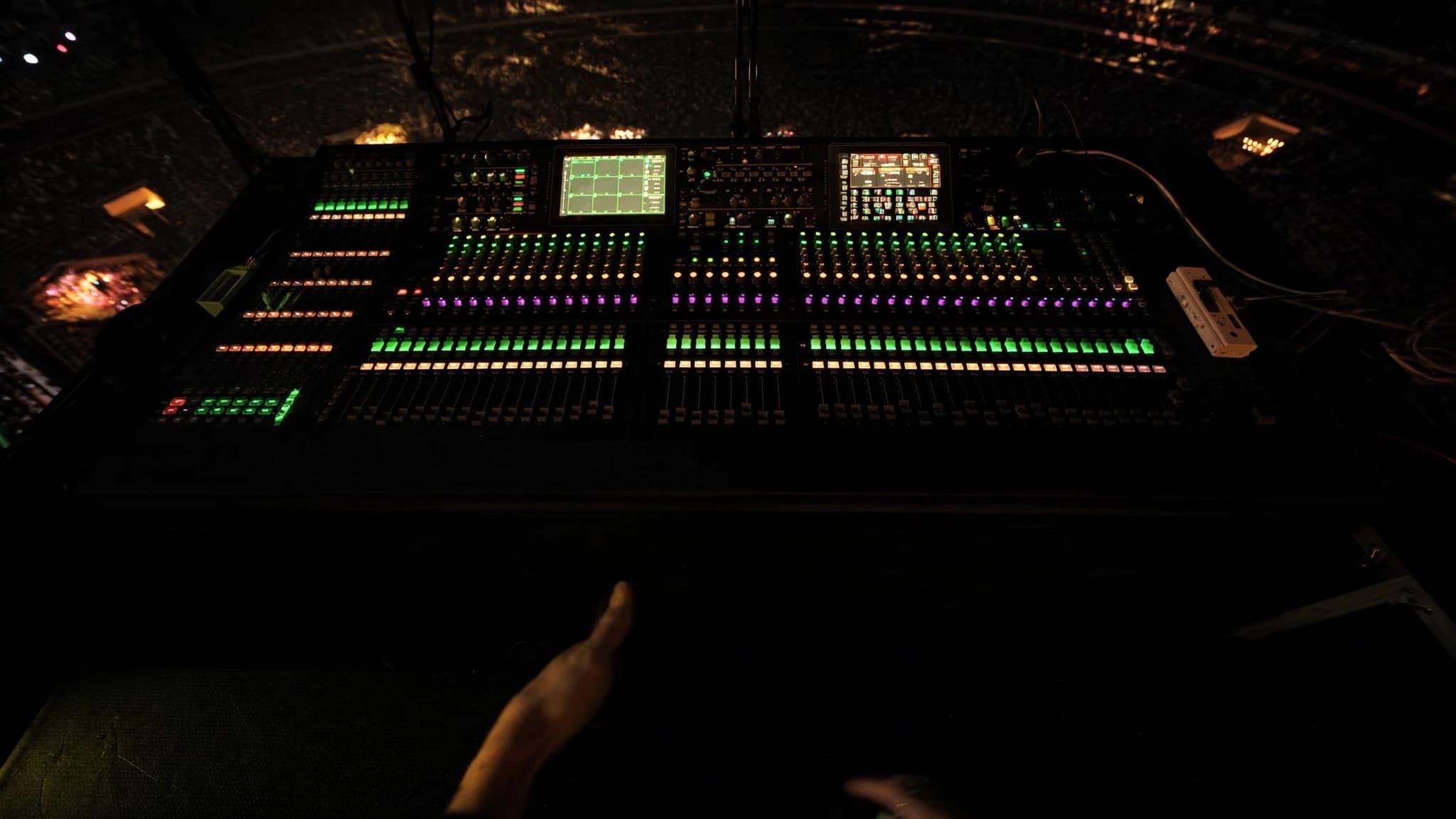
Waves-Plugins, angetrieben vom SoundGrid-Ökosystem, sind zu einem festen Bestandteil im professionellen Live-Sound geworden und bieten FOH- und Monitor-Engineers dieselbe Verarbeitung, auf die sie im Studio vertrauen. Von Channel Strips über Multiband-Dynamik bis hin zu Reverbs liefert der Waves-Live-Workflow über SuperRack eine latenzarme, hochauflösende Verarbeitung, die einen Mix transformieren kann. Dieser Leitfaden erkundet die wichtigsten Plugins, praktische Workflow-Tipps und Überlegungen zur Integration von Waves in Ihr Live-Rig.
Wichtigste Punkte
- Waves SoundGrid und SuperRack bieten extrem latenzarme Plugin-Verarbeitung für Live-Sound und lagern DSP aus der Konsole aus.
- Wesentliche FOH-Plugins umfassen SSL E-Channel, CLA-76, F6 Dynamic EQ und C6 Multiband Compressor für präzise Kontrolle.
- Für Monitore priorisieren Sie Feedback-Unterdrückung mit Q10 EQ und C6 und vermeiden Sie schwere Reverbs auf Foldback.
- Multiband-Kompression und Dynamic EQ sind entscheidend, um Resonanzen zu zähmen und Dynamik ohne statischen EQ zu kontrollieren.
- Reverbs wie H-Reverb und Delays wie H-Delay fügen Tiefe hinzu; verwenden Sie sie auf Aux-Sends und halten Sie die Fahnen kurz für Klarheit.
- Optimieren Sie die Latenz durch einen dedizierten Server, niedrige Puffergrößen und ordnungsgemäßes Netzwerk-Setup; testen Sie gründlich vor Shows.
Das SoundGrid-Ökosystem und SuperRack
SoundGrid ist Waves' Echtzeit-Audio-over-IP-Netzwerkplattform, die für extrem niedrige Latenz (typischerweise unter 2 ms Round-Trip) entwickelt wurde. Sie ermöglicht es Ihnen, Waves-Plugins auf einem dedizierten Server (z. B. einem DiGiGrid- oder SoundGrid-Server) auszuführen und sie von einem Computer oder Touchscreen aus zu steuern. SuperRack ist der Live-Sound-Plugin-Host, der mehrere Instanzen von Waves-Plugins lädt, jede in ihrem eigenen Rack-Slot, mit flexiblem Routing und Snapshot-Recall.
Für den Live-Einsatz liegt der Hauptvorteil darin, dass die Verarbeitung auf dem Server stattfindet, nicht auf der Konsole, wodurch DSP ausgelagert und eine konsistente Latenz gewährleistet wird. SuperRack integriert sich über MADI, Dante oder analoge I/O in die meisten digitalen Konsolen und unterstützt bis zu 256 Plugin-Instanzen. Die Snapshot-Automatisierung ermöglicht es Ihnen, ganze Plugin-Ketten pro Song oder Szene abzurufen, was es ideal für Musicals, Tourneen und Festivals macht.
Wesentliche Channel-Strip-Plugins für FOH
Für Monitore verschiebt sich der Fokus auf Feedback-Unterdrückung und Klarheit. Der Q10 Paragraphic EQ ist ein präzises Werkzeug zum Notchen von Feedback-Frequenzen. Der C6 Multiband Compressor kann Zischlaute oder tieffrequentes Rumpeln kontrollieren, ohne den Rest des Mixes zu beeinträchtigen. Der Renaissance Axx (RAxx) ist ein einfacher, schneller Kompressor für Gesangs-Foldback. Vermeiden Sie schwere Reverbs auf Monitoren; verwenden Sie stattdessen den H-Delay für Slap-Echos oder den TrueVerb für kurze Ambience.
Multiband-Kompression und Dynamic EQ
Multiband-Verarbeitung ist ein Game-Changer im Live-Sound. Der C6 Multiband Compressor ermöglicht es Ihnen, bestimmte Frequenzbereiche unabhängig voneinander zu komprimieren, ideal zur Kontrolle der Sibilanz eines Sängers, ohne den Mix stumpf zu machen, oder um Bassgitarren-Noten zu zähmen, die herausstechen. Der F6 Dynamic EQ geht weiter, indem er EQ nur anwendet, wenn ein Schwellenwert überschritten wird, was ihn perfekt macht, um Härte bei lauten Snare-Hits zu reduzieren oder Feedback in Monitoren zu kontrollieren.
In der Praxis verwenden Sie den C6 auf dem Master-Buss für die allgemeine spektrale Balance und den F6 auf einzelnen Kanälen für chirurgischen Dynamic EQ. Zum Beispiel setzen Sie ein Band bei 2-4 kHz auf einem Gesangskanal mit einer schmalen Q und moderater Kompression, um harte Konsonanten abzufangen. Beim Bass verwenden Sie einen Low-Shelf-Dynamic-EQ, um Dröhnen zu reduzieren, wenn der Spieler reinhaut.
Reverbs, Delays und Modulation für Live
Waves-Reverbs wie der H-Reverb, Renaissance Reverb und TrueVerb bieten üppige, natürliche Räume. Der H-Reverb ist besonders flexibel mit seiner hybriden Convolution- und Algorithmus-Engine, die es Ihnen ermöglicht, Room-, Plate- und Hall-Sounds zu mischen. Halten Sie für Live die Reverb-Fahnen kurz (1,5-2,5 Sekunden), um Matschigkeit zu vermeiden. Verwenden Sie den Renaissance Reverb für klassische Plate- und Room-Sounds.
Delays sind essenziell für Tiefe. Der H-Delay ist ein Standard wegen seiner analogartigen Bedienelemente und Ping-Pong-Fähigkeit. Der SuperTap ist großartig für rhythmische Delays. Modulationseffekte wie der MondoMod und MetaFlanger fügen Gitarren oder Synths Bewegung hinzu, aber sparsam verwenden, um Phasenprobleme zu vermeiden. Fügen Sie Delays und Reverbs immer auf Aux-Sends ein, nicht direkt auf Kanälen, um die Mix-Klarheit zu erhalten.
Latenzmanagement und Systemoptimierung
Latenz ist die größte Sorge im Live-Sound. SoundGrid-Server erreichen typischerweise eine Round-Trip-Latenz von 0,8-2 ms bei 48 kHz mit einer Puffergröße von 32 oder 64 Samples. Um die Latenz zu minimieren: Verwenden Sie einen dedizierten SoundGrid-Server (nicht nur einen Computer), verbinden Sie sich über einen dedizierten Netzwerk-Switch und vermeiden Sie Daisy-Chaining mehrerer Geräte. Stellen Sie in SuperRack die Puffergröße auf den niedrigsten stabilen Wert ein (versuchen Sie zuerst 32).
Für das Monitoring wird die Latenz kritisch für IEMs und Wedges. Verwenden Sie den 'Monitor'-Modus in SuperRack, um Plugins auf Monitor-Sends zu umgehen, wenn sie nicht benötigt werden. Alternativ können Sie die Ausgänge Ihrer Konsole aufteilen: Senden Sie trockene Signale an Monitore und verarbeitete Signale an FOH. Testen Sie Ihr System immer mit einer vollständigen Band vor dem Showtag, um sicherzustellen, dass es keine Aussetzer oder übermäßige Latenz gibt.
Workflow-Tipps: Snapshots, Templates und Fernsteuerung
Das Snapshot-System von SuperRack ist leistungsstark. Erstellen Sie ein Template mit Ihren meistgenutzten Plugins (z. B. SSL Channel, C6, H-Reverb) und mappen Sie sie auf Konsolen-Fader oder MIDI-Controller. Verwenden Sie die 'Scene'-Funktion, um verschiedene Plugin-Einstellungen pro Song abzurufen. Für die Fernsteuerung verwenden Sie den Waves eMotion LV1 Mixer oder ein Tablet mit der MyFOH-App, um Plugins aus dem Saal anzupassen.
Beschriften Sie alles klar in SuperRack, Plugin-Namen, Presets und Routing. Speichern Sie mehrere Versionen Ihrer Show-Datei (z. B. 'Tag 1', 'Soundcheck', 'Final'). Erstellen Sie für Festivals ein generisches Template, das mit jeder Konsole funktioniert, unter Verwendung von Standard-I/O-Mapping. Erwägen Sie auch die Verwendung der Waves Tracks Live DAW für Multitrack-Aufnahmen neben Ihrem Live-Mix für die Analyse nach der Show.
Häufige Fragen
Wie hoch ist die typische Latenz bei der Live-Nutzung von Waves-Plugins?
Mit einem dedizierten SoundGrid-Server und einer Puffergröße von 32 oder 64 Samples liegt die Round-Trip-Latenz bei 48 kHz typischerweise bei 0,8-2 ms, was für FOH nicht wahrnehmbar und für Monitore bei ordnungsgemäßem Setup akzeptabel ist.
Kann ich Waves-Plugins ohne einen SoundGrid-Server verwenden?
Ja, Sie können Waves-Plugins auf einem Computer über eine DAW oder einen Plugin-Host ausführen, aber die Latenz ist höher (5-10 ms) und weniger zuverlässig. Für professionellen Live-Sound wird ein SoundGrid-Server dringend empfohlen.
Welches Waves-Plugin eignet sich am besten zur Feedback-Kontrolle in Monitoren?
Der Q10 Paragraphic EQ ist hervorragend für das präzise Notchen von Feedback-Frequenzen. Der C6 Multiband Compressor kann ebenfalls helfen, indem er die Verstärkung in problematischen Bändern dynamisch reduziert.
Wie viele Plugins kann ich in SuperRack ausführen?
SuperRack unterstützt bis zu 256 Plugin-Instanzen, aber die tatsächliche Anzahl hängt von der DSP-Kapazität des Servers ab. Typischerweise kann ein Mid-Range-Server 64-128 Instanzen moderater Plugins wie EQs und Kompressoren verarbeiten.
Funktionieren Waves-Plugins mit allen digitalen Konsolen?
Waves-Plugins integrieren sich über MADI, Dante oder analoge I/O in die meisten digitalen Konsolen. SuperRack fungiert als Brücke und routet Audio zwischen der Konsole und dem SoundGrid-Netzwerk. Prüfen Sie die Kompatibilitätsliste von Waves für spezifische Konsolen.
System aufbauen oder aufrüsten?
SSOUNDS entwickelt und fertigt professionelle PA weltweit, vom einzelnen Raum bis zur Stadiongröße.