DMX照明制御の解説
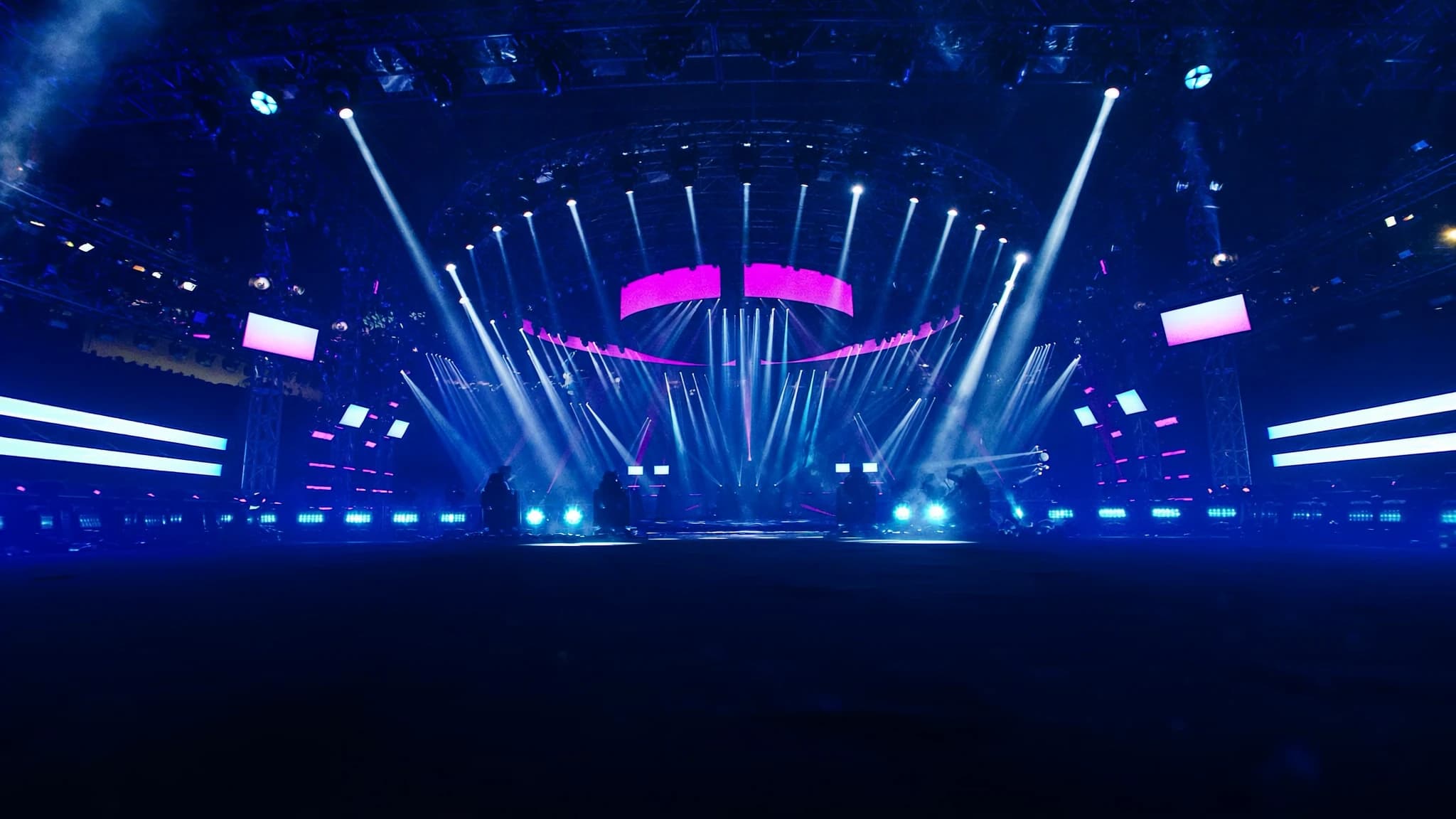
DMX512はプロフェッショナル照明制御の共通言語であり、コンソールを調光器、ムービングライト、LED、エフェクトに接続します。チャンネルアドレッシングやデイジーチェーンからArt-Netなどのネットワークプロトコルまで、その基本を理解することは、信頼性が高く拡張可能なリグに不可欠です。このガイドでは、DMXの仕組みと実際のセットアップへの適用方法を解説します。
主なポイント
- DMX512は1ユニバースあたり最大512の制御チャンネルを可能にし、各チャンネルは0から255の値を伝送します。
- 適切なアドレッシングとパーソナリティの選択により、チャンネルの重複を防ぎ、正しい器具制御を保証します。
- 1ユニバースあたり最大32デバイスをデイジーチェーン接続し、信号反射を避けるために最後に120オームのターミネータを配置します。
- 信頼性の高い性能のために、専用DMXケーブル(120オームインピーダンス)を使用し、マイクケーブルを避けてください。
- Art-NetとsACNはEthernet上で複数のユニバースの伝送を可能にし、大規模設置を簡素化します。
- 照明コンソールはDMXデータを継続的に送信し、器具は割り当てられたアドレスのみに応答します。
DMX512とは?
DMX512(512チャンネルのデジタルマルチプレックス)は、照明およびエフェクト機器を制御するための業界標準プロトコルです。1986年にUSITTによって開発され、バランス型RS-485差動ペア上で250 kbit/sでデータを送信し、1ユニバースあたり最大512の制御チャンネルを可能にします。各チャンネルは0から255(8ビット)の値を伝送し、強度、色、パン、チルト、ゴボ選択などのパラメータを制御します。
このプロトコルは単方向です。照明コンソール(またはコントローラ)が器具にデータを送信し、器具は割り当てられたアドレスをリッスンします。DMXは低遅延のリアルタイム制御用に設計されており、ライブイベント、劇場、放送、建築設備に適しています。
ユニバース、チャンネル、アドレッシング
DMXユニバースは、最大512チャンネルの単一データストリームです。実際には、大規模なリグは複数のユニバースを必要とすることがあります。たとえば、調光器用に1ユニバース、ムービングライト用に別のユニバース、LEDストリップ用に3つ目のユニバースなどです。各器具は連続するチャンネルのブロック(その「パーソナリティ」または「フットプリント」)を占有します。単純な調光器は1チャンネルを使用し、ムービングヘッドはパン、チルト、色、ゴボ、ストロボなどに16以上のチャンネルを使用する場合があります。
アドレッシングとは、ユニバース内で器具の開始チャンネルを設定するプロセスです。たとえば、16チャンネルのムービングライトがアドレス1に設定されている場合、チャンネル1〜16を使用します。次の器具はアドレス17から開始する必要があります。適切なアドレッシングは重複を防ぎ、各器具が意図した制御にのみ応答することを保証します。多くの最新器具では、ディスプレイ、DIPスイッチ、またはRDM(リモートデバイスマネジメント)を介してアドレスを設定できます。
器具とパーソナリティ
各DMX制御デバイスには、1つ以上の「パーソナリティ」があり、使用するチャンネル数と各チャンネルが制御する内容を決定する事前定義されたチャンネルマッピングです。たとえば、ムービングヘッドは16チャンネルモード(基本制御)と24チャンネルモード(色混合、エフェクト、マクロのより細かい制御)を提供する場合があります。適切なパーソナリティの選択は、必要な複雑さと利用可能なコンソールチャンネルによって異なります。
器具のパーソナリティをコンソールのパッチに一致させることが重要です。器具が24チャンネルモードに設定されているが、コンソールが16を期待している場合、一部のパラメータが欠落またはずれます。トラブルシューティングのために、リグ内の各器具のパーソナリティとアドレスを常に文書化してください。
デイジーチェーンと終端
DMXデバイスはデイジーチェーン構成で接続されます。コンソール出力が最初の器具のDMX INに接続され、そのDMX THRU(またはLINK)が次の器具に接続され、以下同様に続きます。推奨される最大チェーン長は1ユニバースあたり32デバイスですが、ケーブル品質と器具の電子回路によって異なる場合があります。総ケーブル長は1ユニバースあたり300メートル(1000フィート)を超えないようにしてください。
適切な終端が重要です。信号反射を防ぐために、最後の器具の出力のデータライン(ピン2と3)間に120オームの抵抗を配置する必要があります。ほとんどのプロ用器具には終端スイッチが含まれています。ない場合は、DMXターミネータプラグを使用してください。終端がないと、データエラー、ちらつき、または不安定な動作が発生する可能性があります。
ケーブルとコネクタ
DMXは5ピンXLRコネクタを使用します(ピン1 = グラウンド、ピン2 = データ -、ピン3 = データ +、ピン4と5は未使用ですが将来の使用のために予約されています)。3ピンXLRも一般的で、特に低コスト機器でよく見られますが、厳密にはDMX標準ではありません。信頼性の高い長距離には、120オームの特性インピーダンスを持つ専用DMXケーブルを使用してください。マイクケーブルは信号劣化を引き起こす可能性があります。
3ピンと5ピンのデバイスを混在させる場合は、アダプタまたはカスタムケーブルを使用してください。常に適切な極性を維持し、グラウンドループを避けてください。常設設置では、ドレインワイヤ付きのシールドツイストペアケーブルの使用を検討してください。
ネットワークベースのプロトコル:Art-NetとsACN
大規模なリグや分散システムでは、Art-NetやsACN(Streaming ACN)などのEthernet上のDMXプロトコルにより、標準ネットワーク上で複数のユニバースを送信できます。Artistic Licenceによって開発されたArt-Netは広く採用されており、IP上で最大32,768ユニバースを伝送できます。sACN(ANSI E1.31)はより新しい標準で、マルチキャストサポートと自動検出が優れています。
これらのプロトコルを使用するには、Ethernet出力を備えた照明コンソール(または照明ソフトウェアを実行するコンピュータ)、ネットワークスイッチ、およびネットワークデータを器具用のDMX512に変換するDMXノード(ゲートウェイまたはデコーダとも呼ばれる)が必要です。このアプローチは配線を簡素化し、遠隔制御を可能にし、単一のネットワークバックボーン上でビデオおよびオーディオシステムとの統合を可能にします。
照明コンソールがリグを駆動する方法
照明コンソールはシステムの頭脳です。接続されたすべての器具にDMXデータを送信します(XLR経由で直接、またはEthernet経由で)。オペレータはコンソールでキュー、チェイス、エフェクトをプログラムし、コンソールは対応するチャンネル値をリアルタイムで出力します。コンソールは、シンプルな2ユニバースボードから、ピクセルマッピング、タイムコード同期、3Dビジュアライゼーションなどの高度な機能を備えた数百ユニバースを処理する強力なデスクまで幅広くあります。
コンソールがデータを送信すると、ユニバース全体(512チャンネル)を最大毎秒44回の速度で継続的にブロードキャストします。器具は割り当てられたアドレスのみをリッスンし、残りは無視します。大規模なリグでは複数のユニバースが必要であり、コンソールは各ユニバースを別々のDMXラインまたはEthernet経由で複数のノードに出力するように設定する必要があります。
よくある質問
DMXの最大ケーブル長はどれくらいですか?
推奨される最大長は1ユニバースあたり300メートル(1000フィート)です。それを超えると信号劣化が発生する可能性があり、DMXスプリッターまたはリピーターが必要です。
DMXにオーディオXLRケーブルを使用できますか?
推奨されません。オーディオケーブルはインピーダンスが異なり(通常50〜70オーム)、信頼性の高いDMXに必要なツイストペア構造を備えていません。長距離には専用の120オームDMXケーブルを使用してください。
RDMとは何で、どのように動作しますか?
RDM(リモートデバイスマネジメント)はDMX上で双方向通信を可能にし、コンソールが器具を遠隔から検出および設定できるようにします。同じ配線で動作しますが、コンソールと器具の両方が対応している必要があります。
大規模なショーにはいくつのユニバースが必要ですか?
器具の数とそのチャンネル数によります。一般的なムービングヘッドは16〜24チャンネルを使用し、LEDウォッシュライトは4〜8チャンネルを使用する場合があります。必要な総チャンネル数を数え、512で割ってユニバースを見積もります。将来の拡張のために常に余裕を残してください。
Art-NetとsACNの違いは何ですか?
Art-Netは古く、ブロードキャストまたはユニキャストを使用します。sACNは新しく、マルチキャストを使用し、自動検出をサポートします。どちらも広く使用されていますが、sACNは帯域幅管理が優れているため、大規模ネットワークでは一般的に好まれます。
システムの構築やアップグレードをお考えですか?
SSOUNDSは、単一の部屋からスタジアム規模まで、プロ用PAを世界中で設計・製造しています。