ライブサウンドにおけるWavesプラグイン
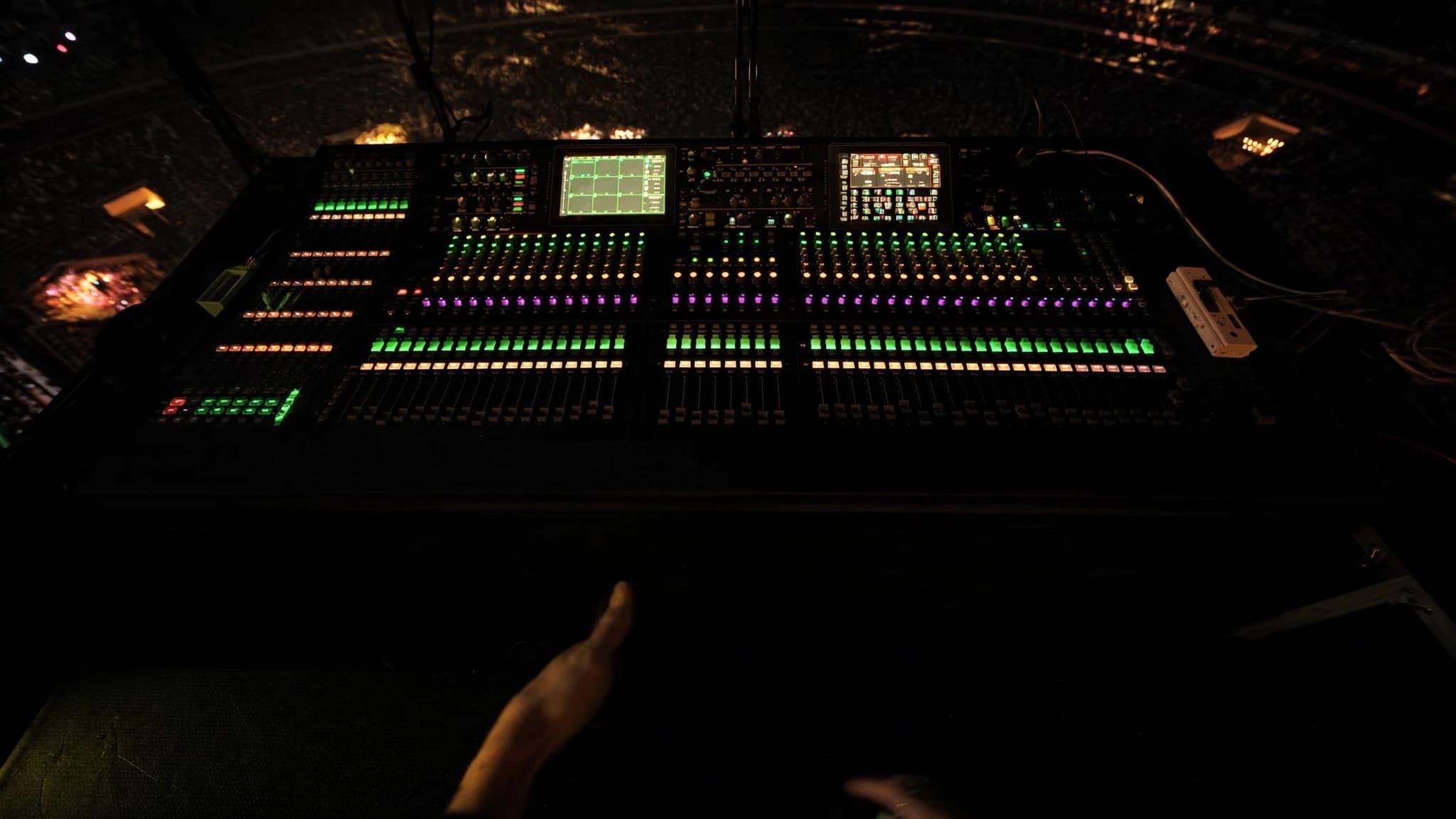
SoundGridエコシステムを基盤とするWavesプラグインは、プロのライブサウンドにおいて定番となっており、FOHおよびモニターエンジニアにスタジオで頼りにするのと同じ処理を提供します。チャンネルストリップからマルチバンドダイナミクス、リバーブまで、SuperRackを介したWavesのライブワークフローは、ミックスを変革する低レイテンシーで高忠実度の処理を実現します。このガイドでは、主要なプラグイン、実践的なワークフローのヒント、Wavesをライブリグに統合する際の考慮事項について説明します。
主なポイント
- Waves SoundGridとSuperRackは、ライブサウンド用の超低レイテンシープラグイン処理を提供し、コンソールからDSPをオフロードします。
- 必須のFOHプラグインには、SSL E-Channel、CLA-76、F6 Dynamic EQ、C6 Multiband Compressorがあり、精密な制御を可能にします。
- モニターでは、Q10 EQとC6でフィードバック抑制を優先し、フォールドバックに重いリバーブを避けます。
- マルチバンドコンプレッションとダイナミックEQは、静的EQなしで共鳴を抑え、ダイナミクスを制御するための鍵です。
- H-ReverbなどのリバーブやH-Delayなどのディレイは深みを加えます。AUXセンドで使用し、明瞭度のためにテールを短く保ちます。
- 専用サーバー、低バッファサイズ、適切なネットワーク設定でレイテンシーを最適化し、ショーの前に徹底的にテストします。
SoundGridエコシステムとSuperRack
SoundGridは、WavesのリアルタイムオーディオオーバーIPネットワーキングプラットフォームであり、超低レイテンシー(通常往復2ms未満)向けに設計されています。専用サーバー(例:DiGiGridまたはSoundGridサーバー)上でWavesプラグインを実行し、コンピューターまたはタッチスクリーンから制御できます。SuperRackは、ライブサウンド用のプラグインホストであり、複数のWavesプラグインインスタンスをそれぞれのラックスロットにロードし、柔軟なルーティングとスナップショットリコールを可能にします。
ライブ使用の主な利点は、処理がコンソールではなくサーバー上で行われるため、DSPをオフロードし、一貫したレイテンシーを確保できることです。SuperRackは、MADI、Dante、またはアナログI/Oを介してほとんどのデジタルコンソールと統合され、最大256のプラグインインスタンスをサポートします。スナップショットオートメーションにより、曲やシーンごとにプラグインチェーン全体をリコールでき、ミュージカル、ツアー、フェスティバルに最適です。
FOH向けの必須チャンネルストリッププラグイン
モニターでは、フィードバック抑制と明瞭度に焦点が移ります。Q10 Paragraphic EQは、フィードバック周波数をノッチングするための精密なツールです。C6 Multiband Compressorは、ミックスの他の部分に影響を与えずに歯擦音や低域のゴロつきを制御できます。Renaissance Axx(RAxx)は、ボーカルのフォールドバック用のシンプルで高速なコンプレッサーです。モニターでは重いリバーブを避け、代わりにH-Delayでスラップエコーを、TrueVerbで短いアンビエンスを加えましょう。
マルチバンドコンプレッションとダイナミックEQ
マルチバンド処理はライブサウンドにおけるゲームチェンジャーです。C6 Multiband Compressorを使用すると、特定の周波数範囲を独立して圧縮でき、ミックスを鈍らせることなくボーカリストの歯擦音を制御したり、際立つベースギターの音を抑えたりするのに理想的です。F6 Dynamic EQはさらに進んで、しきい値を超えた場合にのみEQを適用するため、大きなスネアヒットの耳障りな音を低減したり、モニターのフィードバックを制御するのに最適です。
実際には、マスターバスにC6を使用して全体的なスペクトルバランスを調整し、個々のチャンネルにF6を使用して外科的なダイナミックEQを行います。たとえば、ボーカルチャンネルで2~4kHzに狭いQと適度なコンプレッションを設定して、耳障りな子音を捉えます。ベースでは、プレイヤーが強く弾いたときのこもりを低減するためにローシェルフダイナミックEQを使用します。
ライブ用のリバーブ、ディレイ、モジュレーション
H-Reverb、Renaissance Reverb、TrueVerbなどのWavesリバーブは、豊かで自然な空間を提供します。H-Reverbは、ハイブリッドコンボリューションとアルゴリズミックエンジンを備え、特に柔軟で、ルーム、プレート、ホールのサウンドをブレンドできます。ライブでは、リバーブテールを短く(1.5~2.5秒)保ち、濁りを避けます。クラシックなプレートとルームサウンドにはRenaissance Reverbを使用します。
ディレイは深みを出すために不可欠です。H-Delayは、アナログスタイルのコントロールとピンポン機能で定番です。SuperTapはリズミックなディレイに最適です。MondoModやMetaFlangerなどのモジュレーションエフェクトは、ギターやシンセに動きを加えますが、位相問題を避けるために控えめに使用してください。ミックスの明瞭度を維持するために、ディレイとリバーブは常にチャンネルに直接ではなく、AUXセンドにインサートします。
レイテンシー管理とシステム最適化
レイテンシーはライブサウンドにおける最大の懸念事項です。SoundGridサーバーは通常、48kHzで32または64サンプルのバッファサイズで0.8~2msの往復レイテンシーを達成します。レイテンシーを最小化するには、専用のSoundGridサーバー(コンピューターのみではない)を使用し、専用のネットワークスイッチを介して接続し、複数デバイスのデイジーチェーンを避けます。SuperRackでは、バッファサイズを安定した最低値に設定します(まず32を試してください)。
モニタリングでは、レイテンシーがIEMやウェッジにとって重要になります。SuperRackの「Monitor」モードを使用して、必要ないときにモニターセンドのプラグインをバイパスします。あるいは、コンソールの出力を分割し、ドライ信号をモニターに、処理済み信号をFOHに送ります。ショー当日の前に、フルバンドでシステムをテストし、ドロップアウトや過度のレイテンシーがないことを確認してください。
ワークフローのヒント:スナップショット、テンプレート、リモートコントロール
SuperRackのスナップショットシステムは強力です。最も使用するプラグイン(例:SSLチャンネル、C6、H-Reverb)を含むテンプレートを作成し、コンソールのフェーダーやMIDIコントローラーにマッピングします。「Scene」機能を使用して、曲ごとに異なるプラグイン設定をリコールします。リモートコントロールには、Waves eMotion LV1ミキサーまたはMyFOHアプリを搭載したタブレットを使用して、客席からプラグインを調整します。
SuperRackでは、プラグイン名、プリセット、ルーティングを明確にラベル付けします。ショーファイルの複数のバージョン(例:「Day 1」、「Soundcheck」、「Final」)を保存します。フェスティバルでは、標準的なI/Oマッピングを使用して、どのコンソールでも動作する汎用テンプレートを作成します。また、ショー後の分析のために、ライブミックスと並行してマルチトラック録音を行うWaves Tracks Live DAWの使用も検討してください。
よくある質問
Wavesプラグインをライブで使用する際の一般的なレイテンシーはどのくらいですか?
専用のSoundGridサーバーと32または64サンプルのバッファサイズを使用した場合、48kHzでの往復レイテンシーは通常0.8~2msであり、FOHでは知覚できず、適切なセットアップを行えばモニターでも許容範囲です。
SoundGridサーバーなしでWavesプラグインを使用できますか?
はい、DAWまたはプラグインホストを介してコンピューター上でWavesプラグインを実行できますが、レイテンシーはより高くなり(5~10ms)、信頼性も低下します。プロのライブサウンドには、SoundGridサーバーを強くお勧めします。
モニターでのフィードバック制御に最適なWavesプラグインはどれですか?
Q10 Paragraphic EQは、フィードバック周波数を正確にノッチングするのに優れています。C6 Multiband Compressorも、問題のある帯域のゲインを動的に低減することで役立ちます。
SuperRackで実行できるプラグインの数はいくつですか?
SuperRackは最大256のプラグインインスタンスをサポートしますが、実際の数はサーバーのDSP容量に依存します。通常、中規模のサーバーでは、EQやコンプレッサーなどの適度なプラグインを64~128インスタンス処理できます。
Wavesプラグインはすべてのデジタルコンソールで動作しますか?
Wavesプラグインは、MADI、Dante、またはアナログI/Oを介してほとんどのデジタルコンソールと統合されます。SuperRackはブリッジとして機能し、コンソールとSoundGridネットワーク間でオーディオをルーティングします。特定のコンソールについては、Wavesの互換性リストを確認してください。
システムの構築やアップグレードをお考えですか?
SSOUNDSは、単一の部屋からスタジアム規模まで、プロ用PAを世界中で設計・製造しています。