Dante in audio: de complete gids
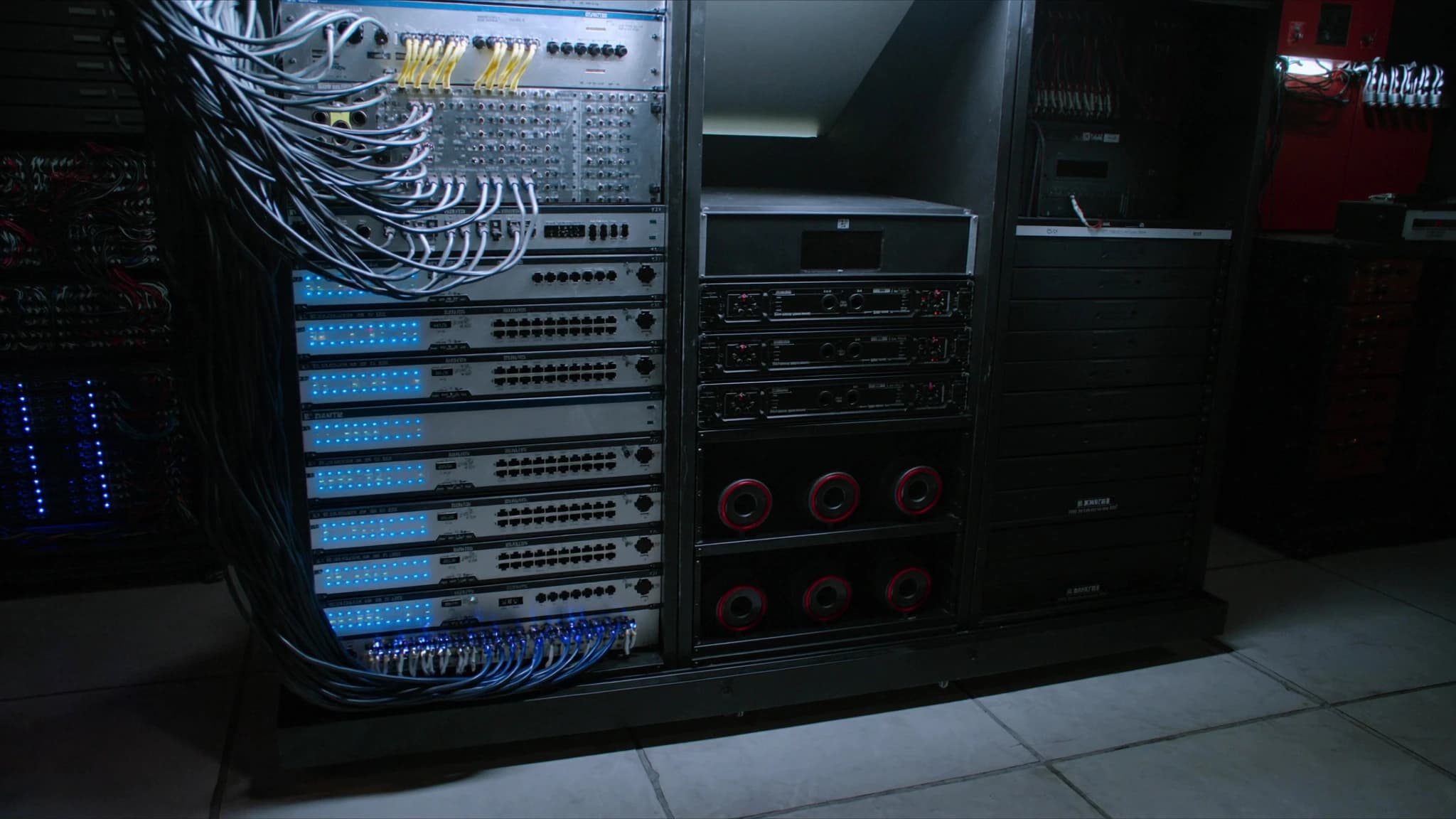
Dante is de facto de standaard geworden voor digitale audionetwerken, met hoog kanaalaantal en lage latentie audiotransport over standaard IP-netwerken. Deze gids legt uit hoe Dante werkt, van kernconcepten zoals klokken en latentie tot praktische tools zoals Dante Controller en Domain Manager, en behandelt de rol ervan in live-, installatie- en broadcastomgevingen.
Belangrijkste punten
- Dante is een volwassen, breed toegepast AoIP-protocol dat ongecomprimeerde audio via standaard Ethernet transporteert.
- Precision Time Protocol (PTPv2) zorgt voor sample-nauwkeurige synchronisatie tussen alle apparaten op het netwerk.
- Configureerbare latentie van 0,25 ms tot 5 ms maakt optimalisatie mogelijk voor live-, installatie- of broadcasttoepassingen.
- Dante Controller biedt intuïtieve routering en monitoring; Dante Domain Manager voegt gecentraliseerd beheer toe voor grote netwerken.
- AES67-modus maakt interoperabiliteit met andere AoIP-systemen mogelijk, waarmee Dante wordt gebrugd met apparatuur van derden.
- Een goed netwerkontwerp (gigabit-switches, QoS, VLAN's) is essentieel voor betrouwbare Dante-werking.
Wat is Dante en hoe werkt AoIP?
Dante, ontwikkeld door Audinate, is een combinatie van software, hardware en netwerkprotocollen waarmee ongecomprimeerde, meerkanaals digitale audio via standaard Ethernet-netwerken kan worden verzonden. Het gebruikt Internet Protocol (IP) om audio tussen apparaten te routeren, waardoor omvangrijke analoge snakes en toegewijde digitale multicore-kabels worden vervangen door een enkele Cat5e- of Cat6-kabel.
Audio over IP (AoIP) werkt door audiosamples te packetizeren in datapakketten, timing- en routeringsinformatie toe te voegen en ze via een geschakeld Ethernet-netwerk te verzenden. Dante gebruikt Layer 3 IP-routering, wat betekent dat het over subnetten en VLAN's kan werken, waardoor het schaalbaar is voor grote installaties. Elk Dante-apparaat heeft een uniek IP-adres en audiostreams zijn unicast of multicast, afhankelijk van de configuratie.
Klokken en PTP (Precision Time Protocol)
Nauwkeurige klokken is essentieel voor gesynchroniseerde audio over meerdere apparaten. Dante gebruikt IEEE 1588-2008 Precision Time Protocol (PTPv2) om een masterklok over het netwerk te distribueren. Eén apparaat wordt gekozen als klokleider (meestal automatisch via het Best Master Clock Algorithm) en alle andere apparaten synchroniseren daarmee.
PTP voorziet elk audiopakket van een tijdstempel met nauwkeurige timinginformatie, zodat samples van verschillende apparaten synchroon aankomen. Dit elimineert jitter en maakt sample-nauwkeurige uitlijning mogelijk. In grotere netwerken kunnen boundary clocks en transparent clocks worden gebruikt om nauwkeurigheid over switches te behouden. De klok van Dante is robuust, maar het netwerkontwerp moet overmatige hops vermijden en zorgen voor de juiste QoS om PTP-stabiliteit te behouden.
Latentie: begrijpen en configureren
Dante biedt configureerbare latentie-instellingen, doorgaans variërend van 0,25 ms tot 5 ms of meer. Lagere latentie is cruciaal voor live sound (bijv. monitoring), maar vereist een goed geoptimaliseerd netwerk. Hogere latentie is acceptabel voor installatiesystemen of broadcast waar vertraging minder kritisch is.
Latentie wordt bepaald door de buffergrootte van het Dante-apparaat en de netwerkpropagatievertraging. Voor een typische live sound-opstelling is 0,25 ms of 0,5 ms haalbaar met gigabit-switches en korte kabelafstanden. Voor grotere netwerken met meerdere switches kan 1 ms of 2 ms nodig zijn. Dante Controller maakt latentie-aanpassing per apparaat mogelijk, en het netwerk moet worden getest op packet loss en jitter voordat agressieve latenties worden ingesteld.
Samplefrequenties en bitdiepte
Dante ondersteunt samplefrequenties van 44,1 kHz tot 192 kHz, met bitdieptes tot 32 bits. Veelvoorkomende keuzes zijn 48 kHz of 96 kHz voor live sound, en 48 kHz of 96 kHz voor broadcast. Hogere samplefrequenties verhogen het bandbreedtegebruik, maar bieden een verbeterde frequentierespons en lagere latentie.
Bitdiepte beïnvloedt het dynamisch bereik: 24-bit biedt 144 dB dynamisch bereik, voldoende voor de meeste toepassingen. 32-bit float is beschikbaar in sommige Dante-apparaten voor headroom bij opnames. Bij het mixen van samplefrequenties op een netwerk gebruikt Dante sample rate conversion (SRC) aan de ontvanger, maar het is het beste om alle apparaten op dezelfde samplefrequentie te houden om conversie-artefacten te vermijden.
Dante Controller en Domain Manager
Dante Controller is de gratis software die wordt gebruikt om Dante-netwerken te configureren en te monitoren. Het ontdekt apparaten, maakt het routeren van audiokanalen via drag-and-drop mogelijk en toont latentie, klokstatus en netwerkgezondheid. Het is essentieel voor installatie en probleemoplossing.
Dante Domain Manager (DDM) is servergebaseerde software voor het beheren van meerdere Dante-netwerken op verschillende locaties of binnen verschillende organisaties. Het biedt gebruikersauthenticatie, rolgebaseerde toegang en gecentraliseerde configuratie. DDM is ideaal voor grote installaties, campussen of broadcastfaciliteiten waar meerdere engineers gecontroleerde toegang nodig hebben. Het maakt het ook mogelijk dat Dante over subnetten en WAN-links werkt.
AES67-interoperabiliteit
AES67 is een standaard voor hoogwaardige audio over IP die interoperabiliteit mogelijk maakt tussen verschillende AoIP-systemen, waaronder Dante, Livewire, Q-SYS en Ravenna. Dante-apparaten kunnen worden geconfigureerd om in AES67-modus te werken, waardoor ze audio kunnen verzenden en ontvangen van niet-Dante AES67-compatibele apparaten.
Om AES67 te gebruiken, moet het Dante-netwerk worden geconfigureerd met compatibele samplefrequenties (doorgaans 48 kHz), vaste latentie en specifieke multicast-adressering. AES67 ondersteunt Dante's native redundantie of unicast-routering niet, dus het kan het beste worden gebruikt voor bridging tussen systemen. Dante Controller bevat een AES67-configuratietab om deze modus in te schakelen.
Dante in live, installatie en broadcast
In live sound verbindt Dante mengtafels, stageboxen, versterkers en draadloze systemen via een enkele kabel, wat de opbouwtijd en het gewicht vermindert. Redundante Dante-netwerken (primair en secundair) bieden failover voor kritieke optredens. Lage latentie (0,25 ms) is haalbaar met een goed netwerkontwerp.
Voor installatiesystemen (bijv. gebedshuizen, corporate AV, stadions) maakt Dante gedistribueerde audioprocessing en zonebesturing mogelijk. Meerdere switches kunnen grote gebieden bestrijken en DDM maakt gecentraliseerd beheer mogelijk. Dante's vermogen om audio via bestaande IT-netwerken te routeren verlaagt de bekabelingskosten.
In broadcast wordt Dante gebruikt voor studio-intercom, microfoonvoorversterkers en mengtafels. De lage latentie en het hoge kanaalaantal zijn geschikt voor live productie. AES67-interop maakt integratie met andere broadcast-AoIP-systemen mogelijk. Dante's ondersteuning voor multicast maakt het efficiënt voor het distribueren van audio naar vele bestemmingen.
Veelgestelde vragen
Heb ik een toegewijd netwerk nodig voor Dante?
Hoewel Dante een bestaand IT-netwerk kan delen, wordt een toegewijd of VLAN-gescheiden netwerk aanbevolen voor betrouwbaarheid en lage latentie. QoS moet worden geconfigureerd om Dante-verkeer prioriteit te geven.
Wat is het maximale aantal kanalen op een Dante-netwerk?
Een enkele gigabit-link kan tot 512 kanalen dragen (64 kanalen per flow, met maximaal 8 flows) bij 48 kHz/24-bit. Grotere netwerken kunnen opschalen met meerdere switches en link aggregation.
Kan Dante over Wi-Fi draaien?
Nee, Dante vereist een bekabeld Ethernet-netwerk. Wi-Fi introduceert te veel latentie, jitter en packet loss voor betrouwbaar audiotransport.
Hoe los ik Dante-netwerkproblemen op?
Gebruik Dante Controller om klokstatus, latentie en abonnementsfouten te controleren. Monitor netwerkstatistieken voor dropped packets. Zorg dat switches zijn geconfigureerd met QoS en IGMP snooping voor multicast.
Is Dante compatibel met AVB of Milan?
Dante is niet direct compatibel met AVB/Milan, maar beide kunnen naast elkaar bestaan op hetzelfde netwerk als ze goed gescheiden zijn via VLAN's. AES67 biedt een brug tussen Dante en andere AoIP-systemen.
Een systeem bouwen of upgraden?
SSOUNDS ontwerpt en produceert professionele PA wereldwijd, van een enkele ruimte tot stadionformaat.