DMX-lichtsturing uitgelegd
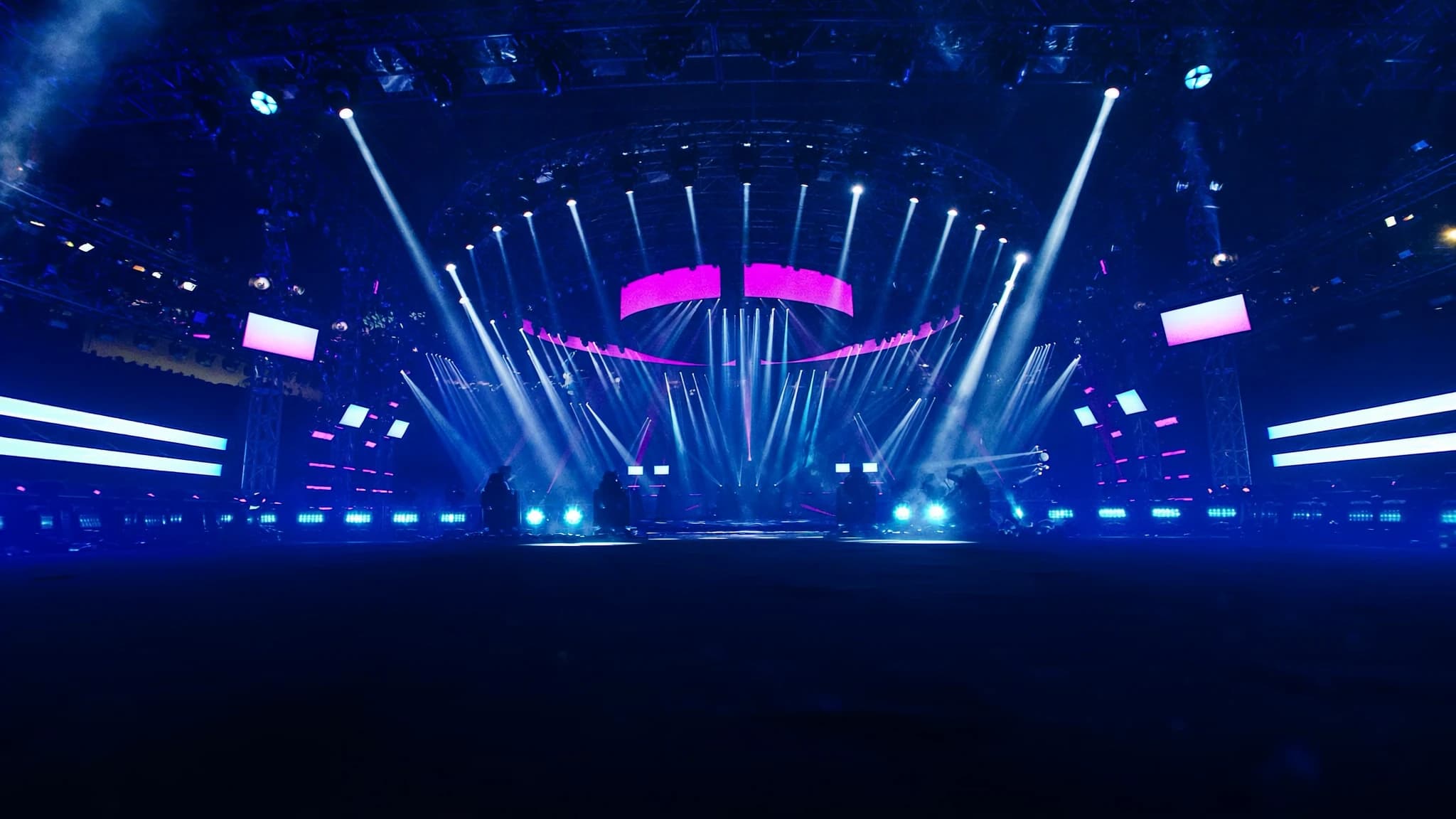
DMX512 is de universele taal van professionele lichtsturing en verbindt consoles met dimmers, moving lights, LED's en effecten. Inzicht in de fundamenten, van kanaaladressering en daisy-chaining tot netwerkprotocollen zoals Art-Net, is essentieel voor betrouwbare, schaalbare rigs. Deze gids legt uit hoe DMX werkt en hoe je het toepast in de praktijk.
Belangrijkste punten
- DMX512 staat maximaal 512 stuurkanalen per universe toe, waarbij elk kanaal een waarde van 0 tot 255 draagt.
- Correcte adressering en personality-selectie voorkomen kanaaloverlap en zorgen voor juiste armatuurcontrole.
- Daisy-chain tot 32 apparaten per universe, met een 120-ohm terminator aan het einde om signaalreflecties te voorkomen.
- Gebruik speciale DMX-kabel (120-ohm impedantie) en vermijd microfoonkabel voor betrouwbare prestaties.
- Art-Net en sACN maken transport van meerdere universes over Ethernet mogelijk, wat grootschalige installaties vereenvoudigt.
- Een lichtconsole verzendt continu DMX-data; armaturen reageren alleen op hun toegewezen adressen.
Wat is DMX512?
DMX512 (Digital Multiplex met 512 kanalen) is het industriestandaardprotocol voor het aansturen van verlichtings- en effectapparatuur. Het werd in 1986 ontwikkeld door de USITT en verzendt data over een gebalanceerd RS-485 differentieel paar met 250 kbit/s, waardoor maximaal 512 stuurkanalen per universe mogelijk zijn. Elk kanaal draagt een waarde van 0 tot 255 (8-bit) en stuurt parameters aan zoals intensiteit, kleur, pan, tilt of gobokeuze.
Het protocol is unidirectioneel: een lichtconsole (of controller) stuurt data naar armaturen, die luisteren naar hun toegewezen adressen. DMX is ontworpen voor real-time sturing met lage latentie, waardoor het geschikt is voor live-evenementen, theater, broadcast en architecturale installaties.
Universes, kanalen en adressering
Een DMX-universe is een enkele datastroom van maximaal 512 kanalen. In de praktijk kan een grote rig meerdere universes vereisen, bijvoorbeeld 1 universe voor dimmers, een andere voor moving lights en een derde voor LED-strips. Elk armatuur bezet een blok opeenvolgende kanalen (zijn 'personality' of 'footprint'). Een eenvoudige dimmer gebruikt 1 kanaal; een moving head gebruikt misschien 16 of meer kanalen voor pan, tilt, kleur, gobo, strobe, enz.
Adressering is het proces waarbij het startkanaal van een armatuur binnen een universe wordt ingesteld. Als een 16-kanaals moving light bijvoorbeeld op adres 1 staat, gebruikt deze kanalen 1-16. Het volgende armatuur moet beginnen op adres 17. Correcte adressering voorkomt overlap en zorgt ervoor dat elk armatuur alleen reageert op de bedoelde sturing. Veel moderne armaturen ondersteunen adresinstelling via een display, DIP-switches of RDM (Remote Device Management).
Armaturen en personalities
Elk DMX-gestuurd apparaat heeft een of meer 'personalities', vooraf gedefinieerde kanaaltoewijzingen die bepalen hoeveel kanalen het gebruikt en wat elk kanaal aanstuurt. Een moving head kan bijvoorbeeld een 16-kanaalsmodus bieden (basisaansturing) en een 24-kanaalsmodus (met fijnere controle over kleurmenging, effecten en macro's). De juiste personality kiezen hangt af van de benodigde complexiteit en de beschikbare consolekanalen.
Het is cruciaal om de personality van het armatuur af te stemmen op de patch van de console. Als een armatuur op 24-kanaalsmodus staat maar de console 16 verwacht, ontbreken sommige parameters of raken ze misalignment. Documenteer altijd de personality en het adres van elk armatuur in je rig voor probleemoplossing.
Daisy-chaining en terminatie
DMX-apparaten worden verbonden in een daisy-chain-topologie: de console-uitgang gaat naar de DMX IN van het eerste armatuur, vervolgens zijn DMX THRU (of LINK) naar het volgende armatuur, enzovoort. De aanbevolen maximale ketenlengte is 32 apparaten per universe, hoewel dit kan variëren met kabelkwaliteit en armatuurelektronica. De totale kabellengte mag niet meer dan 300 meter (1000 voet) per universe bedragen.
Correcte terminatie is cruciaal: een 120-ohm weerstand moet over de datalijnen (pinnen 2 en 3) van de uitgang van het laatste armatuur worden geplaatst om signaalreflecties te voorkomen. De meeste professionele armaturen hebben een terminatieschakelaar; zo niet, gebruik een DMX-terminatorplug. Zonder terminatie kunnen dat fouten, flikkering of onregelmatig gedrag optreden.
Kabels en connectoren
DMX gebruikt 5-pins XLR-connectoren (pin 1 = aarde, pin 2 = data -, pin 3 = data +, pinnen 4 en 5 zijn ongebruikt maar gereserveerd voor toekomstig gebruik). 3-pins XLR is ook gangbaar, vooral op goedkopere apparatuur, maar is niet strikt DMX-standaard. Gebruik voor betrouwbare lange runs speciale DMX-kabel met 120-ohm karakteristieke impedantie, geen microfoonkabel, die signaalverlies kan veroorzaken.
Bij het mengen van 3-pins en 5-pins apparaten gebruik je adapters of aangepaste kabels. Handhaaf altijd de juiste polariteit en vermijd ground loops. Overweeg voor permanente installaties afgeschermde twisted-pair-kabel met een drain wire.
Netwerkprotocollen: Art-Net en sACN
Voor grote rigs of gedistribueerde systemen maken DMX-over-Ethernet-protocollen zoals Art-Net en sACN (Streaming ACN) het mogelijk om meerdere universes over een standaardnetwerk te verzenden. Art-Net, ontwikkeld door Artistic Licence, is breed geadopteerd en kan tot 32.768 universes over IP transporteren. sACN (ANSI E1.31) is een nieuwere standaard met betere multicast-ondersteuning en automatische ontdekking.
Om deze protocollen te gebruiken heb je een lichtconsole met Ethernet-uitgang nodig (of een computer met lichtsoftware), een netwerkswitch en DMX-nodes (ook wel gateways of decoders genoemd) die de netwerkdata terug omzetten naar DMX512 voor armaturen. Deze aanpak vereenvoudigt bekabeling, maakt bediening op afstand mogelijk en laat integratie met video- en audiosystemen over één netwerkbackbone toe.
Hoe een lichtconsole een rig aanstuurt
De lichtconsole is het brein van het systeem. Deze stuurt DMX-data (rechtstreeks via XLR of over Ethernet) naar alle aangesloten armaturen. De operator programmeert cues, chases en effecten op de console, die de bijbehorende kanaalwaarden in real time uitstuurt. Consoles variëren van eenvoudige 2-universe-boards tot krachtige desks die honderden universes verwerken met geavanceerde functies zoals pixelmapping, timecode-synchronisatie en 3D-visualisatie.
Wanneer een console data verzendt, zendt deze continu de volledige universe (512 kanalen) uit met een snelheid tot 44 keer per seconde. Armaturen luisteren alleen naar hun toegewezen adressen en negeren de rest. Voor grote rigs zijn meerdere universes nodig, en de console moet worden geconfigureerd om elke universe op een aparte DMX-lijn of over Ethernet naar meerdere nodes uit te sturen.
Veelgestelde vragen
Wat is de maximale kabellengte voor een DMX-run?
Het aanbevolen maximum is 300 meter (1000 voet) per universe. Daarbuiten kan signaalverlies optreden, waardoor een DMX-splitter of repeater nodig is.
Kan ik audio-XLR-kabels gebruiken voor DMX?
Dat wordt niet aanbevolen. Audiokabels hebben een andere impedantie (doorgaans 50-70 ohm) en missen de twisted-pair-constructie die nodig is voor betrouwbare DMX. Gebruik speciale 120-ohm DMX-kabel voor lange runs.
Wat is RDM en hoe werkt het?
RDM (Remote Device Management) maakt bidirectionele communicatie over DMX mogelijk, waardoor consoles armaturen op afstand kunnen ontdekken en configureren. Het werkt op dezelfde bedrading, maar vereist ondersteuning van zowel console als armatuur.
Hoeveel universes heb ik nodig voor een grote show?
Dat hangt af van het aantal armaturen en hun kanaalaantallen. Een typische moving head gebruikt 16-24 kanalen; een LED-washlicht misschien 4-8. Tel het totale aantal benodigde kanalen en deel door 512 om het aantal universes te schatten. Laat altijd ruimte voor toekomstige uitbreiding.
Wat is het verschil tussen Art-Net en sACN?
Art-Net is ouder en gebruikt broadcast of unicast; sACN is nieuwer, gebruikt multicast en ondersteunt automatische ontdekking. Beide worden veel gebruikt; sACN heeft doorgaans de voorkeur voor grotere netwerken vanwege beter bandbreedtebeheer.
Een systeem bouwen of upgraden?
SSOUNDS ontwerpt en produceert professionele PA wereldwijd, van een enkele ruimte tot stadionformaat.