Waves Plugins in Live Sound
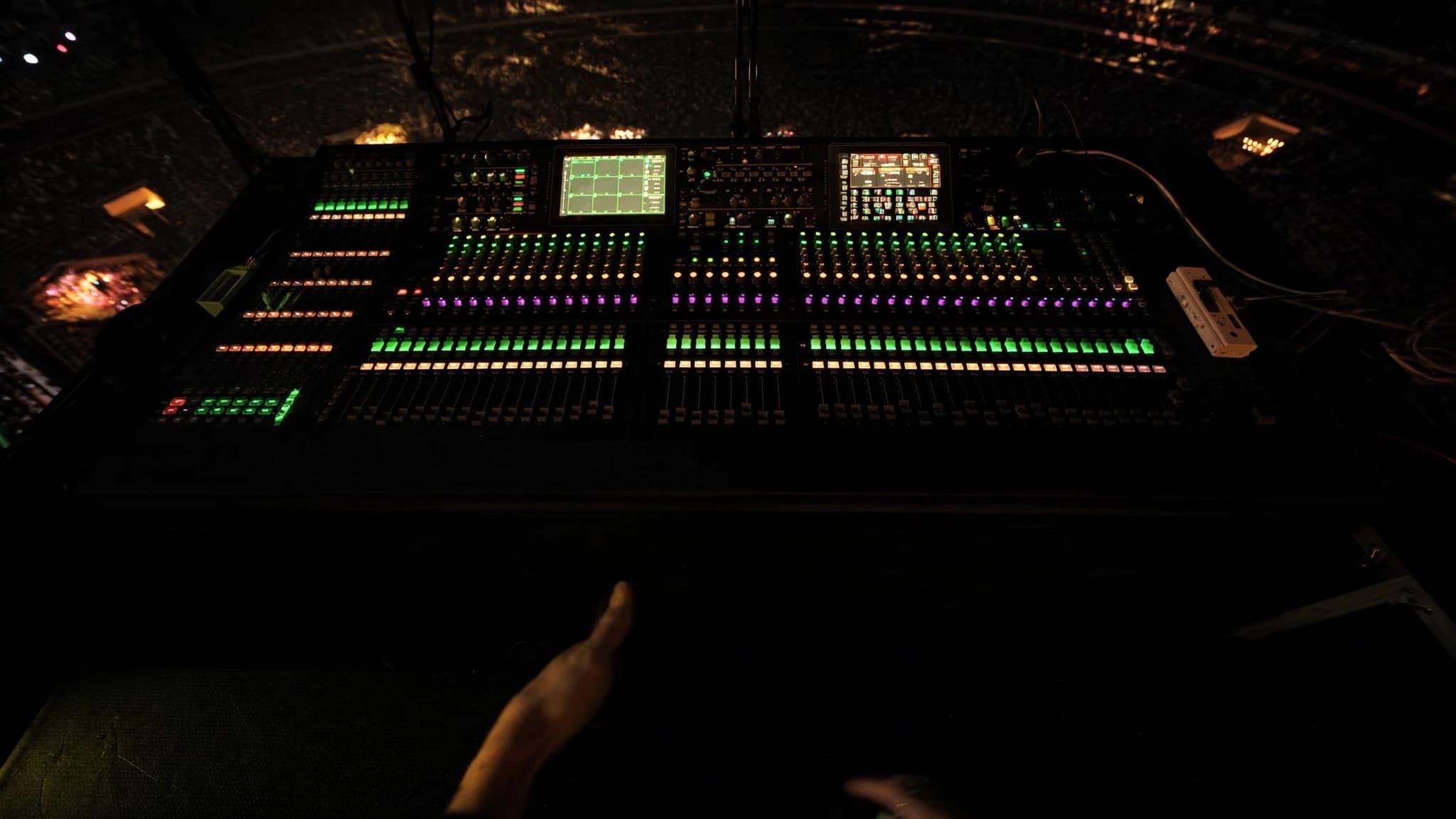
Waves plugins, aangedreven door het SoundGrid-ecosysteem, zijn een vast onderdeel geworden van professioneel live sound. Ze bieden FOH- en monitor-engineers dezelfde processing waarop ze in de studio vertrouwen. Van channel strips tot multiband dynamics en reverbs: de Waves live-workflow via SuperRack levert low-latency, high-fidelity processing die een mix kan transformeren. Deze gids verkent de belangrijkste plugins, praktische workflowtips en overwegingen voor het integreren van Waves in je live rig.
Belangrijkste punten
- Waves SoundGrid en SuperRack bieden ultra-low-latency plugin-processing voor live sound en ontlasten de DSP van de console.
- Essentiële FOH-plugins zijn onder meer SSL E-Channel, CLA-76, F6 Dynamic EQ en C6 Multiband Compressor voor precieze controle.
- Prioriteer voor monitors feedbackonderdrukking met Q10 EQ en C6, en vermijd zware reverbs op foldback.
- Multiband-compressie en dynamische EQ zijn essentieel voor het temmen van resonanties en het beheersen van dynamiek zonder statische EQ.
- Reverbs zoals H-Reverb en delays zoals H-Delay voegen diepte toe; gebruik ze op aux sends en houd tails kort voor helderheid.
- Optimaliseer latency met een dedicated server, lage buffersizes en een correcte netwerksetup; test grondig vóór shows.
Het SoundGrid-ecosysteem en SuperRack
SoundGrid is het real-time audio-over-IP-netwerkplatform van Waves, ontworpen voor ultra-low latency (doorgaans sub-2 ms round-trip). Het stelt je in staat om Waves plugins op een dedicated server te draaien (bijvoorbeeld een DiGiGrid- of SoundGrid-server) en ze vanaf een computer of touchscreen aan te sturen. SuperRack is de live sound plugin host die meerdere instanties van Waves plugins laadt, elk in een eigen rack-slot, met flexibele routing en snapshot recall.
Voor live gebruik is het belangrijkste voordeel dat de processing op de server plaatsvindt, niet op de console. Dit ontlast de DSP en zorgt voor consistente latency. SuperRack integreert met de meeste digitale consoles via MADI, Dante of analoge I/O en ondersteunt tot 256 plugin-instanties. Snapshot-automatisering laat je volledige plugin-ketens per nummer of scène terugroepen, wat het ideaal maakt voor musicals, tours en festivals.
Essentiële channel strip-plugins voor FOH
Voor monitors verschuift de focus naar feedbackonderdrukking en helderheid. De Q10 Paragraphic EQ is een precies hulpmiddel voor het notch-filteren van feedbackfrequenties. De C6 Multiband Compressor kan sibilance of laagfrequente rommel beheersen zonder de rest van de mix te beïnvloeden. De Renaissance Axx (RAxx) is een eenvoudige, snelle compressor voor vocale foldback. Vermijd zware reverbs op monitors; gebruik in plaats daarvan de H-Delay voor slap echoes of de TrueVerb voor korte ambiance.
Multiband-compressie en dynamische EQ
Multiband-processing is een gamechanger in live sound. De C6 Multiband Compressor stelt je in staat om specifieke frequentiebereiken onafhankelijk te comprimeren. Ideaal voor het beheersen van de sibilance van een vocalist zonder de mix dof te maken, of voor het temmen van basgitaarnoten die eruit springen. De F6 Dynamic EQ gaat verder door EQ alleen toe te passen wanneer een drempel wordt overschreden. Perfect voor het verminderen van hardheid bij luide snare-hits of het beheersen van feedback in monitors.
Gebruik in de praktijk de C6 op de master buss voor algehele spectrale balans, en F6 op individuele kanalen voor chirurgische dynamische EQ. Stel bijvoorbeeld een band in op 2-4 kHz op een vocaal kanaal met een smalle Q en gematigde compressie om harde medeklinkers op te vangen. Gebruik op bas een low-shelf dynamische EQ om boomerigheid te verminderen wanneer de speler stevig aanslaat.
Reverbs, delays en modulatie voor live
Waves reverbs zoals de H-Reverb, Renaissance Reverb en TrueVerb bieden weelderige, natuurlijke ruimtes. H-Reverb is bijzonder flexibel met zijn hybride convolution- en algoritmische engine, waarmee je room-, plate- en hall-klanken kunt mengen. Houd voor live de reverb-tails kort (1,5-2,5 seconden) om modderigheid te voorkomen. Gebruik de Renaissance Reverb voor klassieke plate- en room-klanken.
Delays zijn essentieel voor diepte. De H-Delay is een vaste waarde vanwege zijn analoge bediening en ping-pong-mogelijkheid. De SuperTap is geweldig voor ritmische delays. Modulatie-effecten zoals de MondoMod en MetaFlanger voegen beweging toe aan gitaren of synths, maar gebruik ze spaarzaam om faseproblemen te voorkomen. Plaats delays en reverbs altijd op aux sends, niet direct op kanalen, om de helderheid van de mix te behouden.
Latencybeheer en systeemoptimalisatie
Latency is de grootste zorg in live sound. SoundGrid-servers bereiken doorgaans een round-trip latency van 0,8-2 ms bij 48 kHz met een buffersize van 32 of 64 samples. Om latency te minimaliseren: gebruik een dedicated SoundGrid-server (niet alleen een computer), verbind via een dedicated netwerkswitch en vermijd het daisy-chainen van meerdere apparaten. Stel in SuperRack de buffersize in op de laagste stabiele waarde (probeer eerst 32).
Voor monitoring wordt latency cruciaal voor IEM's en wedges. Gebruik de 'Monitor'-modus in SuperRack om plugins op monitor-sends te omzeilen wanneer ze niet nodig zijn. Splits anders de uitgangen van je console: stuur droge signalen naar monitors en bewerkte signalen naar FOH. Test je systeem altijd met een volledige band vóór de showdag om uitval of overmatige latency te voorkomen.
Workflowtips: snapshots, templates en remote control
Het snapshot-systeem van SuperRack is krachtig. Maak een template met je meest gebruikte plugins (bijvoorbeeld SSL channel, C6, H-Reverb) en map ze naar console-faders of MIDI-controllers. Gebruik de 'Scene'-functie om verschillende plugin-instellingen per nummer terug te roepen. Gebruik voor remote control de Waves eMotion LV1-mixer of een tablet met de MyFOH-app om plugins vanuit de zaal aan te passen.
Label alles duidelijk in SuperRack: plugin-namen, presets en routing. Sla meerdere versies van je showbestand op (bijvoorbeeld 'Day 1', 'Soundcheck', 'Final'). Maak voor festivals een generiek template dat met elke console werkt, met standaard I/O-mapping. Overweeg ook om de Waves Tracks Live DAW te gebruiken voor multitrack-opnames naast je live mix voor analyse na de show.
Veelgestelde vragen
Wat is de typische latency bij het live gebruiken van Waves plugins?
Met een dedicated SoundGrid-server en een buffersize van 32 of 64 samples is de round-trip latency doorgaans 0,8-2 ms bij 48 kHz, wat onmerkbaar is voor FOH en acceptabel voor monitors bij een correcte setup.
Kan ik Waves plugins gebruiken zonder een SoundGrid-server?
Ja, je kunt Waves plugins op een computer draaien via een DAW of plugin host, maar de latency zal hoger zijn (5-10 ms) en minder betrouwbaar. Voor professioneel live sound wordt een SoundGrid-server sterk aanbevolen.
Welke Waves plugin is het beste voor het beheersen van feedback in monitors?
De Q10 Paragraphic EQ is uitstekend voor het precies notch-filteren van feedbackfrequenties. De C6 Multiband Compressor kan ook helpen door dynamisch de gain in probleemgebieden te verlagen.
Hoeveel plugins kan ik in SuperRack draaien?
SuperRack ondersteunt tot 256 plugin-instanties, maar het werkelijke aantal hangt af van de DSP-capaciteit van de server. Doorgaans kan een mid-range server 64-128 instanties van gematigde plugins zoals EQ's en compressors aan.
Werken Waves plugins met alle digitale consoles?
Waves plugins integreren met de meeste digitale consoles via MADI, Dante of analoge I/O. SuperRack fungeert als brug en routeert audio tussen de console en het SoundGrid-netwerk. Controleer de compatibiliteitslijst van Waves voor specifieke consoles.
Een systeem bouwen of upgraden?
SSOUNDS ontwerpt en produceert professionele PA wereldwijd, van een enkele ruimte tot stadionformaat.