DMX Lighting Control Explained
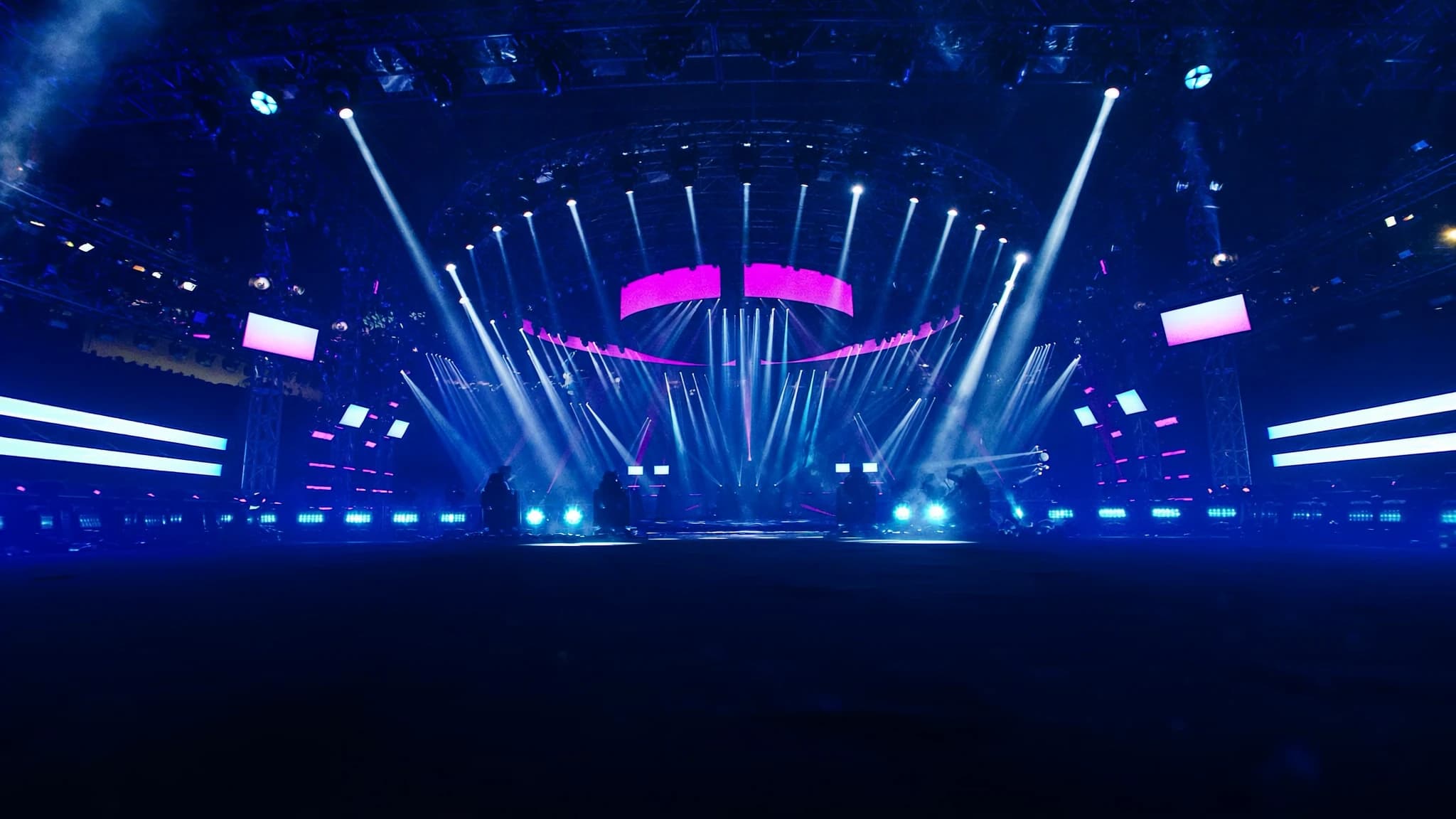
DMX512 is the universal language of professional lighting control, connecting consoles to dimmers, moving lights, LEDs, and effects. Understanding its fundamentals, from channel addressing and daisy-chaining to network protocols like Art-Net, is essential for reliable, scalable rigs. This guide breaks down how DMX works and how to apply it in real-world setups.
Key takeaways
- DMX512 allows up to 512 control channels per universe, with each channel carrying a value from 0 to 255.
- Proper addressing and personality selection prevent channel overlap and ensure correct fixture control.
- Daisy-chain up to 32 devices per universe, with a 120-ohm terminator at the end to avoid signal reflections.
- Use dedicated DMX cable (120-ohm impedance) and avoid microphone cable for reliable performance.
- Art-Net and sACN enable transport of multiple universes over Ethernet, simplifying large-scale installations.
- A lighting console continuously sends DMX data; fixtures respond only to their assigned addresses.
What is DMX512?
DMX512 (Digital Multiplex with 512 channels) is the industry-standard protocol for controlling lighting and effects equipment. Developed in 1986 by the USITT, it transmits data over a balanced RS-485 differential pair at 250 kbit/s, allowing up to 512 control channels per universe. Each channel carries a value from 0 to 255 (8-bit), controlling parameters like intensity, color, pan, tilt, or gobo selection.
The protocol is unidirectional: a lighting console (or controller) sends data to fixtures, which listen for their assigned addresses. DMX is designed for real-time control with low latency, making it suitable for live events, theatre, broadcast, and architectural installations.
Universes, Channels, and Addressing
A DMX universe is a single data stream of up to 512 channels. In practice, a large rig may require multiple universes, for example, 1 universe for dimmers, another for moving lights, and a third for LED strips. Each fixture occupies a block of consecutive channels (its 'personality' or 'footprint'). A simple dimmer uses 1 channel; a moving head might use 16 or more channels for pan, tilt, color, gobo, strobe, etc.
Addressing is the process of setting a fixture's start channel within a universe. For example, if a 16-channel moving light is set to address 1, it uses channels 1-16. The next fixture should start at address 17. Proper addressing prevents overlap and ensures each fixture responds only to its intended controls. Many modern fixtures allow address setting via a display, DIP switches, or RDM (Remote Device Management).
Fixtures and Personalities
Each DMX-controlled device has one or more 'personalities', predefined channel mappings that determine how many channels it uses and what each channel controls. For instance, a moving head might offer a 16-channel mode (basic control) and a 24-channel mode (with finer control over color mixing, effects, and macros). Choosing the right personality depends on the complexity needed and the available console channels.
It's critical to match the fixture's personality to the console's patch. If a fixture is set to 24-channel mode but the console expects 16, some parameters will be missing or misaligned. Always document the personality and address of each fixture in your rig for troubleshooting.
Daisy-Chaining and Termination
DMX devices are connected in a daisy-chain topology: the console output goes to the first fixture's DMX IN, then its DMX THRU (or LINK) to the next fixture, and so on. The maximum recommended chain length is 32 devices per universe, though this can vary with cable quality and fixture electronics. Total cable length should not exceed 300 meters (1000 feet) per universe.
Proper termination is crucial: a 120-ohm resistor must be placed across the data lines (pins 2 and 3) of the last fixture's output to prevent signal reflections. Most professional fixtures include a termination switch; if not, use a DMX terminator plug. Without termination, data errors, flickering, or erratic behavior can occur.
Cables and Connectors
DMX uses 5-pin XLR connectors (pin 1 = ground, pin 2 = data -, pin 3 = data +, pins 4 and 5 are unused but reserved for future use). 3-pin XLR is also common, especially on lower-cost gear, but is not strictly DMX-standard. For reliable long runs, use dedicated DMX cable with 120-ohm characteristic impedance, not microphone cable, which can cause signal degradation.
When mixing 3-pin and 5-pin devices, use adapters or custom cables. Always maintain proper polarity and avoid ground loops. For permanent installations, consider using shielded, twisted-pair cable with a drain wire.
Network-Based Protocols: Art-Net and sACN
For large rigs or distributed systems, DMX over Ethernet protocols like Art-Net and sACN (Streaming ACN) allow multiple universes to be sent over a standard network. Art-Net, developed by Artistic Licence, is widely adopted and can transport up to 32,768 universes over IP. sACN (ANSI E1.31) is a newer standard with better multicast support and automatic discovery.
To use these protocols, you need a lighting console with Ethernet output (or a computer running lighting software), a network switch, and DMX nodes (also called gateways or decoders) that convert the network data back to DMX512 for fixtures. This approach simplifies cabling, enables remote control, and allows integration with video and audio systems over a single network backbone.
How a Lighting Console Drives a Rig
The lighting console is the brain of the system. It sends DMX data (either directly via XLR or over Ethernet) to all connected fixtures. The operator programs cues, chases, and effects on the console, which outputs the corresponding channel values in real time. Consoles range from simple 2-universe boards to powerful desks handling hundreds of universes with advanced features like pixel mapping, timecode sync, and 3D visualisation.
When a console sends data, it continuously broadcasts the entire universe (512 channels) at a rate of up to 44 times per second. Fixtures listen only to their assigned addresses and ignore the rest. For large rigs, multiple universes are needed, and the console must be configured to output each universe on a separate DMX line or over Ethernet to multiple nodes.
Frequently asked
What is the maximum cable length for a DMX run?
The recommended maximum is 300 meters (1000 feet) per universe. Beyond that, signal degradation may occur, requiring a DMX splitter or repeater.
Can I use audio XLR cables for DMX?
It's not recommended. Audio cables have different impedance (typically 50-70 ohms) and lack the twisted-pair construction needed for reliable DMX. Use dedicated 120-ohm DMX cable for long runs.
What is RDM and how does it work?
RDM (Remote Device Management) allows bidirectional communication over DMX, enabling consoles to discover and configure fixtures remotely. It operates on the same wiring but requires both console and fixture support.
How many universes do I need for a large show?
It depends on the number of fixtures and their channel counts. A typical moving head uses 16-24 channels; a LED wash light might use 4-8. Count total channels needed and divide by 512 to estimate universes. Always leave headroom for future expansion.
What's the difference between Art-Net and sACN?
Art-Net is older and uses broadcast or unicast; sACN is newer, uses multicast, and supports automatic discovery. Both are widely used; sACN is generally preferred for larger networks due to better bandwidth management.
Building or upgrading a system?
SSOUNDS engineers and manufactures professional PA worldwide, from a single room to stadium scale.