AI-gegenereerde visuals voor live shows
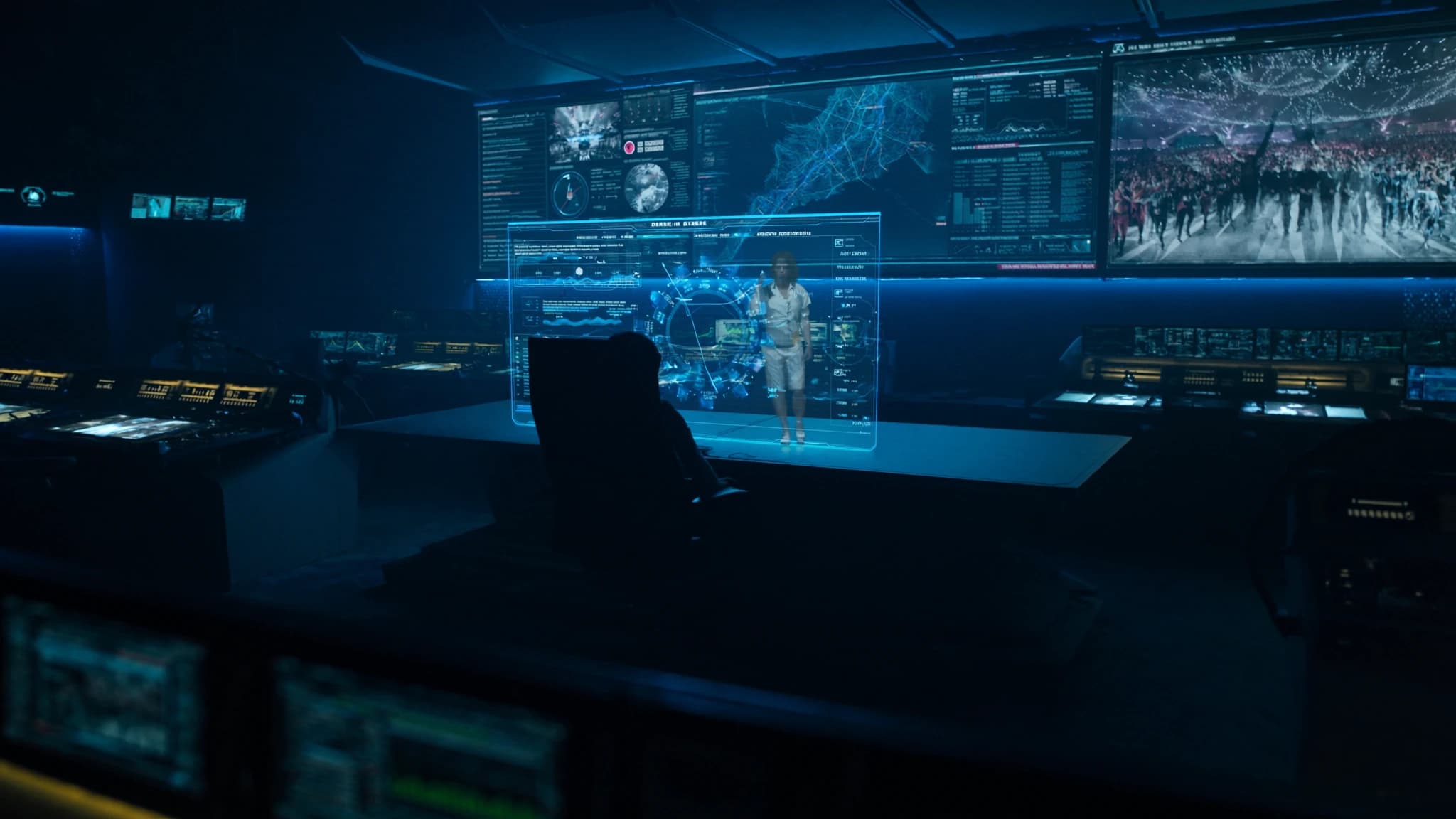
AI-gegenereerde visuals transformeren de productie van live shows en maken realtime, schaalbare en uniek creatieve podiumvisuals en IMAG-content mogelijk. Deze gids verkent de workflow, kwaliteitscontrole en creatieve strategieën voor het integreren van generatieve AI in live-evenementen, op basis van de expertise van SSOUNDS in het leveren van immersieve, impactvolle ervaringen.
Belangrijkste punten
- AI-gegenereerde visuals bieden realtime, schaalbare en gepersonaliseerde content voor live shows.
- Een robuuste workflow omvat assetgeneratie, realtime compositing en nauwe audiosynchronisatie.
- Kwaliteitscontrole is cruciaal: cureer output, test onder showomstandigheden en zorg voor reservecontent.
- AI maakt creatieve personalisatie op schaal mogelijk, zoals stadsspecifieke visuals of audioreactieve beelden.
- Ethisch gebruik vereist aandacht voor auteursrecht en een human-in-the-loop-benadering.
- Toekomstige integratie met spatial audio zal diepere immersieve ervaringen creëren.
De opkomst van AI in live visuals
Generatieve AI-tools zoals Stable Diffusion, DALL·E en realtime videosyntheseplatforms stellen artiesten en productieteams nu in staat om ter plekke visuals op maat te maken. In plaats van uitsluitend te vertrouwen op vooraf gerenderde content, kan AI abstracte patronen, reactieve beelden en zelfs narratieve sequenties genereren die zich aanpassen aan de muziek of de energie van het publiek.
Voor live shows betekent dit dat visuals responsiever en persoonlijker kunnen zijn, wat de verbinding tussen artiest en publiek versterkt. SSOUNDS ziet een groeiende vraag naar systemen die AI-gedreven content integreren met nauwkeurige audiosynchronisatie, wat de behoefte aan robuuste netwerken met lage latentie onderstreept.
Workflow: van prompt tot projectie
Een typische AI-visualsworkflow begint met een creatieve briefing waarin sfeer, kleurenpalet en bewegingsstijl worden gedefinieerd. Artiesten gebruiken vervolgens tekst-naar-afbeelding- of videomodellen om basisassets te genereren, vaak met meerdere iteraties om de output te verfijnen. Deze worden vervolgens samengesteld in realtime-engines zoals Unreal Engine of Resolume Arena, waar ze kunnen worden getriggerd, gelaagd en gemapt op LED-walls of projectieoppervlakken.
Voor IMAG (image magnification) kan AI live camerabeelden upscalen of gestileerde overlays genereren die bij de esthetiek van de show passen. SSOUNDS raadt aan om AI-verwerkingsnodes in de mediaserverketen te integreren, zodat minimale latentie en synchronisatie met het audiosysteem via timecode of OSC-commando's worden gegarandeerd.
Kwaliteitscontrole: cohesie en betrouwbaarheid waarborgen
AI-gegenereerde visuals kunnen soms artefacten, inconsistente stijlen of ongewenste content produceren. Kwaliteitscontrole omvat het cureren van output door menselijke beoordeling, het instellen van strikte promptparameters en het gebruik van negatieve prompts om ongewenste elementen te vermijden. Voor livegebruik verkleint het vooraf genereren van een bibliotheek met goedgekeurde assets en het gebruik van AI voor realtime-effecten (bijvoorbeeld kleurcorrectie, motion interpolation) in plaats van volledige generatie het risico.
SSOUNDS benadrukt het belang van het testen van AI-workflows onder showomstandigheden, het stresstesten van renderingpipelines, netwerkbandbreedte en failoversystemen. Redundante mediaservers en reservecontent zorgen ervoor dat de show doorgaat, zelfs als AI-generatie vastloopt.
Creatief gebruik op schaal: personalisatie en reactiviteit
Een van de grootste sterke punten van AI is personalisatie. Voor tournees kan AI unieke visuals per stad genereren, met lokale herkenningspunten, taal of culturele motieven, waardoor elke audience een ervaring op maat krijgt. Realtime AI kan ook reageren op audio-input en visuals genereren die pulseren op basklappen of verschuiven bij melodische veranderingen.
Op schaal vereist dit een robuuste infrastructuur: high-performance GPU's, videocodecs met lage latentie en nauwe integratie met de audioconsole. De DSP- en netwerkoplossingen van SSOUNDS bieden de precieze timing die nodig is om AI-visuals te synchroniseren met line array-dekking, zodat elke stoel dezelfde impact ziet en hoort.
Ethische en praktische overwegingen
Het gebruik van AI roept vragen op over auteursrecht en originaliteit. Artiesten moeten ervoor zorgen dat ze rechten hebben op trainingsdata of gelicentieerde modellen gebruiken. Bovendien moet AI menselijke creativiteit versterken, niet vervangen; de beste shows combineren AI-gegenereerde elementen met traditioneel VJ-werk en live camerabeelden.
Vanuit technisch oogpunt moeten stroom en koeling voor AI-servers in tournees worden gepland. SSOUNDS adviseert samen te werken met verhuurpartners die de stroomvraag en thermisch beheer van AI-hardware begrijpen, en raadt netwerkbesturing aan om meerdere AI-nodes vanaf één console te beheren.
Toekomstige trends: AI en immersieve audio-visuele integratie
Naarmate AI zich ontwikkelt, zullen we een nauwere integratie met spatial audio en object-based mixing zien. Stel je visuals voor die niet alleen reageren op muziek, maar ook op de positie van geluidsbronnen in een 3D-ruimte, wat een volledig immersieve, synesthetische ervaring creëert. SSOUNDS onderzoekt hoe AI luidsprekerdekking kan optimaliseren en visuele content kan voorspellen op basis van akoestische analyse.
Voor nu verleggen early adopters al grenzen. Het belangrijkste is klein beginnen, rigoureus testen en met vertrouwen opschalen. Met de juiste workflow en kwaliteitscontrole kunnen AI-gegenereerde visuals elke live show naar nieuwe creatieve hoogten tillen.
Veelgestelde vragen
Welke hardware is nodig voor AI-gegenereerde visuals in live shows?
Je hebt high-performance GPU's nodig (bijvoorbeeld NVIDIA RTX 6000), videiservers met lage latentie en een robuust netwerk. Voor tournees kun je compacte AI-verwerkingsnodes en redundante mediaservers overwegen.
Kunnen AI-visuals in realtime met audio worden gesynchroniseerd?
Ja, met timecode, OSC of audio-analysetools. De DSP-systemen van SSOUNDS kunnen nauwkeurige timingsignalen leveren om AI-visuals te synchroniseren met line array-uitgangen.
Hoe voorkom ik auteursrechtproblemen met AI-gegenereerde content?
Gebruik gelicentieerde of opensource-modellen, vermijd prompts die auteursrechtelijk beschermde werken nabootsen en genereer originele content. Sommige artiesten trainen aangepaste modellen op hun eigen datasets.
Wat is de beste manier om te beginnen met AI voor live visuals?
Begin met vooraf gegenereerde assets en eenvoudige realtime-effecten (bijvoorbeeld kleurcorrectie). Voeg geleidelijk reactieve elementen toe naarmate je meer vertrouwen krijgt in de workflow en betrouwbaarheid.
Gaat AI menselijke VJ's vervangen?
Nee. AI is een hulpmiddel dat menselijke creativiteit versterkt. De beste shows combineren AI-generatie met menselijke curatie en live mixing voor een unieke, boeiende ervaring.
Een systeem bouwen of upgraden?
SSOUNDS ontwerpt en produceert professionele PA wereldwijd, van een enkele ruimte tot stadionformaat.