AI-upscaling en realtime videoverwerking
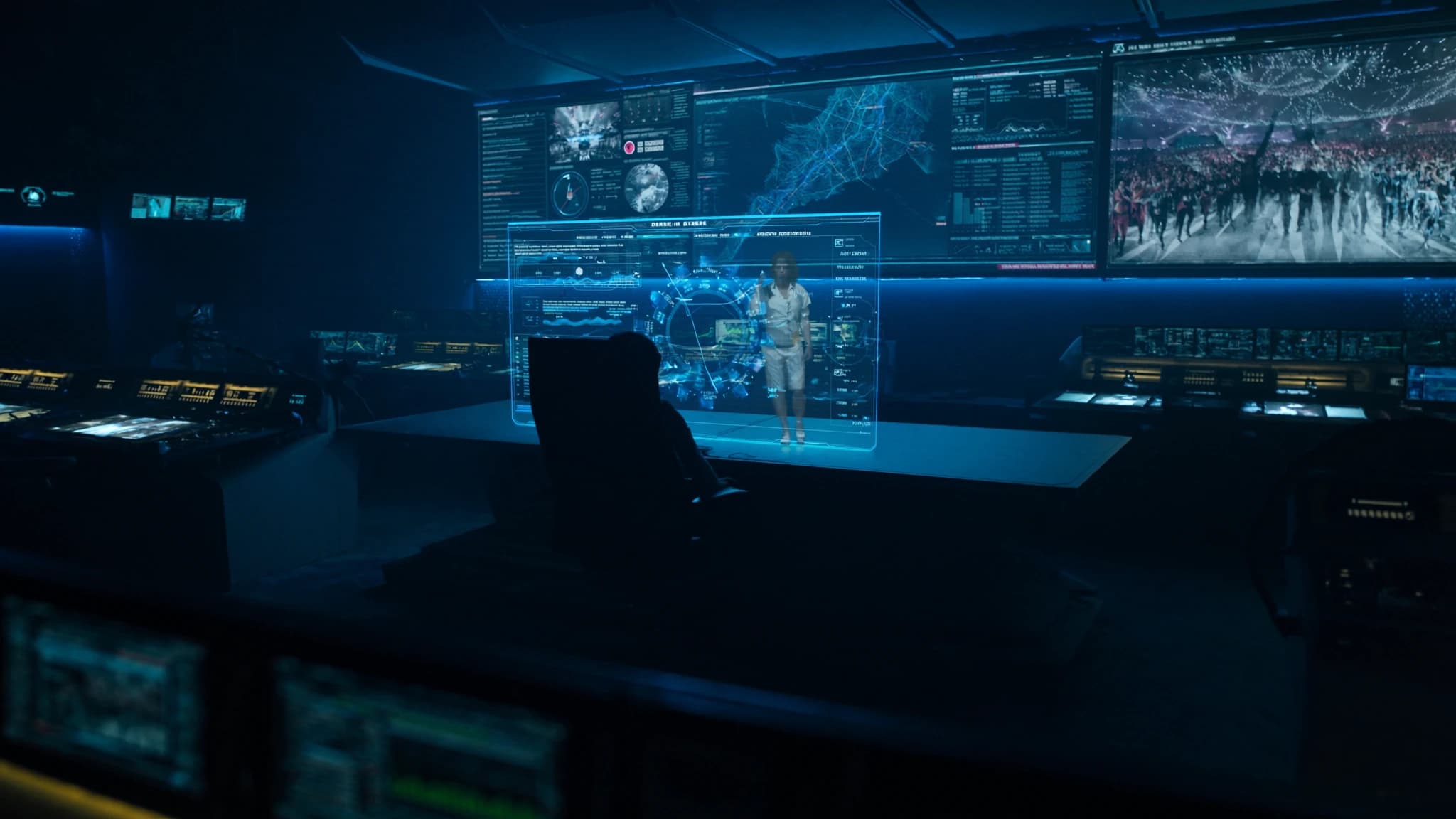
In het tijdperk van enorme LED-walls en high-resolution projection mapping komt content voor live-evenementen vaak binnen als standard-definition of gecomprimeerde video die zacht en gepixeld oogt wanneer deze wordt opgeschaald. SSOUNDS-engineers begrijpen dat audio slechts de helft van de ervaring is; visuele kwaliteit moet daaraan evenaren. Deze gids onderzoekt hoe AI-upscaling en realtime videoverwerking lagere-resolutiebronnen kunnen omvormen tot scherpe, meeslepende visuals voor concerten, conferenties en installaties, zodat je publiek elk detail ziet.
Belangrijkste punten
- AI-upscaling reconstrueert ontbrekend detail in lage-resolutievideo, waardoor het native 4K lijkt op grote schermen.
- Realtime framinterpolatie elimineert motion judder door tussenliggende frames te genereren, essentieel voor snel bewegende content.
- AI-verbeteringstools passen automatisch kleur, contrast en ruis aan, wat de visuele kwaliteit verbetert zonder handmatige aanpassing.
- Low-latency hardware (GPU/FPGA) is cruciaal voor live-evenementen; streef naar minder dan 16ms verwerkingsvertraging.
- Audio-video-sync moet worden beheerd door videolatency te meten en audio dienovereenkomstig te vertragen.
- Toekomstige AI zal realtime visuals en 3D-omgevingen genereren, waardoor de grens tussen live en vooraf gerenderde content verder vervaagt.
Waarom AI-upscaling belangrijk is voor live-evenementen
Live-evenementen vertrouwen vaak op content uit meerdere bronnen: legacy videofeeds, door gebruikers gegenereerde clips of live camerastreams die 720p of zelfs 480p kunnen zijn. Wanneer deze op een scherm van 20 voet of een LED-wall worden geprojecteerd, worden deze bronnen wazig en storend. Traditionele bilineaire of bicubische scaling-algoritmen rekken pixels simpelweg uit, wat artefacten introduceert en randen verzacht.
AI-upscaling, aangedreven door deep learning-modellen die zijn getraind op miljoenen high-resolution afbeeldingen, reconstrueert ontbrekend detail op intelligente wijze. Het voorspelt hoe de afbeelding er bij hogere resolutie uit zou moeten zien, en voegt textuur, scherpte en helderheid toe die het oog voor de gek houden zodat het native 4K ziet. Voor live-evenementen betekent dit dat je met vertrouwen archiefmateriaal, streams met lagere bitrate of zelfs smartphonevideo kunt gebruiken zonder de premium uitstraling die je publiek verwacht op te offeren.
Realtime framinterpolatie: vloeiende beweging op grote schermen
Een andere veelvoorkomende uitdaging is content met een lage framerate: 24fps film, 30fps uitzendingen of zelfs 15fps webcams. Op grote displays worden motion judder en stroboscopische effecten pijnlijk duidelijk. Framinterpolatie (of motion smoothing) gebruikt AI om tussenliggende frames tussen bestaande frames te genereren, waardoor de framerate in realtime effectief wordt verdubbeld of verdrievoudigd.
Moderne AI-algoritmen analyseren motion vectors en objectgrenzen om vloeiende overgangen te creëren zonder het soap-opera-effect dat vroege interpolatie teisterde. Voor live-evenementen is dit cruciaal voor snel bewegende content zoals sport, dansvoorstellingen of camerapans. Het resultaat is boterzachte beweging die het publiek betrokken houdt en visuele vermoeidheid elimineert.
Realtime verbetering: kleur, contrast en ruisonderdrukking
Naast resolutie en framerate lijdt live video vaak onder slechte belichting, compressieruis of kleuronevenwichtigheden. AI-gedreven realtime processors kunnen automatisch belichting, witbalans en contrast aanpassen aan de lichtomstandigheden van de locatie. Ze passen ook intelligente ruisonderdrukking toe die detail behoudt terwijl korrel en macroblocking worden geëlimineerd.
Sommige geavanceerde systemen gebruiken temporele filtering, waarbij meerdere frames worden geanalyseerd om signaal van ruis te scheiden, en spatiale AI die gezichten, tekst of architectonische lijnen herkent om deze specifiek te verbeteren. Voor projection mapping op onregelmatige oppervlakken kan AI zelfs helderheid en kleur per pixel aanpassen om oppervlaktekleur en textuur te compenseren, wat zorgt voor uniforme helderheid over het hele canvas.
Hardware-overwegingen voor live verwerking
Realtime AI-verwerking vereist aanzienlijke rekenkracht. Dedicated videoprocessors met GPU-versnelling (NVIDIA, AMD of custom FPGA) zijn essentieel voor low-latency werking, doorgaans onder één frame (16ms bij 60fps). Veel professionele mediaservers integreren nu AI-upscalingmodules, maar standalone units bieden meer flexibiliteit voor complexe multi-source workflows.
Overweeg bij het selecteren van hardware input/output-formaten (HDMI, SDI, NDI, Dante AV), maximale resolutieondersteuning (4K of 8K) en de mogelijkheid om meerdere streams tegelijkertijd te verwerken. Redundantie is ook cruciaal voor live-evenementen: dubbele voedingen, failover-inputs en hot-swappable modules kunnen rampen voorkomen. SSOUNDS raadt aan om samen te werken met videospecialisten die de latency- en betrouwbaarheidseisen van live productie begrijpen.
Integratie met audiosystemen: de AV-synchronisatie-uitdaging
AI-videoverwerking introduceert latency, wat audio-video-syncproblemen kan veroorzaken als dit niet zorgvuldig wordt beheerd. Zelfs een vertraging van 30ms in video kan ervoor zorgen dat dialoog uit sync lijkt. Om dit op te lossen gebruiken professionele systemen genlock (sync-referentie) en delay-compensatie aan de audiokant. Veel digitale audioconsole's en DSP's (zoals SSOUNDS' eigen netwerkversterkers) maken nauwkeurige delay-uitlijning mogelijk om het videoverwerkingspad te matchen.
Voor grootschalige evenementen is het het beste om de totale videolatency te meten (capture → process → display) en vervolgens de audio met dezelfde hoeveelheid te vertragen. Sommige AI-processors geven een latencywaarde weer die automatisch in het audiosysteem kan worden ingevoerd. SSOUNDS-engineers werken nauw samen met videoteams om ervoor te zorgen dat het publiek perfecte lip-sync en impact-uitlijning tussen geluid en visuals ervaart.
Toekomstige trends: AI-gegenereerde content en realtime rendering
De volgende grens is AI die niet alleen upscalet maar ook content on the fly genereert. Stel je een liveconcert voor waarbij AI realtime visuele effecten creëert die synchroon lopen met de muziek, of een conferentie waarbij AI 3D-omgevingen genereert uit één camerabeeld. Realtime neurale rendering wordt al gebruikt in virtual production voor film en televisie, en het sijpelt door naar live-evenementen.
Naarmate hardware krachtiger wordt en algoritmen efficiënter, zullen we zien dat AI-upscaling en -verbetering standaardfuncties worden in videoswitchers, mediaservers en zelfs projectoren. Voor nu is de sleutel het kiezen van oplossingen die bewezen zijn in live-omgevingen, met lage latency, betrouwbare werking en ondersteuning voor de formaten die je gebruikt. SSOUNDS blijft deze ontwikkelingen volgen om ervoor te zorgen dat onze audiosystemen naadloos integreren met de beste beschikbare videoverwerking.
Veelgestelde vragen
Kan AI-upscaling met elke videobron werken?
Ja, de meeste AI-upscalers accepteren standaardformaten zoals HDMI, SDI en NDI. Sterk gecomprimeerde of zeer lage-resolutiebronnen (onder 360p) kunnen echter nog steeds artefacten vertonen. Gebruik voor de beste resultaten bronnen van ten minste 480p en vermijd overmatige compressie.
Introduceert AI-framinterpolatie vertraging?
Ja, interpolatie vereist het analyseren van toekomstige frames, wat een paar frames latency toevoegt. High-end processors kunnen dit onder 2-3 frames (30-50ms) houden, wat acceptabel is voor de meeste live-evenementen. Gebruik voor lip-sync-kritische content genlock en audiodelay-compensatie.
Wat is het verschil tussen AI-upscaling en traditionele scaling?
Traditionele scaling (bilineair, bicubisch) rekt pixels simpelweg uit, wat blur en aliasing veroorzaakt. AI-upscaling gebruikt neurale netwerken die zijn getraind op high-res afbeeldingen om ontbrekend detail af te leiden, wat resulteert in scherpere randen, fijnere texturen en minder artefacten.
Heb ik een dedicated processor nodig of kan software het doen?
Er bestaan softwareoplossingen (bijv. Topaz Video AI, NVIDIA Video Effects), maar deze bereiken mogelijk geen realtime prestaties op standaard-pc's. Voor live-evenementen wordt dedicated hardware met GPU-versnelling aanbevolen om lage latency en betrouwbaarheid te garanderen.
Hoe synchroniseer ik audio met AI-verwerkte video?
Meet de totale videolatency van input tot display met een testsignaal. Pas vervolgens dezelfde vertraging toe op je audiosysteem (bijv. via een digitale console of DSP). Sommige videoprocessors geven een latencywaarde weer die kan worden gebruikt voor automatische uitlijning.
Een systeem bouwen of upgraden?
SSOUNDS ontwerpt en produceert professionele PA wereldwijd, van een enkele ruimte tot stadionformaat.