Dante in Audio: The Complete Guide
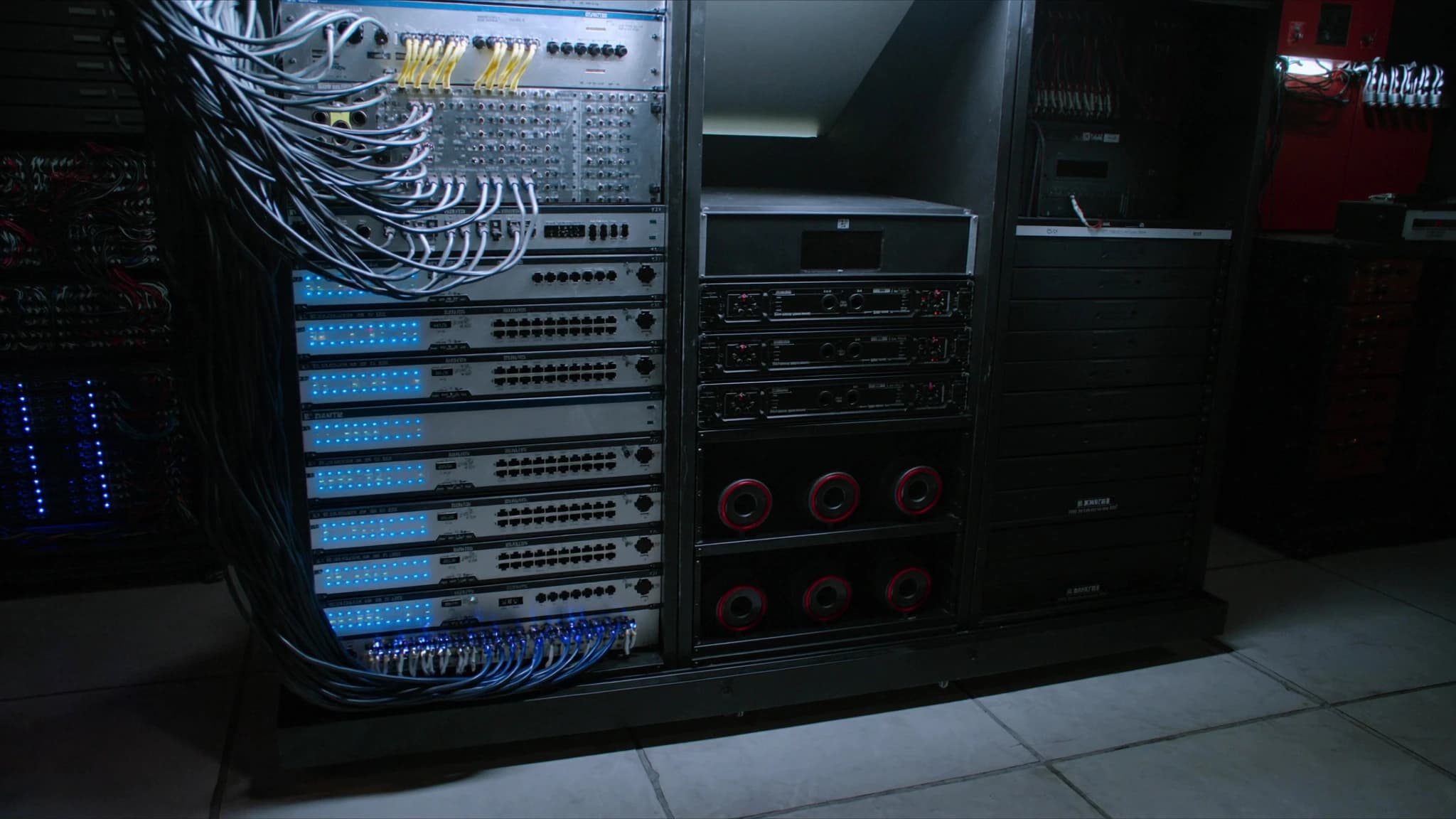
Dante has become the de facto standard for digital audio networking, enabling high-channel-count, low-latency audio transport over standard IP networks. This guide explains how Dante works, from core concepts like clocking and latency to practical tools like Dante Controller and Domain Manager, and covers its role in live, installed, and broadcast environments.
Key takeaways
- Dante is a mature, widely adopted AoIP protocol that transports uncompressed audio over standard Ethernet.
- Precision Time Protocol (PTPv2) ensures sample-accurate synchronization across all devices on the network.
- Configurable latency from 0.25 ms to 5 ms allows optimization for live, installed, or broadcast applications.
- Dante Controller provides intuitive routing and monitoring; Dante Domain Manager adds centralized management for large networks.
- AES67 mode enables interoperability with other AoIP systems, bridging Dante with third-party gear.
- Proper network design (gigabit switches, QoS, VLANs) is essential for reliable Dante operation.
What is Dante and How Does AoIP Work?
Dante, developed by Audinate, is a combination of software, hardware, and network protocols that allows uncompressed, multi-channel digital audio to be transmitted over standard Ethernet networks. It uses Internet Protocol (IP) to route audio between devices, replacing bulky analog snakes and dedicated digital multicore cables with a single Cat5e or Cat6 cable.
Audio over IP (AoIP) works by packetizing audio samples into data packets, adding timing and routing information, and transmitting them over a switched Ethernet network. Dante uses Layer 3 IP routing, meaning it can operate across subnets and VLANs, making it scalable for large installations. Each Dante device has a unique IP address, and audio flows are unicast or multicast depending on the configuration.
Clocking and PTP (Precision Time Protocol)
Accurate clocking is essential for synchronized audio across multiple devices. Dante uses IEEE 1588-2008 Precision Time Protocol (PTPv2) to distribute a master clock across the network. One device is elected as the clock leader (usually automatically via Best Master Clock Algorithm), and all other devices synchronize to it.
PTP timestamps each audio packet with precise timing information, ensuring that samples from different devices arrive in sync. This eliminates jitter and allows sample-accurate alignment. In larger networks, boundary clocks and transparent clocks can be used to maintain accuracy across switches. Dante's clocking is robust, but network design must avoid excessive hops and ensure proper QoS to maintain PTP stability.
Latency: Understanding and Configuring
Dante offers configurable latency settings, typically ranging from 0.25 ms to 5 ms or more. Lower latency is critical for live sound (e.g., monitoring) but requires a well-optimized network. Higher latency is acceptable for installed systems or broadcast where delay is less critical.
Latency is determined by the Dante device's buffer size and network propagation delay. For a typical live sound setup, 0.25 ms or 0.5 ms is achievable with gigabit switches and short cable runs. For larger networks with multiple switches, 1 ms or 2 ms may be necessary. Dante Controller allows per-device latency adjustment, and the network should be tested for packet loss and jitter before setting aggressive latencies.
Sample Rates and Bit Depth
Dante supports sample rates from 44.1 kHz to 192 kHz, with bit depths up to 32 bits. Common choices are 48 kHz or 96 kHz for live sound, and 48 kHz or 96 kHz for broadcast. Higher sample rates increase bandwidth usage but offer improved frequency response and lower latency.
Bit depth affects dynamic range: 24-bit provides 144 dB dynamic range, sufficient for most applications. 32-bit float is available in some Dante devices for headroom in recording. When mixing sample rates on a network, Dante uses sample rate conversion (SRC) at the receiver, but it's best to keep all devices at the same sample rate to avoid conversion artifacts.
Dante Controller and Domain Manager
Dante Controller is the free software used to configure and monitor Dante networks. It discovers devices, allows routing audio channels via drag-and-drop, and displays latency, clock status, and network health. It is essential for setup and troubleshooting.
Dante Domain Manager (DDM) is a server-based software for managing multiple Dante networks across different locations or organizations. It provides user authentication, role-based access, and centralized configuration. DDM is ideal for large installations, campuses, or broadcast facilities where multiple engineers need controlled access. It also enables Dante to operate across subnets and WAN links.
AES67 Interoperability
AES67 is a standard for high-performance audio over IP that allows interoperability between different AoIP systems, including Dante, Livewire, Q-SYS, and Ravenna. Dante devices can be configured to operate in AES67 mode, enabling them to send and receive audio from non-Dante AES67-compliant devices.
To use AES67, the Dante network must be configured with compatible sample rates (typically 48 kHz), fixed latency, and specific multicast addressing. AES67 does not support Dante's native redundancy or unicast routing, so it's best used for bridging between systems. Dante Controller includes an AES67 configuration tab for enabling this mode.
Dante in Live, Install, and Broadcast
In live sound, Dante connects mixing consoles, stage boxes, amplifiers, and wireless systems over a single cable, reducing setup time and weight. Redundant Dante networks (primary and secondary) provide failover for critical performances. Low latency (0.25 ms) is achievable with proper network design.
For installed systems (e.g., houses of worship, corporate AV, stadiums), Dante allows distributed audio processing and zone control. Multiple switches can cover large areas, and DDM enables centralized management. Dante's ability to route audio over existing IT networks reduces cabling costs.
In broadcast, Dante is used for studio intercom, microphone preamps, and mixing consoles. Its low latency and high channel count suit live production. AES67 interop allows integration with other broadcast AoIP systems. Dante's support for multicast makes it efficient for distributing audio to many destinations.
Frequently asked
Do I need a dedicated network for Dante?
While Dante can share an existing IT network, a dedicated or VLAN-separated network is recommended for reliability and low latency. QoS should be configured to prioritize Dante traffic.
What is the maximum number of channels on a Dante network?
A single gigabit link can carry up to 512 channels (64 channels per flow, with up to 8 flows) at 48 kHz/24-bit. Larger networks can scale with multiple switches and link aggregation.
Can Dante run over Wi-Fi?
No, Dante requires a wired Ethernet network. Wi-Fi introduces too much latency, jitter, and packet loss for reliable audio transport.
How do I troubleshoot Dante network issues?
Use Dante Controller to check clock status, latency, and subscription errors. Monitor network statistics for dropped packets. Ensure switches are configured with QoS and IGMP snooping for multicast.
Is Dante compatible with AVB or Milan?
Dante is not directly compatible with AVB/Milan, but both can coexist on the same network if properly segregated via VLANs. AES67 provides a bridge between Dante and other AoIP systems.
Building or upgrading a system?
SSOUNDS engineers and manufactures professional PA worldwide, from a single room to stadium scale.