How to Stop Feedback in Live Sound
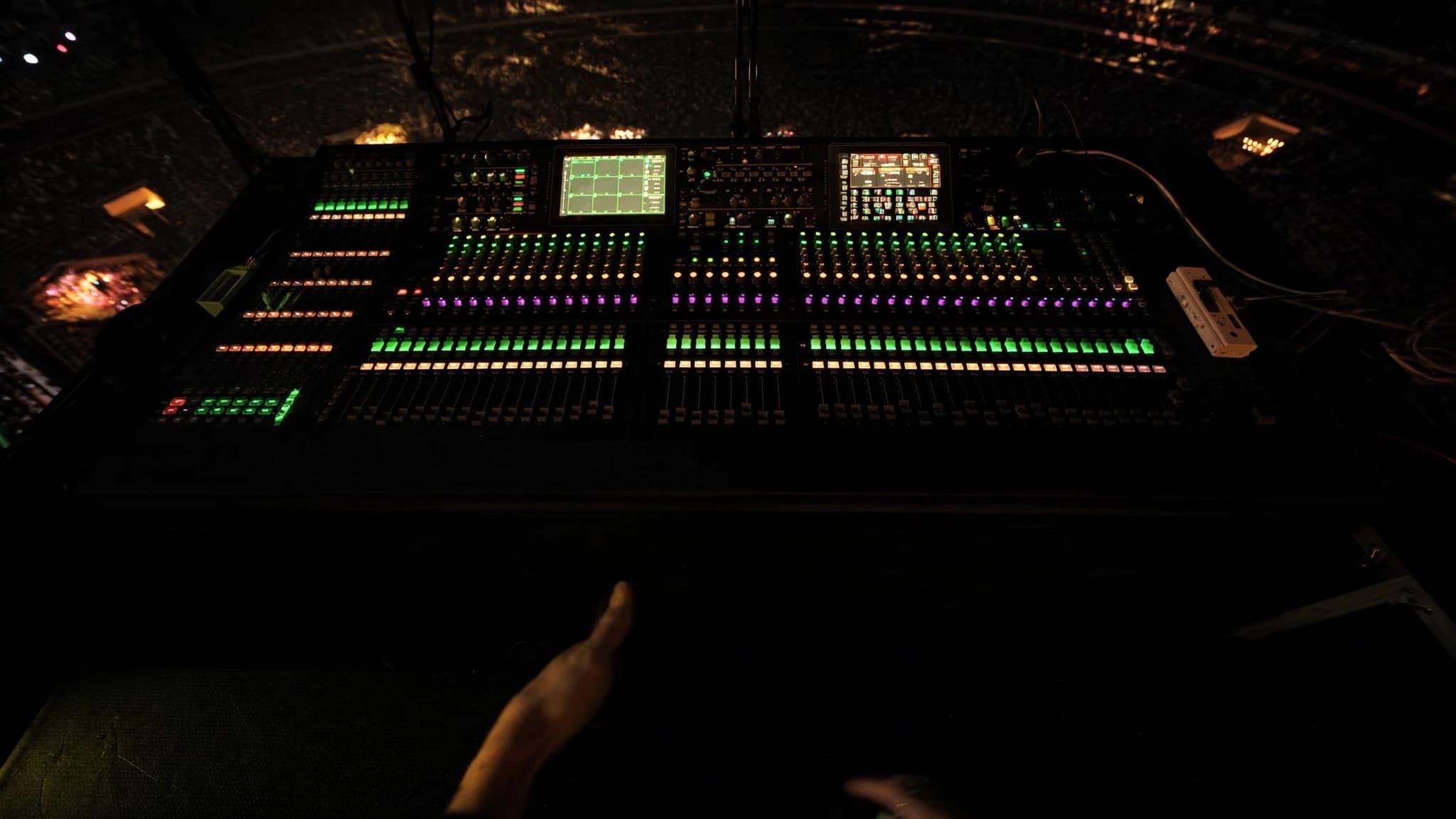
Feedback is the enemy of every live sound engineer, from small clubs to massive festivals. It can ruin a performance, damage equipment, and frustrate both artist and audience. In this guide, we explain the causes of feedback and provide practical, field-tested solutions to eliminate it, drawing on decades of experience from SSOUNDS engineers.
Key takeaways
- Feedback is a loop that can be broken by managing gain, EQ, mic placement, and speaker positioning.
- Proper gain structure ensures headroom and reduces the likelihood of feedback.
- Cutting specific frequencies with a parametric EQ can increase gain before feedback.
- Directional microphones and careful placement away from speakers are essential.
- In-ear monitors and cardioid subwoofers can significantly reduce feedback risk.
- SSOUNDS systems and DSP presets are engineered to maximize gain before feedback.
Understanding the Feedback Loop
Feedback occurs when a microphone picks up sound from a loudspeaker, amplifies it, and sends it back through the speaker, creating a loop that grows louder until it becomes a howl or squeal. This loop is a classic example of a positive feedback system, where the output reinforces the input. The frequency at which it occurs depends on the distance between mic and speaker, the room's acoustics, and the system's gain structure.
To stop feedback, you must break the loop. This can be done by reducing the gain before feedback, altering the frequency response, changing the physical relationship between mic and speaker, or a combination of these. Understanding the root cause is the first step to a solution.
Gain Structure: The Foundation of Feedback Control
Proper gain structure is critical. If the gain is too high at any point in the signal chain, the system becomes more susceptible to feedback. Start by setting the gain at the mixing console so that the signal is strong but not clipping. Use the channel fader and master fader to control the overall level, not the gain knob. This ensures you have headroom and can turn down the system if feedback starts.
In monitor systems, gain structure is even more critical. Each monitor mix should be set so that the artist can hear clearly without pushing the system into feedback. Use the monitor send levels to balance the mix, and avoid boosting frequencies that are prone to feedback. SSOUNDS engineers often use digital consoles with precise gain control and recallable settings to maintain consistent gain structure across multiple shows.
EQ and Feedback: Cutting the Right Frequencies
Equalization is a powerful tool for feedback suppression. Feedback typically occurs at specific frequencies, often related to room resonances or microphone peaks. By identifying and cutting these frequencies with a parametric EQ, you can increase gain before feedback. Use a real-time analyzer (RTA) or a feedback suppressor to identify the offending frequencies. Narrow cuts (high Q) are more effective than broad cuts because they affect less of the useful signal.
However, EQ should not be a substitute for proper gain structure and mic placement. Over-EQing can degrade sound quality. SSOUNDS recommends using EQ as a corrective measure after optimizing other factors. Our DSP presets include feedback-fighting filters that are tuned for our loudspeakers, helping engineers achieve maximum gain before feedback without compromising audio fidelity.
Microphone Technique and Placement
The microphone is the first link in the feedback chain. Its type, polar pattern, and placement play a huge role. Directional microphones (cardioid, supercardioid) reject sound from the rear, reducing the chance of picking up monitor or main speakers. Place microphones close to the source and aim them away from speakers. For vocalists, a cardioid dynamic mic held close to the mouth is ideal.
Avoid placing microphones directly in front of speakers or in the direct path of sound. If possible, position monitors at the sides or behind the performer, not directly in front. Use microphone stands and clips to maintain consistent placement. SSOUNDS line array systems are designed with controlled directivity, which helps keep sound on the audience and away from the stage, reducing feedback potential.
Monitor Placement and Speaker Positioning
Monitors are often the main culprit in feedback. They are close to the microphones and aimed at the performers. To minimize feedback, place monitors so that their output is directed away from the microphones. For example, place wedge monitors at the front of the stage, angled up at the performer, but not pointing directly at the mic. If using sidefills, position them so that their sound does not hit the microphones directly.
In-ear monitors (IEMs) are an excellent solution because they eliminate the need for stage monitors entirely, drastically reducing feedback risk. However, if wedges are necessary, use cardioid subwoofers and directional main speakers to keep low-frequency energy away from the stage. SSOUNDS subwoofers with cardioid configurations can help achieve this by canceling rearward energy.
Advanced Techniques and System Design
For challenging environments, advanced techniques such as automatic feedback suppressors and notch filters can be used. These devices detect feedback frequencies and apply narrow cuts automatically. However, they should be used sparingly and in conjunction with good system design. Another approach is to use a ring-out procedure: slowly raise the gain until feedback starts, then notch out the offending frequencies. Repeat until you achieve the desired gain before feedback.
System design also matters. Using a distributed speaker system rather than a single point source can reduce the level needed at any one speaker, lowering feedback risk. SSOUNDS engineers use AI-assisted acoustic modeling to predict feedback-prone frequencies and optimize speaker placement and EQ before the system is even installed. This proactive approach saves time and ensures reliable performance.
Frequently asked
What is the first thing I should do when feedback occurs?
Immediately reduce the master fader or the offending channel fader to stop the feedback. Then identify the frequency and apply a narrow EQ cut. Check gain structure and mic placement before bringing levels back up.
Can feedback damage my equipment?
Yes, sustained feedback can damage loudspeakers, especially tweeters and compression drivers, due to excessive high-frequency energy. It can also damage hearing. Always address feedback promptly.
Are automatic feedback suppressors effective?
They can be effective as a safety net, but they are not a substitute for proper system setup. Over-reliance can lead to poor sound quality. Use them in conjunction with good gain structure and EQ.
How does SSOUNDS help prevent feedback?
SSOUNDS loudspeakers feature controlled directivity and are paired with DSP presets that include feedback-fighting filters. Our engineering team uses advanced modeling to design systems that minimize feedback risk from the start.
Building or upgrading a system?
SSOUNDS engineers and manufactures professional PA worldwide, from a single room to stadium scale.