Waves Plugins in Live Sound
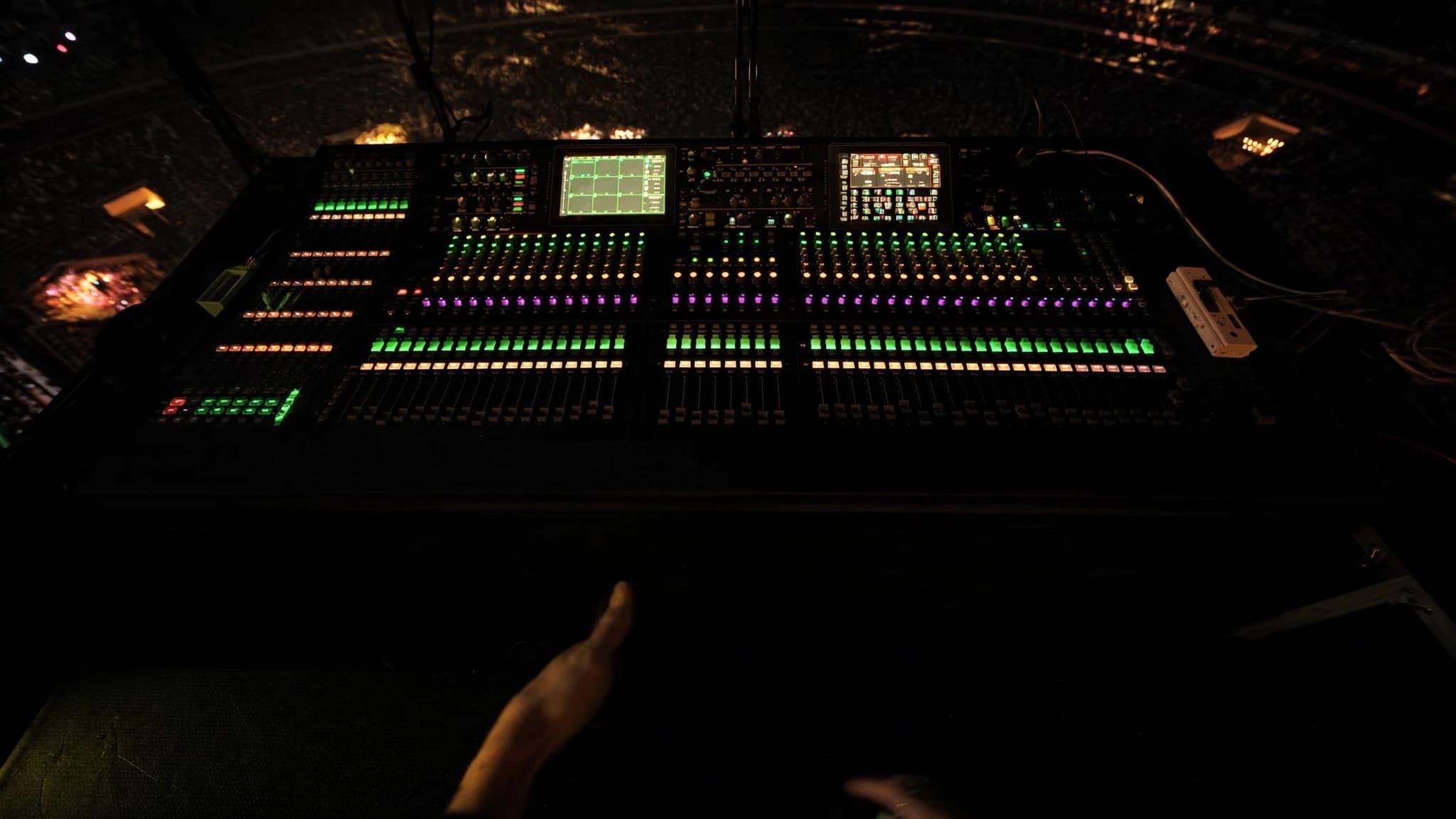
Waves plugins, powered by the SoundGrid ecosystem, have become a staple in professional live sound, offering FOH and monitor engineers the same processing they rely on in the studio. From channel strips to multiband dynamics and reverbs, the Waves live workflow via SuperRack delivers low-latency, high-fidelity processing that can transform a mix. This guide explores the key plugins, practical workflow tips, and considerations for integrating Waves into your live rig.
Key takeaways
- Waves SoundGrid and SuperRack provide ultra-low-latency plugin processing for live sound, offloading DSP from the console.
- Essential FOH plugins include SSL E-Channel, CLA-76, F6 Dynamic EQ, and C6 Multiband Compressor for precise control.
- For monitors, prioritize feedback suppression with Q10 EQ and C6, and avoid heavy reverbs on foldback.
- Multiband compression and dynamic EQ are key for taming resonances and controlling dynamics without static EQ.
- Reverbs like H-Reverb and delays like H-Delay add depth; use on aux sends and keep tails short for clarity.
- Optimize latency by using a dedicated server, low buffer sizes, and proper network setup; test thoroughly before shows.
The SoundGrid Ecosystem and SuperRack
SoundGrid is Waves' real-time audio-over-IP networking platform, designed for ultra-low latency (typically sub-2ms round-trip). It allows you to run Waves plugins on a dedicated server (e.g., a DiGiGrid or SoundGrid server) and control them from a computer or touchscreen. SuperRack is the live sound plugin host that loads multiple instances of Waves plugins, each on its own rack slot, with flexible routing and snapshot recall.
For live use, the key advantage is that processing happens on the server, not the console, offloading DSP and ensuring consistent latency. SuperRack integrates with most digital consoles via MADI, Dante, or analog I/O, and supports up to 256 plugin instances. Snapshot automation lets you recall entire plugin chains per song or scene, making it ideal for musicals, tours, and festivals.
Essential Channel Strip Plugins for FOH
For monitors, the focus shifts to feedback suppression and clarity. The Q10 Paragraphic EQ is a precise tool for notching feedback frequencies. The C6 Multiband Compressor can control sibilance or low-end rumble without affecting the rest of the mix. The Renaissance Axx (RAxx) is a simple, fast compressor for vocal foldback. Avoid heavy reverbs on monitors; instead, use the H-Delay for slap echoes or the TrueVerb for short ambience.
Multiband Compression and Dynamic EQ
Multiband processing is a game-changer in live sound. The C6 Multiband Compressor allows you to compress specific frequency ranges independently, ideal for controlling a vocalist's sibilance without dulling the mix, or taming bass guitar notes that jump out. The F6 Dynamic EQ goes further by applying EQ only when a threshold is exceeded, making it perfect for reducing harshness on loud snare hits or controlling feedback in monitors.
In practice, use the C6 on the master buss for overall spectral balance, and F6 on individual channels for surgical dynamic EQ. For example, set a band at 2-4 kHz on a vocal channel with a narrow Q and moderate compression to catch harsh consonants. On bass, use a low-shelf dynamic EQ to reduce boominess when the player digs in.
Reverbs, Delays, and Modulation for Live
Waves reverbs like the H-Reverb, Renaissance Reverb, and TrueVerb offer lush, natural spaces. H-Reverb is particularly flexible with its hybrid convolution and algorithmic engine, allowing you to blend room, plate, and hall sounds. For live, keep reverb tails short (1.5-2.5 seconds) to avoid muddiness. Use the Renaissance Reverb for classic plate and room sounds.
Delays are essential for depth. The H-Delay is a staple for its analog-style controls and ping-pong capability. The SuperTap is great for rhythmic delays. Modulation effects like the MondoMod and MetaFlanger add movement to guitars or synths, but use sparingly to avoid phase issues. Always insert delays and reverbs on aux sends, not directly on channels, to maintain mix clarity.
Latency Management and System Optimization
Latency is the biggest concern in live sound. SoundGrid servers typically achieve round-trip latency of 0.8-2ms at 48kHz with a buffer size of 32 or 64 samples. To minimize latency: use a dedicated SoundGrid server (not a computer alone), connect via a dedicated network switch, and avoid daisy-chaining multiple devices. In SuperRack, set the buffer size to the lowest stable value (try 32 first).
For monitoring, latency becomes critical for IEMs and wedges. Use the 'Monitor' mode in SuperRack to bypass plugins on monitor sends when not needed. Alternatively, split your console's outputs: send dry signals to monitors and processed signals to FOH. Always test your system with a full band before show day to ensure no dropouts or excessive latency.
Workflow Tips: Snapshots, Templates, and Remote Control
SuperRack's snapshot system is powerful. Create a template with your most-used plugins (e.g., SSL channel, C6, H-Reverb) and map them to console faders or MIDI controllers. Use the 'Scene' function to recall different plugin settings per song. For remote control, use the Waves eMotion LV1 mixer or a tablet with the MyFOH app to adjust plugins from the house.
Label everything clearly in SuperRack, plugin names, presets, and routing. Save multiple versions of your show file (e.g., 'Day 1', 'Soundcheck', 'Final'). For festivals, create a generic template that works with any console, using standard I/O mapping. Also, consider using the Waves Tracks Live DAW for multitrack recording alongside your live mix for post-show analysis.
Frequently asked
What is the typical latency when using Waves plugins live?
With a dedicated SoundGrid server and buffer size of 32 or 64 samples, round-trip latency is typically 0.8-2ms at 48kHz, which is imperceptible for FOH and acceptable for monitors with proper setup.
Can I use Waves plugins without a SoundGrid server?
Yes, you can run Waves plugins on a computer via a DAW or plugin host, but latency will be higher (5-10ms) and less reliable. For professional live sound, a SoundGrid server is strongly recommended.
Which Waves plugin is best for controlling feedback in monitors?
The Q10 Paragraphic EQ is excellent for precise notching of feedback frequencies. The C6 Multiband Compressor can also help by dynamically reducing gain in problematic bands.
How many plugins can I run in SuperRack?
SuperRack supports up to 256 plugin instances, but the actual number depends on the server's DSP capacity. Typically, a mid-range server can handle 64-128 instances of moderate plugins like EQs and compressors.
Do Waves plugins work with all digital consoles?
Waves plugins integrate with most digital consoles via MADI, Dante, or analog I/O. SuperRack acts as a bridge, routing audio between the console and the SoundGrid network. Check Waves' compatibility list for specific consoles.
Building or upgrading a system?
SSOUNDS engineers and manufactures professional PA worldwide, from a single room to stadium scale.