AI Upscaling and Real-Time Video Processing
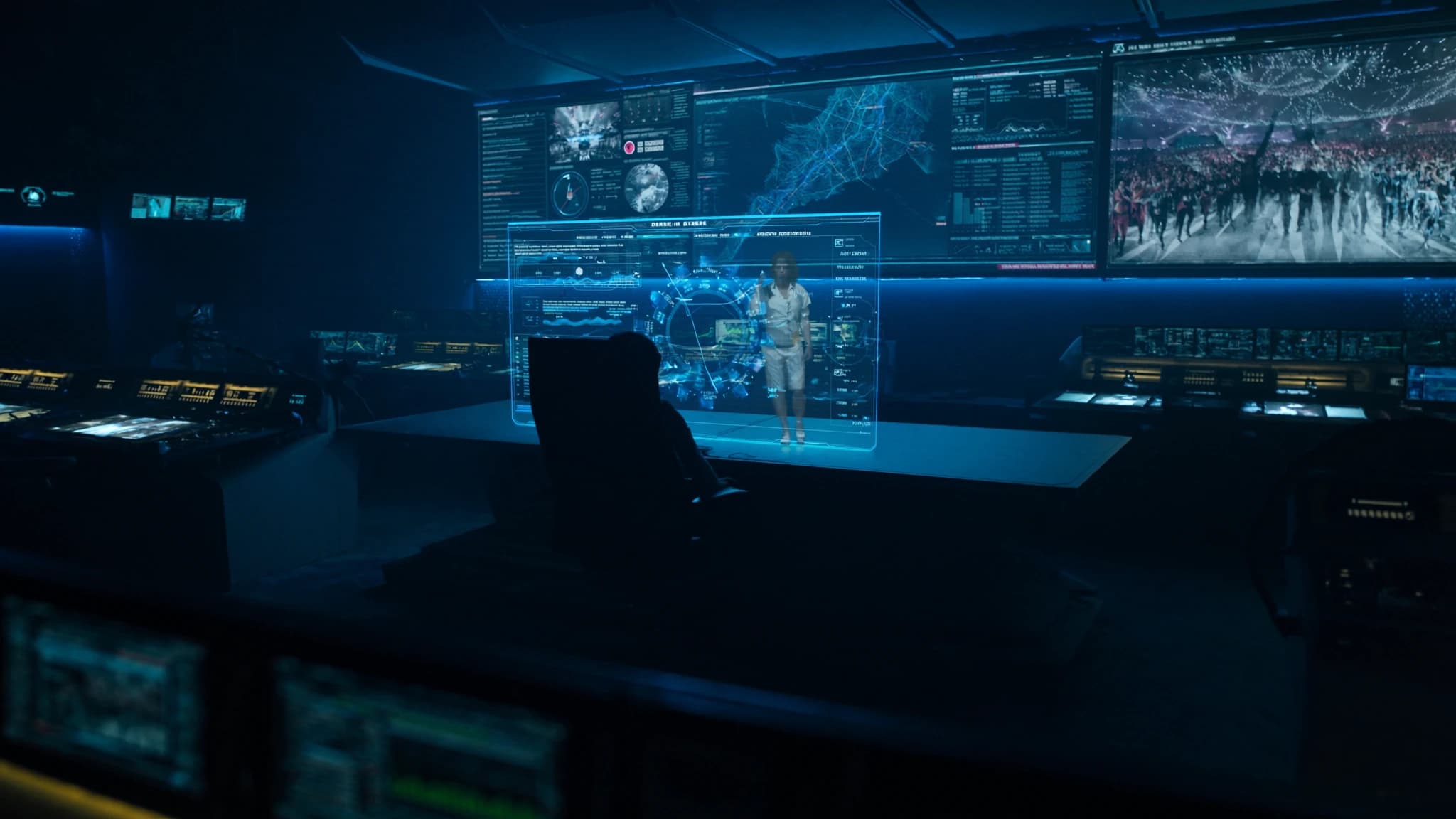
In the era of massive LED walls and high-resolution projection mapping, live event content often arrives as standard-definition or compressed video that looks soft and pixelated when scaled up. SSOUNDS engineers understand that audio is only half the experience, visual quality must match. This guide explores how AI upscaling and real-time video processing can transform lower-resolution sources into crisp, immersive visuals for concerts, conferences, and installations, ensuring your audience sees every detail.
Key takeaways
- AI upscaling reconstructs missing detail in low-resolution video, making it look native 4K on large screens.
- Real-time frame interpolation eliminates motion judder by generating intermediate frames, essential for fast-paced content.
- AI enhancement tools automatically adjust color, contrast, and noise, improving visual quality without manual tweaking.
- Low-latency hardware (GPU/FPGA) is critical for live events; aim for under 16ms processing delay.
- Audio-video sync must be managed by measuring video latency and delaying audio accordingly.
- Future AI will generate real-time visuals and 3D environments, further blurring the line between live and pre-rendered content.
Why AI Upscaling Matters for Live Events
Live events frequently rely on content from multiple sources: legacy video feeds, user-generated clips, or live camera streams that may be 720p or even 480p. When projected onto a 20-foot screen or an LED wall, these sources become blurry and distracting. Traditional bilinear or bicubic scaling algorithms simply stretch pixels, introducing artifacts and softening edges.
AI upscaling, powered by deep learning models trained on millions of high-resolution images, intelligently reconstructs missing detail. It predicts what the image should look like at higher resolution, adding texture, sharpness, and clarity that fool the eye into seeing native 4K. For live events, this means you can confidently use archival footage, lower-bitrate streams, or even smartphone video without sacrificing the premium look your audience expects.
Real-Time Frame Interpolation: Smooth Motion on Big Screens
Another common challenge is low frame rate content, 24fps film, 30fps broadcasts, or even 15fps webcams. On large displays, motion judder and strobing become painfully obvious. Frame interpolation (or motion smoothing) uses AI to generate intermediate frames between existing ones, effectively doubling or tripling the frame rate in real time.
Modern AI algorithms analyze motion vectors and object boundaries to create fluid transitions without the soap-opera effect that plagued early interpolation. For live events, this is crucial for fast-paced content like sports, dance performances, or camera pans. The result is buttery-smooth motion that keeps the audience engaged and eliminates visual fatigue.
Real-Time Enhancement: Color, Contrast, and Noise Reduction
Beyond resolution and frame rate, live video often suffers from poor lighting, compression noise, or color imbalances. AI-driven real-time processors can automatically adjust exposure, white balance, and contrast to match the venue's lighting conditions. They also apply intelligent noise reduction that preserves detail while eliminating grain and macroblocking.
Some advanced systems use temporal filtering, analyzing multiple frames to separate signal from noise, and spatial AI that recognizes faces, text, or architectural lines to enhance them specifically. For projection mapping on irregular surfaces, AI can even adjust brightness and color per pixel to compensate for surface color and texture, ensuring uniform brightness across the canvas.
Hardware Considerations for Live Processing
Real-time AI processing demands significant computational power. Dedicated video processors with GPU acceleration (NVIDIA, AMD, or custom FPGA) are essential for low-latency operation, typically under one frame (16ms at 60fps). Many professional media servers now integrate AI upscaling modules, but standalone units offer more flexibility for complex multi-source workflows.
When selecting hardware, consider input/output formats (HDMI, SDI, NDI, Dante AV), maximum resolution support (4K or 8K), and the ability to handle multiple streams simultaneously. Redundancy is also critical for live events: dual power supplies, failover inputs, and hot-swappable modules can prevent disaster. SSOUNDS recommends partnering with video specialists who understand the latency and reliability requirements of live production.
Integration with Audio Systems: The AV Synchronization Challenge
AI video processing introduces latency, which can cause audio-video sync issues if not managed carefully. Even a 30ms delay in video can make dialogue appear out of sync. To solve this, professional systems use genlock (sync reference) and delay compensation on the audio side. Many digital audio consoles and DSPs (like SSOUNDS' own network amplifiers) allow precise delay alignment to match the video processing path.
For large-scale events, it's best to measure the total video latency (capture → process → display) and then delay the audio by the same amount. Some AI processors output a latency value that can be fed into the audio system automatically. SSOUNDS engineers work closely with video teams to ensure that the audience experiences perfect lip-sync and impact alignment between sound and visuals.
Future Trends: AI-Generated Content and Real-Time Rendering
The next frontier is AI that doesn't just upscale but generates content on the fly. Imagine a live concert where AI creates real-time visual effects synced to the music, or a conference where AI generates 3D environments from a single camera feed. Real-time neural rendering is already being used in virtual production for film and television, and it's trickling into live events.
As hardware becomes more powerful and algorithms more efficient, we'll see AI upscaling and enhancement become standard features in video switchers, media servers, and even projectors. For now, the key is to choose solutions that are proven in live environments, with low latency, reliable operation, and support for the formats you use. SSOUNDS continues to monitor these developments to ensure our audio systems integrate seamlessly with the best video processing available.
Frequently asked
Can AI upscaling work with any video source?
Yes, most AI upscalers accept standard formats like HDMI, SDI, and NDI. However, heavily compressed or very low-resolution sources (below 360p) may still show artifacts. For best results, use sources at least 480p and avoid excessive compression.
Does AI frame interpolation introduce lag?
Yes, interpolation requires analyzing future frames, which adds a few frames of latency. High-end processors can keep this under 2-3 frames (30-50ms), which is acceptable for most live events. For lip-sync critical content, use genlock and audio delay compensation.
What's the difference between AI upscaling and traditional scaling?
Traditional scaling (bilinear, bicubic) simply stretches pixels, causing blur and aliasing. AI upscaling uses neural networks trained on high-res images to infer missing detail, resulting in sharper edges, finer textures, and fewer artifacts.
Do I need a dedicated processor or can software do it?
Software solutions exist (e.g., Topaz Video AI, NVIDIA Video Effects), but they may not achieve real-time performance on standard PCs. For live events, dedicated hardware with GPU acceleration is recommended to ensure low latency and reliability.
How do I sync audio with AI-processed video?
Measure the total video latency from input to display using a test signal. Then apply that same delay to your audio system (e.g., via a digital console or DSP). Some video processors output a latency value that can be used for automatic alignment.
Building or upgrading a system?
SSOUNDS engineers and manufactures professional PA worldwide, from a single room to stadium scale.