Ceiling Speaker Placement: The Complete Guide
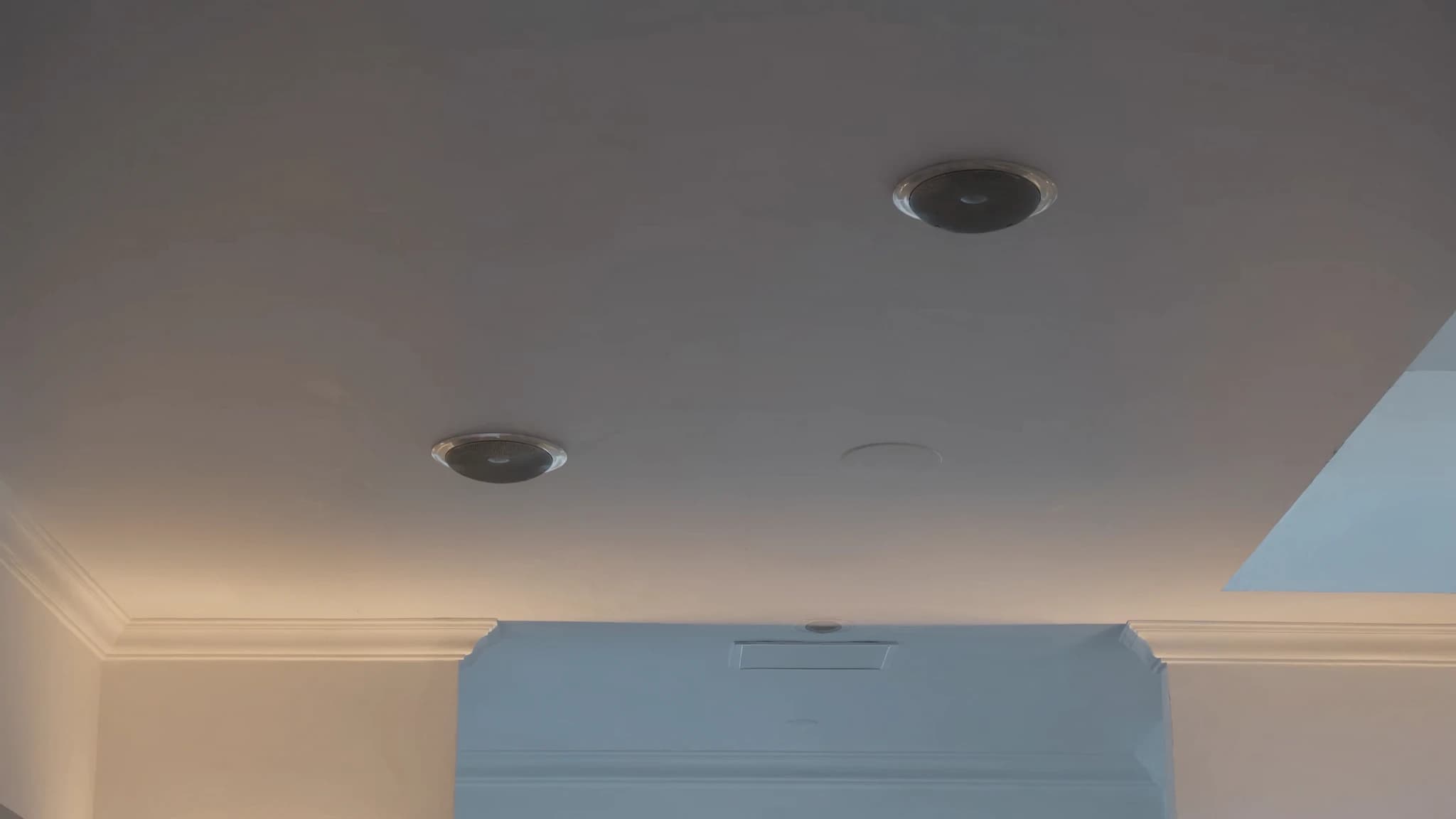
Proper ceiling speaker placement is the difference between clear, even coverage and frustrating dead zones or harsh hotspots. This guide covers the essential spacing rules, listening height considerations, 70/100V coverage maths, overlap strategies, edge distances, and practical tips to avoid common pitfalls, so your installation delivers professional-grade sound every time.
Key takeaways
- Coverage diameter at ear height = 2 × (mounting height – listening height) × tan(coverage angle/2).
- Space speakers at 1× to 1.5× the coverage diameter for uniform sound; tighter spacing reduces level variation.
- In 70V/100V systems, sum speaker taps to stay below amplifier power; use SPL calculations to choose appropriate tap settings.
- Edge distance = half the spacing between speakers; avoid hotspots by not spacing less than half the coverage diameter.
- Always test with a sound level meter and pink noise after installation; adjust taps or positions as needed.
- For large spaces, use DSP delays to align arrival times and prevent echo.
Understanding Coverage Patterns and Listening Height
Ceiling speakers radiate sound in a cone-like pattern, typically with a nominal coverage angle of 90° to 120° (often 100° for many models). The coverage area at ear level depends on the speaker's height above the listening plane. For example, a speaker mounted 8 ft above the floor with a 100° cone will cover a circle of about 19 ft diameter at ear height (assuming 5 ft listening height). The formula is simple: coverage diameter = 2 × (mounting height – listening height) × tan(coverage angle/2).
Always determine the primary listening height, usually 4–6 ft for seated audiences, 5–6 ft for standing. Subtract this from the ceiling height to get the effective throw distance. This distance directly drives spacing calculations. In commercial spaces with high ceilings (e.g., 20 ft), the coverage per speaker becomes much larger, but you must also account for increased SPL loss over distance.
Spacing Rules: Overlap and Uniformity
The golden rule for ceiling speaker spacing is to achieve 50–100% overlap of coverage patterns at ear height. For even coverage, space speakers so that the -6 dB points of adjacent cones intersect at the listening plane. A common starting point is spacing equal to the coverage diameter at ear height. For example, if each speaker covers a 12 ft circle, place them 12 ft apart center-to-center. This yields about 3–6 dB variation across the area.
Tighter spacing (e.g., 8–10 ft for a 12 ft coverage circle) reduces level variation to under 3 dB but increases cost. Wider spacing (e.g., 14 ft) may create noticeable dips. For paging and background music, 6–10 dB variation is acceptable; for foreground music or critical speech, aim for 3 dB or less. Always model your layout using prediction software or manual calculations.
70V/100V Systems: Tapping and Power Calculations
In distributed audio systems, 70V (USA) or 100V (international) constant-voltage lines are standard. Each speaker has a transformer tap (e.g., 1W, 2W, 4W, 8W, 16W) that determines its power draw and SPL. The total load on the amplifier must not exceed its rated power. For example, 10 speakers tapped at 8W each = 80W total, so use a 100W or larger amp.
Coverage maths: SPL at listening height depends on speaker sensitivity (e.g., 88 dB 1W/1m) and the power tap. Doubling power adds 3 dB. At 8W, a speaker with 88 dB sensitivity delivers about 97 dB at 1 m. At 12 ft (3.7 m) distance, inverse-square law reduces SPL by ~11 dB, giving ~86 dB at ear level. Adjust taps to match required SPL. For speech, 80–85 dB is typical; for music, 85–95 dB.
Edge Distance and Avoiding Hotspots
Edge distance, the distance from the nearest speaker to the wall, should be half the spacing between speakers. If spacing is 12 ft, place speakers 6 ft from walls. This ensures the coverage pattern extends to the wall without excessive overlap at the center. For corners, maintain the same half-spacing from both walls.
Hotspots occur when speakers are too close together relative to listening height, causing constructive interference and excessive SPL in certain areas. To avoid hotspots, never space speakers closer than half their coverage diameter at ear height. Also, avoid placing speakers directly above seats in critical listening zones, offset them slightly to reduce direct-on-axis intensity.
Practical Installation Tips
Before drilling, create a scaled floor plan and mark speaker positions using the spacing rules. Use a laser distance measurer for accuracy. For suspended ceilings, ensure speakers are securely mounted to the grid or structure, never rely on ceiling tiles alone. Run wiring in plenum-rated cable where required.
After installation, test coverage with a sound level meter at multiple listening positions. Walk the space while playing pink noise; listen for dead spots or overly loud areas. Adjust taps or reposition speakers if needed. For large venues, consider using a DSP with delay and EQ to fine-tune coverage.
Advanced Considerations: Multiple Zones and Delays
In large open spaces, you may need multiple zones with separate amplifiers and delay processing. Sound travels at ~1 ft/ms; if speakers are more than 50 ft apart, listeners may perceive echo. Use a DSP to delay the closer speakers so sound arrives simultaneously from all sources. This is critical in houses of worship, conference centers, and large retail spaces.
Also consider the ceiling material and room acoustics. Hard surfaces (glass, concrete) cause reflections that can muddy coverage. Soft surfaces (acoustic tiles, carpet) absorb high frequencies, potentially requiring higher tap settings or closer spacing. Always account for ambient noise (HVAC, crowd) when setting SPL targets.
Frequently asked
What is the ideal spacing for ceiling speakers in a typical office?
For an 8 ft ceiling and 5 ft listening height, a 100° coverage speaker covers about 10 ft diameter. Space them 10–12 ft apart for even coverage. Adjust based on ambient noise and required SPL.
How do I calculate the total power load on a 70V amplifier?
Add up the tap settings of all speakers on the line. For example, 12 speakers at 8W each = 96W. Use an amplifier rated at least 1.25× the total load (e.g., 120W) for headroom.
What is the minimum distance from a wall for ceiling speakers?
Place speakers at half the spacing distance from walls. If spacing is 12 ft, install speakers 6 ft from the nearest wall to ensure coverage extends to the edge.
How do I avoid hotspots in a ceiling speaker system?
Avoid spacing speakers closer than half the coverage diameter at ear height. Also, offset speakers from direct overhead positions in critical listening areas.
Can I mix different tap settings on the same 70V line?
Yes, as long as the total load does not exceed the amplifier's rated power. Different taps allow you to adjust SPL per zone, but ensure consistent coverage.
Building or upgrading a system?
SSOUNDS engineers and manufactures professional PA worldwide, from a single room to stadium scale.