Dolby Atmos Home Theater Setup: A Complete Guide
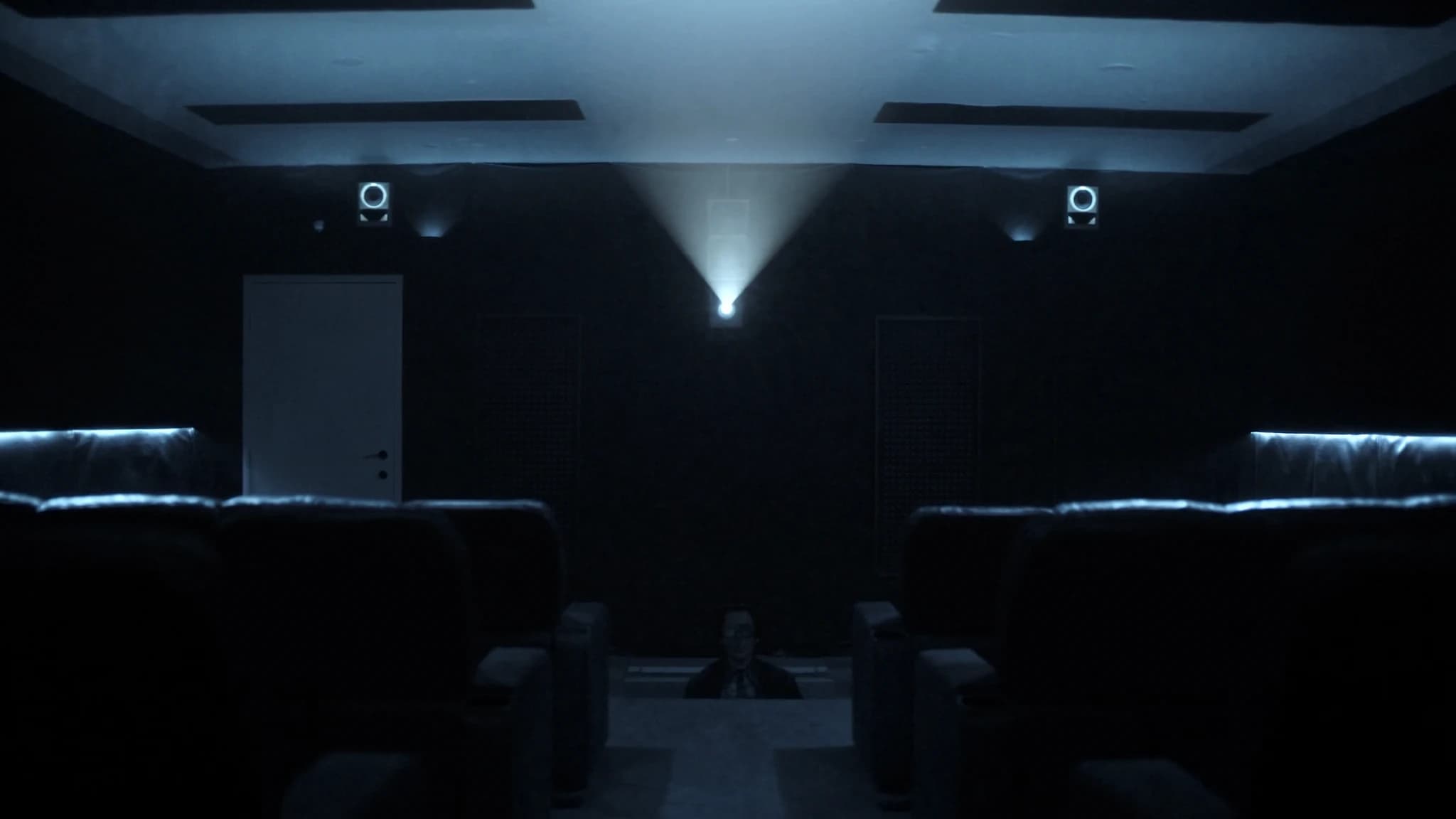
Dolby Atmos transforms home theater by adding height channels, creating a three-dimensional soundstage. This guide explains the bed and height layers, layout options, speaker placement, and calibration to help you design a system that delivers immersive, object-based audio.
Key takeaways
- Dolby Atmos adds a height layer to traditional surround sound, creating a 3D audio experience.
- Choose a layout based on room size: 5.1.2 for small rooms, 5.1.4 or 7.1.4 for larger spaces.
- In-ceiling speakers offer the best height performance; up-firing modules are a convenient alternative.
- Place height speakers at specific angles (30-45 degrees elevation) for accurate overhead effects.
- Calibrate meticulously: set speaker levels, crossovers, and EQ to blend bed and height layers seamlessly.
Understanding Dolby Atmos: Bed and Height Layers
Dolby Atmos is an object-based audio format that adds height information to traditional channel-based surround sound. The system is built on two layers: the bed layer and the height layer. The bed layer consists of the conventional surround channels (left, center, right, surround left, surround right, and optionally surround back left/right). These speakers reproduce the majority of the soundtrack and anchor the audio to the screen and the listener's plane.
The height layer adds speakers above the listening position to create a dome of sound. These speakers can be in-ceiling, up-firing modules that reflect sound off the ceiling, or mounted high on the wall. The height layer is what gives Atmos its immersive quality, allowing sounds like rain, aircraft, or flying objects to move overhead.
In a home theater, the bed layer is typically at ear level (about 1.2 meters or 4 feet when seated), while the height layer is either in or on the ceiling. The combination of these layers, along with precise calibration, creates a seamless three-dimensional sound field.
Choosing Your Speaker Layout: 5.1.2, 5.1.4, 7.1.4, and Beyond
The numbers in a layout (e.g., 5.1.2) indicate the number of bed speakers, subwoofers, and height speakers. A 5.1.2 system has five bed speakers (left, center, right, surround left, surround right), one subwoofer, and two height speakers. This is the entry point for Atmos and works well in small to medium rooms.
A 5.1.4 system adds two more height speakers, typically placed in front and behind the listening position. This provides more precise overhead panning and is ideal for rooms where side surround placement is limited. A 7.1.4 system adds two surround back speakers to the bed layer, creating a more enveloping rear soundstage. This is recommended for larger rooms where the listening position is several feet from the rear wall.
For dedicated home theaters, 7.1.6 or 9.1.6 layouts are possible, adding more height and wide speakers. However, the room's size and seating arrangement should dictate the layout. In smaller rooms, too many speakers can cause localization issues and clutter. SSOUNDS engineers often recommend starting with a 5.1.4 layout and expanding if the room allows, as the height layer contributes more to the Atmos experience than additional bed channels.
In-Ceiling vs. Up-Firing Modules: Pros and Cons
In-ceiling speakers are the gold standard for Atmos height channels. They provide direct, precise overhead sound and are less affected by ceiling height or room acoustics. They require installation but offer the best performance and aesthetic integration. For rooms with accessible ceilings or during construction, in-ceiling speakers are the preferred choice.
Up-firing modules sit on top of your existing bed speakers and bounce sound off the ceiling to simulate overhead speakers. They are easy to install and don't require cutting into the ceiling, making them ideal for rented spaces or rooms with solid ceilings. However, their performance depends on ceiling height, flatness, and reflectivity. They work best in rooms with ceilings between 2.4 and 3.6 meters (8 to 12 feet) and smooth, non-absorbent surfaces.
A hybrid approach is also possible: in-ceiling speakers for the front height channels and up-firing modules for the rear, or vice versa. The key is to ensure timbre matching across all height speakers. SSOUNDS designs both in-ceiling and surface-mount height speakers that can be mixed and matched to suit the room.
Speaker Placement Angles: The Science of Immersion
Proper placement is critical for Atmos. The bed layer should follow standard surround guidelines: the left and right speakers at 30 degrees from the center, the center channel directly below or above the screen, and surrounds at 90 to 110 degrees from the listening position. Surround back speakers, if used, go at 135 to 150 degrees.
Height speakers are placed at specific angles relative to the listener. For a 5.1.2 or 5.1.4 system, the front height speakers should be at 30 to 45 degrees elevation from the listening position, and the rear height speakers at 125 to 150 degrees azimuth and 30 to 45 degrees elevation. In a 7.1.4 system, the height speakers are typically placed above the front left/right and surround left/right positions, at 45 degrees elevation.
Dolby provides detailed guidelines, but the exact angles depend on room dimensions and seating. Use a protractor or laser angle finder to measure. SSOUNDS uses advanced acoustic modeling to predict coverage and ensure that every seat receives a balanced, immersive experience. If you're unsure, consult a professional installer or use calibration software to fine-tune.
AVR and Processor Selection: Powering Your Atmos System
To drive an Atmos system, you need an AV receiver (AVR) or preamp/processor with at least the number of channels matching your layout. For a 5.1.2 system, a 7-channel AVR is sufficient. For 5.1.4 or 7.1.4, you'll need a 9 or 11-channel AVR or a separate processor and amplifier.
Brands like Denon, Yamaha, and Marantz offer a range of Atmos-capable AVRs. Denon's X-series and Marantz's SR-series are popular for their room correction (Audyssey) and support for multiple subwoofers. Yamaha's AVENTAGE line features YPAO room correction and often includes more flexible amplification assignments. When choosing, consider the power per channel, the number of HDMI inputs, and support for the latest HDMI standards (e.g., HDMI 2.1 for 8K).
For larger systems, a separate processor and power amplifiers provide better headroom and flexibility. SSOUNDS amplifiers and DSP can be integrated with third-party processors to deliver clean, powerful sound. Ensure the AVR or processor supports the latest Atmos version and has enough channels for your chosen layout.
Calibration: The Key to Seamless Atmos
Calibration is essential to blend the bed and height layers and compensate for room acoustics. Start with the auto-calibration system in your AVR (e.g., Audyssey, YPAO, Dirac Live). These systems measure speaker distances, levels, and EQ, but they are not perfect. Verify the results with an SPL meter and a tape measure.
Set all speakers to 'small' and route bass to the subwoofer, even if they are large, to reduce distortion and improve headroom. Adjust the crossover frequency (typically 80 Hz) based on your speakers' capabilities. For height speakers, ensure their levels are balanced with the bed layer; they should not overpower but should be clearly audible.
Use test tones and demo material to check panning between bed and height speakers. Dolby Atmos demo discs are invaluable. If you have access to advanced calibration tools like REW (Room EQ Wizard), measure the response and apply manual EQ. SSOUNDS recommends professional calibration for dedicated theaters, as it can dramatically improve the immersive experience.
Room Acoustics and Speaker Selection
Room acoustics play a huge role in Atmos performance. Reflections and absorption can blur the height layer, making it hard to localize overhead sounds. Treat first reflection points on the ceiling and walls with absorptive panels, but avoid over-damping, which can make the room sound lifeless.
Choose speakers that are timbre-matched across all channels. Ideally, use the same brand and series for bed and height speakers. In-ceiling speakers should have aimable tweeters to direct sound to the listening area. Up-firing modules should be placed on a flat, reflective surface.
SSOUNDS offers a range of home theater speakers designed for Atmos, including in-ceiling and surface-mount models that integrate seamlessly with our line array and point-source systems. Our engineers can help you select the right speakers for your room and layout.
Frequently asked
Can I use up-firing modules if my ceiling is vaulted?
Up-firing modules rely on a flat, reflective ceiling to bounce sound to the listening position. Vaulted or heavily textured ceilings will diffuse the sound and reduce the overhead effect. In such cases, in-ceiling or high-mounted speakers are a better choice.
How many height speakers do I need for a small room?
For small rooms (under 20 square meters), two height speakers (5.1.2) can be sufficient. However, four height speakers (5.1.4) provide more precise overhead panning and are recommended if the seating area is more than one row. The improvement is noticeable, so opt for four if your budget and room allow.
Do I need a separate amplifier for Atmos?
It depends on your AVR. Many mid-range and high-end AVRs have enough built-in channels for 5.1.4 or 7.1.4. If you need more channels (e.g., 7.1.6), you may need a separate multi-channel amplifier or a preamp/processor with external amplification. Check the AVR's channel count and power rating.
How do I calibrate height speakers?
Start with your AVR's auto-calibration, then verify with an SPL meter. Set the height speaker levels so they blend with the bed layer, not overpower it. Use test tones to check panning and adjust distances and crossover settings. For best results, consider professional calibration with room measurement software.
What is the ideal ceiling height for Atmos?
For in-ceiling speakers, a ceiling height of 2.4 to 3.6 meters (8 to 12 feet) is ideal. For up-firing modules, the ceiling should be flat and reflective, and the height should be within the module's specified range (usually 2.4 to 3.6 meters). Very high ceilings may require in-ceiling speakers for adequate overhead sound.
Building or upgrading a system?
SSOUNDS engineers and manufactures professional PA worldwide, from a single room to stadium scale.