Smart Home Audio Integration: A Complete Guide
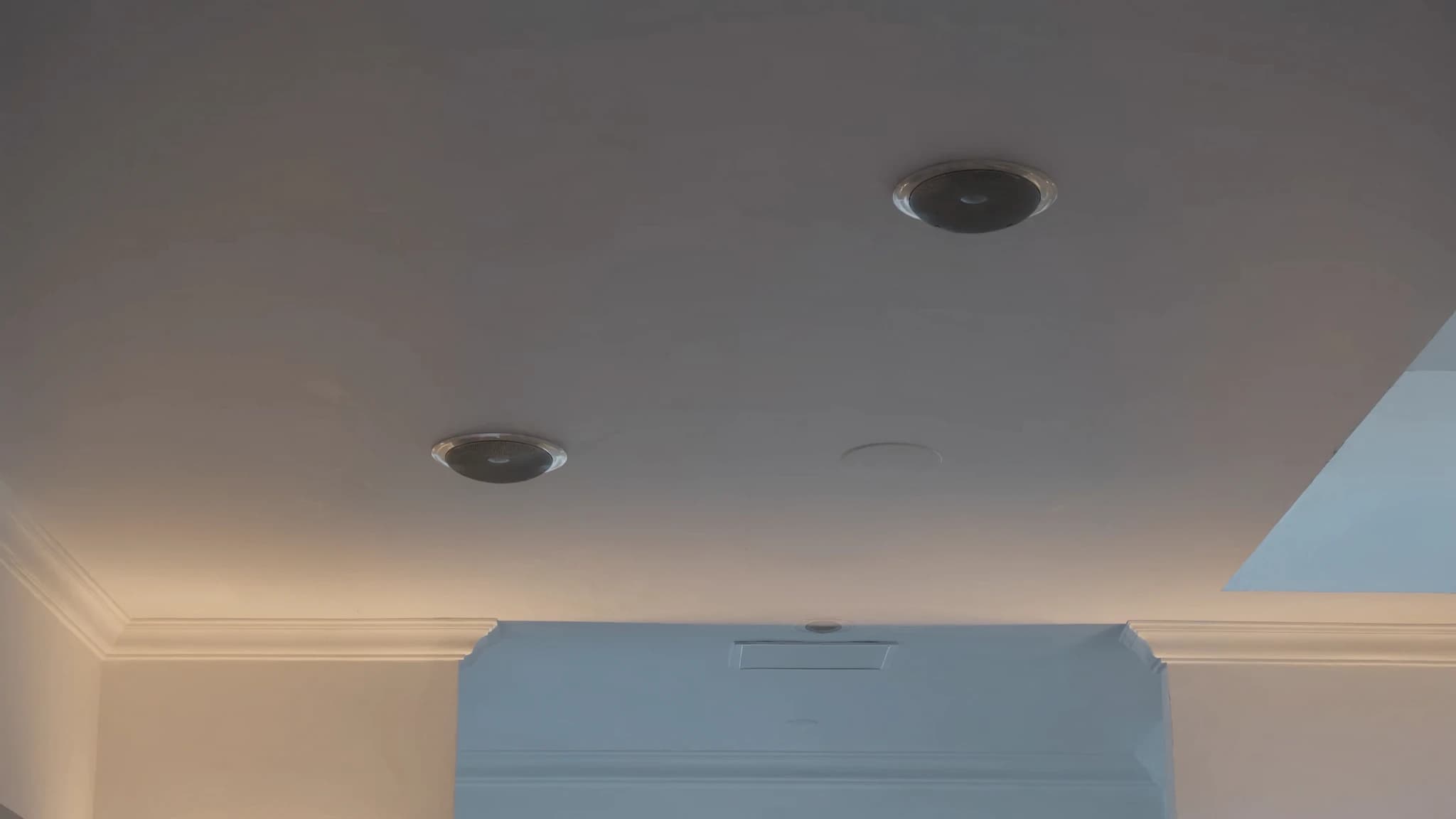
Smart home audio integration transforms how you experience sound, blending streaming services, voice assistants, multi-room control, and lighting scenes into a seamless ecosystem. As a professional PA manufacturer, SSOUNDS understands the engineering behind reliable, high-fidelity audio, whether for a stadium or your living room. This guide covers everything from ceiling speakers to system reliability, helping you build a smart audio setup that performs.
Key takeaways
- Centralize streaming with a dedicated audio server or matrix for flexibility and quality.
- Use separate voice assistant devices to control your main system, avoid built-in smart speakers for critical listening.
- For multi-room, invest in a multi-zone amplifier and wired network for reliability.
- Choose enclosed ceiling speakers with proper placement for clean, consistent sound.
- Integrate lighting via a smart home hub using IP or dry-contact triggers.
- Build a robust network with Ethernet, static IPs, and a UPS to prevent dropouts.
Streaming and Source Management
The heart of any smart audio system is how you get music into your speakers. Modern systems support streaming services like Spotify, Apple Music, Tidal, and Qobuz via Wi-Fi, Bluetooth, or wired connections. For multi-room setups, consider platforms like AirPlay 2, Google Cast, or Sonos, but these often limit you to their ecosystem. A more flexible approach uses a dedicated audio matrix or DSP (digital signal processor) that accepts multiple inputs and distributes them to zones.
SSOUNDS engineers recommend using a centralized audio server or streamer (e.g., a Bluesound Node or a PC running Roon) connected to a multi-channel amplifier. This gives you lossless streaming, low latency, and independence from any single voice assistant. For reliability, wire your network. Ethernet is always better than Wi-Fi for consistent streaming, especially with high-resolution audio.
Voice Assistants and Control
Voice assistants like Amazon Alexa, Google Assistant, and Apple Siri add convenience but can compromise audio quality if built into cheap smart speakers. The better approach: use a dedicated voice assistant device (like an Echo Dot or Nest Mini) to control your main audio system via infrared, Wi-Fi, or a smart home hub. This keeps your primary speakers focused on sound quality.
For whole-home voice control, integrate a microphone array in key rooms (e.g., ceiling-mounted mics) that feed into a central processor. SSOUNDS has worked with integrators to deploy voice control in large venues, the same principles apply at home: ensure microphones are placed away from speakers to avoid feedback, and use noise-cancelling algorithms. For privacy, use a physical mute switch or a system that processes voice locally rather than in the cloud.
Multi-Room Audio and Zone Control
Multi-room audio lets you play different music in different rooms or synchronize the same track everywhere. The key components: a multi-channel amplifier (or several amps), a matrix switcher or DSP, and speakers in each zone. Ceiling speakers are popular for their discreet look, but in-wall or bookshelf speakers can work too.
For seamless multi-room, use a system that supports independent volume, source selection, and grouping. SSOUNDS' approach to large-scale multi-zone systems uses Dante or AVB networking for low-latency, high-channel-count distribution, overkill for most homes, but the reliability lessons apply: use a dedicated network VLAN for audio, avoid daisy-chaining switches, and terminate cables properly. For residential, consider a commercial-grade amp like a Sonance or a multi-zone receiver from Denon or Yamaha.
Ceiling Speakers: Placement and Selection
Ceiling speakers are the backbone of many smart home audio systems because they disappear into the architecture. Key factors: driver size (6.5-inch is a good balance of bass and clarity), tweeter type (soft dome for smooth highs, metal for more detail), and whether they have a back can (enclosed vs. open-back). Open-back speakers couple with the ceiling cavity, which can muddy bass, use enclosed back cans for cleaner sound.
Placement matters: for stereo imaging, place speakers 6-10 feet apart and angled toward the listening area. For whole-home background music, space them 8-12 feet apart in a grid. Avoid placing speakers near air vents or light fixtures. SSOUNDS engineers recommend using a sound level meter and pink noise to balance levels across zones. If you're installing in a new build, pre-wire with CL2-rated speaker cable and run conduit for future upgrades.
Lighting and Scene Integration
Smart audio becomes truly immersive when it syncs with lighting. For example, a 'Movie Night' scene can dim the lights, lower projector screen, and switch audio to surround sound. This requires a smart home hub (like Hubitat, Home Assistant, or Control4) that talks to both your lights (Philips Hue, Lutron) and your audio system.
Integration methods: use IP control (your audio system has a REST API or telnet commands), infrared (for older gear), or a dry-contact relay (for simple on/off). SSOUNDS' DSP platforms support GPIO triggers that can fire lighting scenes based on audio events, like a strobe on bass hits. For reliability, keep scenes simple: test each trigger individually, and use a wired connection between hub and audio system if possible.
Keeping It Reliable: Network and Power
Nothing kills a smart home experience like a system that won't connect or drops audio. Start with a solid network: use a dedicated router for IoT devices, enable multicast for streaming protocols, and set static IPs for critical gear (amps, streamers, hubs). Wi-Fi is convenient but prone to interference, for permanent installations, run Ethernet to every audio component.
Power quality matters: use a UPS (uninterruptible power supply) for your network switch and audio processor to prevent reboots during brownouts. Surge protect all gear. SSOUNDS' experience in touring sound, where reliability is non-negotiable, teaches that every connection should be locked (e.g., Neutrik SpeakON for speakers, EtherCON for network). For home, use quality banana plugs or binding posts, and label every cable.
Frequently asked
Can I use my existing stereo receiver with a smart home system?
Yes, if it has a remote control or IP control. Use a smart IR blaster (like Broadlink) or a Wi-Fi-enabled switch to turn it on/off. For volume control, a motorized potentiometer or a smart preamp may be needed.
What's the best way to sync music across rooms without delay?
Use a wired network and a protocol like AirPlay 2, Google Cast, or a dedicated multi-room system from Sonos, Denon HEOS, or Bluesound. For professional-grade sync, use Dante or AVB with a master clock.
Do I need a subwoofer with ceiling speakers?
Ceiling speakers typically lack deep bass. A subwoofer (wired or wireless) adds impact for movies and music. Place it in a corner or along a wall for best response.
How do I control audio from multiple voice assistants?
Stick to one ecosystem (e.g., all Google or all Alexa) to avoid conflicts. Use a hub that supports multiple assistants if needed, but expect some integration quirks.
What speaker wire gauge should I use for long runs?
For runs up to 50 feet, 16 AWG is fine. For 50-100 feet, use 14 AWG. Over 100 feet, use 12 AWG or consider a distributed audio system with local amplifiers.
Building or upgrading a system?
SSOUNDS engineers and manufactures professional PA worldwide, from a single room to stadium scale.