Wireless Home Theater Systems: The Complete Guide
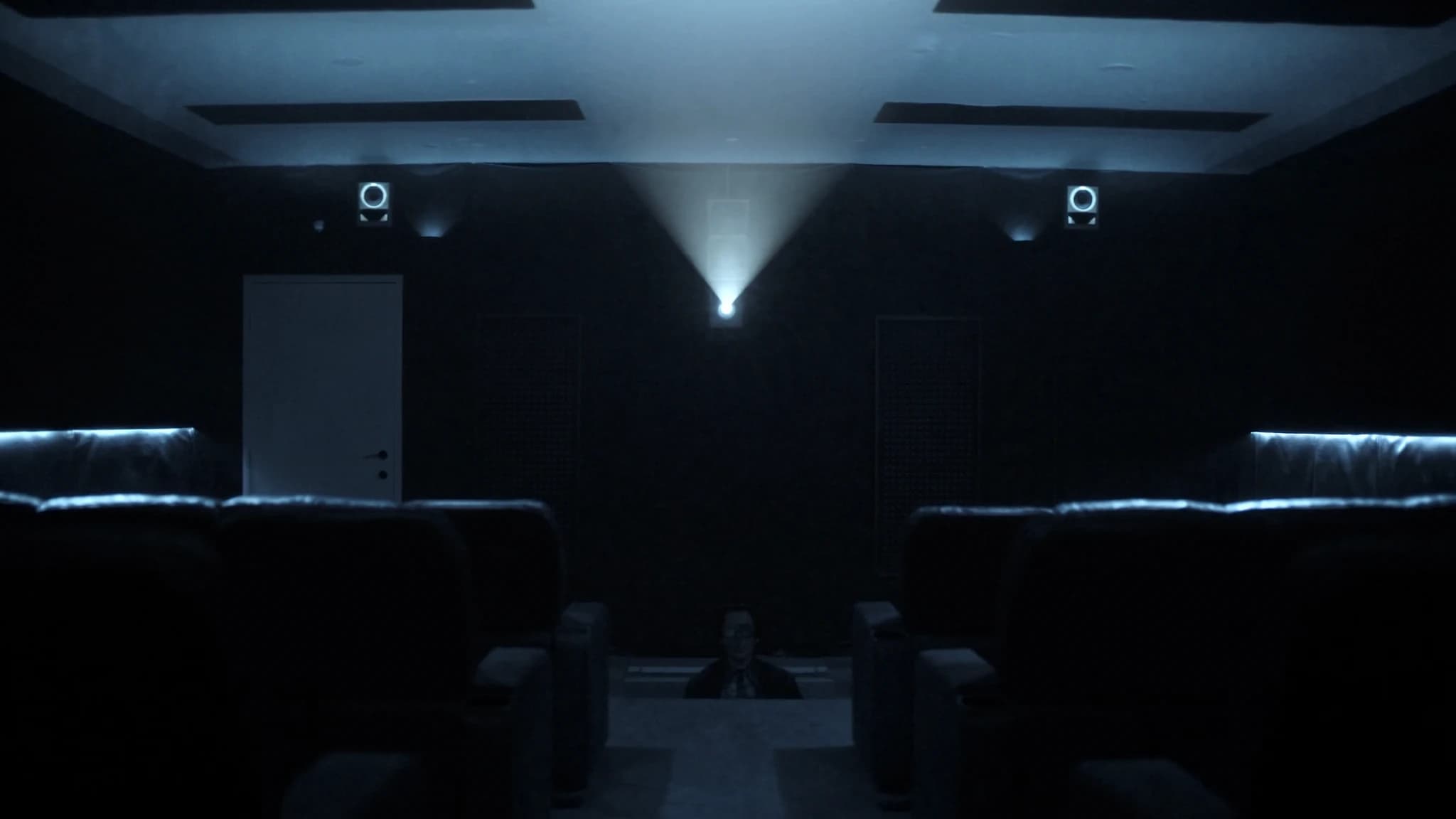
Wireless home theater systems promise a cleaner, cable-free setup, but they also introduce questions about latency, reliability, and audio quality. This guide cuts through the hype to help you decide when wireless makes sense and how to get the best performance in 2026.
Key takeaways
- Wireless home theater is best for surround speakers and subwoofers; keep front channels wired for reliability.
- WiSA is the leading low-latency protocol (under 5ms) for uncompressed multi-channel audio.
- Latency below 15ms is essential to avoid lip-sync issues; avoid standard Bluetooth for movies.
- Interference is possible but rare with modern adaptive frequency-hopping systems.
- Hybrid setups (wired fronts + wireless surrounds/subs) offer the best balance of performance and convenience.
- In 2026, native wireless support in AV receivers and TVs will make wireless setups simpler than ever.
How Wireless Home Theater Audio Works
Wireless home theater systems use radio frequency (RF), Wi-Fi, or proprietary protocols like WiSA (Wireless Speaker and Audio Association) to transmit audio from the source or receiver to speakers. Unlike Bluetooth, which is designed for short-range personal audio and can introduce noticeable latency, modern wireless systems are engineered for multi-channel, high-fidelity audio with low delay.
WiSA has become the gold standard for wireless home theater, supporting uncompressed 24-bit/96kHz audio over a dedicated 5.2–5.8 GHz band. It can handle up to 8 channels with less than 5ms of latency, imperceptible to most listeners. Other systems use proprietary RF or Wi-Fi with custom codecs to manage sync and reliability.
Latency and Lip-Sync: The Critical Factor
Latency is the enemy of home theater. Any delay between the video and audio, even 20–30ms, can be distracting. Wireless systems must keep total latency below 10–15ms to avoid noticeable lip-sync errors. WiSA-certified products achieve this, but many consumer-grade wireless speakers (especially those using standard Bluetooth) introduce 100–200ms, making them unsuitable for movies.
If you're considering a wireless system, check for low-latency certification. Many AV receivers now include built-in WiSA support or wireless transmitter modules. For hybrid setups, where the front speakers are wired and surrounds are wireless, ensure the wireless protocol matches the receiver's capabilities.
Reliability: Wired vs. Wireless in Real-World Homes
Wired connections are inherently more reliable: no interference, no dropouts, no battery concerns. Wireless systems can be affected by Wi-Fi congestion, cordless phones, baby monitors, and even microwave ovens. In dense urban areas or homes with many smart devices, 2.4 GHz bands are especially crowded. WiSA's use of the 5 GHz band helps, but it's not immune.
That said, modern wireless systems have matured. Adaptive frequency hopping, error correction, and buffering help maintain a stable link. For most users, a well-designed wireless system will work flawlessly 99% of the time. The trade-off is occasional interference or the need to reboot a speaker, rare but possible.
Where Wireless Makes Sense in 2026
Wireless is ideal for rear surrounds and subwoofers, speakers that are often far from the AV receiver and difficult to wire cleanly. Many homes lack in-wall cabling, and running speaker wire across doorways or under rugs is unsightly. A wireless surround kit (e.g., WiSA-based) can solve this elegantly.
For front left/center/right channels, wired remains superior. These speakers carry the bulk of dialogue and soundstage; any latency or compression is more noticeable. A hybrid approach, wired fronts, wireless surrounds and subs, offers the best balance of performance and convenience. In 2026, expect more AV receivers to include native wireless support, reducing the need for external transmitters.
Sound Quality: Can Wireless Match Wired?
Yes, with the right technology. WiSA supports uncompressed 24-bit/96kHz audio, identical to what you'd send over HDMI or optical. There's no lossy compression like Bluetooth's SBC or AAC. However, the quality of the speakers themselves matters more than the connection. A cheap wireless speaker will sound worse than a good wired one, regardless of protocol.
Wireless subwoofers are particularly convenient, they can be placed for optimal bass response without a long cable run. Many high-end subwoofers now offer wireless kits or built-in wireless receivers. Just ensure the wireless system can handle the sub's power requirements and has low enough latency for bass (which is less critical for localization but still important for impact).
Setting Up a Wireless Home Theater: Practical Tips
Start with a solid AV receiver or processor that supports your chosen wireless protocol. If using WiSA, look for receivers with built-in WiSA certification or add a WiSA USB transmitter. Place wireless speakers within 30 feet of the transmitter, with minimal obstructions. Avoid placing them near metal objects or large appliances.
For subwoofers, use a dedicated wireless transmitter/receiver kit if the sub doesn't have built-in wireless. Many kits operate on 2.4 GHz and can introduce slight delay; choose one with low-latency mode. Finally, test the system with a lip-sync test video (many are available on YouTube) and adjust any delay settings in the receiver if needed.
The Future: Wireless Standards and Ecosystem
WiSA is gaining traction, but it competes with proprietary solutions from Sonos, Bluesound, and others. The industry is moving toward a universal standard. WiSA's 'WiSA Ready' program and the upcoming WiSA E (embedded) aim to make wireless audio as plug-and-play as HDMI. In 2026, expect more TVs and soundbars to include WiSA support, enabling whole-home wireless surround without a separate receiver.
For professional and high-end installations, companies like SSOUNDS continue to champion wired connections for mission-critical reliability, but we recognize that wireless technology is closing the gap. Our advice: use wireless where it simplifies your life, but never compromise on the core front stage. A hybrid system, carefully chosen, can deliver a cinema experience without the cable clutter.
Frequently asked
Can I use Bluetooth speakers for home theater?
Not recommended. Bluetooth latency is typically 100–200ms, causing noticeable lip-sync errors. Also, Bluetooth can't handle multi-channel audio natively. Use WiSA or dedicated wireless systems instead.
Do wireless subwoofers have latency issues?
Some do, but many modern wireless subwoofer kits have low-latency modes (under 10ms). For home theater, this is usually acceptable since bass is less critical for lip-sync. Test with a bass-heavy scene to ensure it feels tight.
Is WiSA better than Sonos for home theater?
WiSA is designed for uncompressed, low-latency multi-channel audio, making it more suitable for traditional home theater with an AV receiver. Sonos is a closed ecosystem optimized for music and casual TV; it uses compressed audio and may have higher latency. Choose WiSA for a dedicated theater setup.
Can I mix wired and wireless speakers in the same system?
Yes, many AV receivers allow this. Use wired for front channels and wireless for surrounds and subwoofers. Just ensure the receiver can handle both simultaneously and that the wireless protocol is compatible.
Will wireless ever be as reliable as wired?
For most home users, wireless is already reliable enough. However, wired will always have an edge in mission-critical installations (e.g., professional theaters) where zero risk of interference is required. For home use, the convenience often outweighs the small reliability trade-off.
Building or upgrading a system?
SSOUNDS engineers and manufactures professional PA worldwide, from a single room to stadium scale.