AIアップスケーリングとリアルタイム映像処理
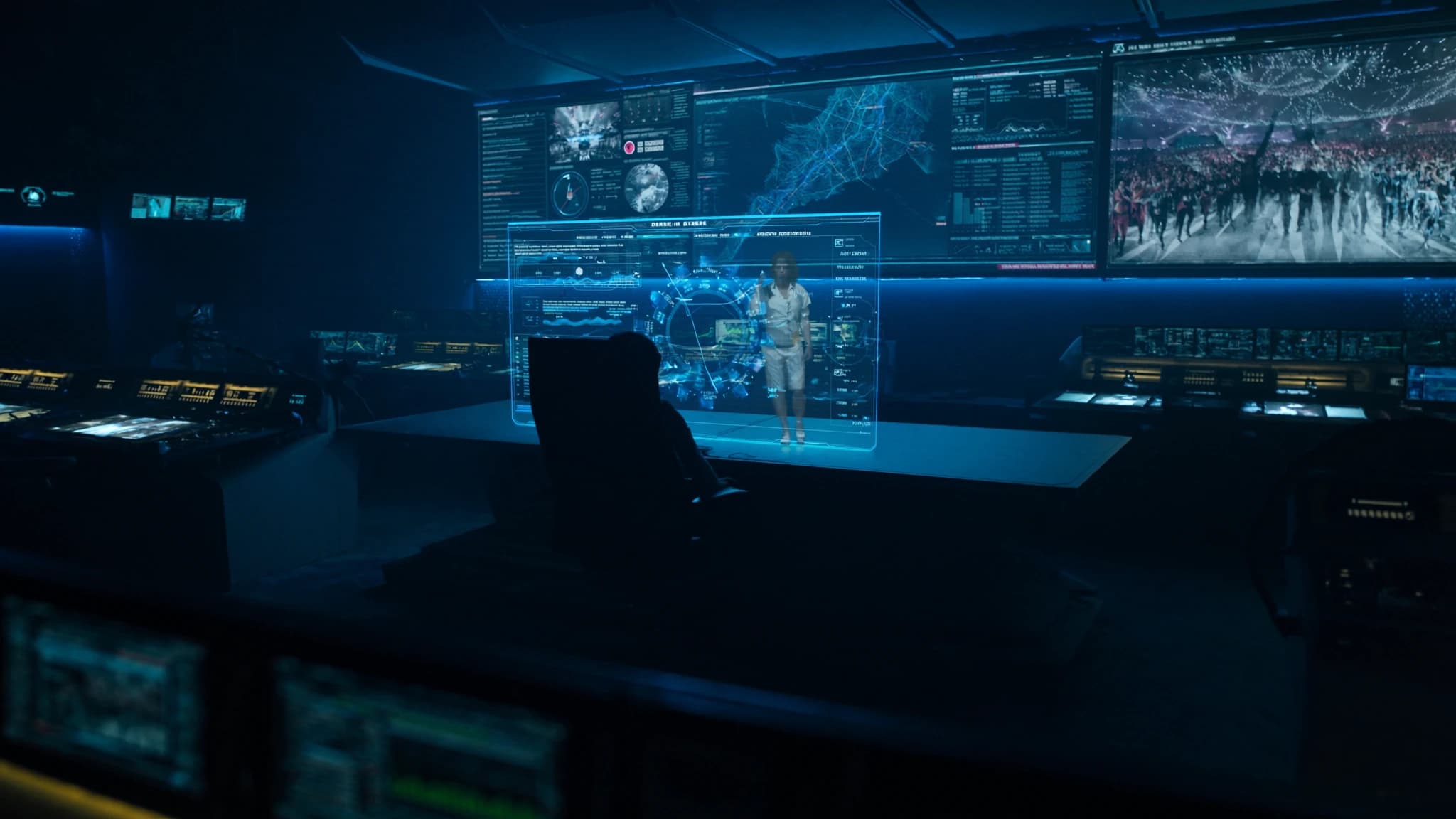
巨大なLEDウォールと高解像度プロジェクションマッピングの時代において、ライブイベントのコンテンツはしばしば標準解像度または圧縮された映像として届き、拡大すると柔らかくピクセル化して見えます。SSOUNDSのエンジニアは、オーディオが体験の半分に過ぎず、視覚品質もそれに匹敵する必要があることを理解しています。このガイドでは、AIアップスケーリングとリアルタイム映像処理が、低解像度のソースをコンサート、会議、インスタレーション向けの鮮明で没入感のあるビジュアルに変換し、観客があらゆる詳細を見ることができる方法を探ります。
主なポイント
- AIアップスケーリングは低解像度映像の失われた詳細を再構築し、大画面でネイティブ4Kのように見せます。
- リアルタイムフレーム補間は中間フレームを生成してモーションジャダーを排除し、ペースの速いコンテンツに不可欠です。
- AI強化ツールは色、コントラスト、ノイズを自動的に調整し、手動調整なしで視覚品質を向上させます。
- 低遅延ハードウェア(GPU/FPGA)はライブイベントに不可欠です。16ms未満の処理遅延を目指してください。
- 音声と映像の同期は、映像遅延を測定し、それに応じてオーディオを遅延させることで管理する必要があります。
- 将来のAIはリアルタイムビジュアルと3D環境を生成し、ライブとプリレンダリングコンテンツの境界をさらに曖昧にします。
ライブイベントでAIアップスケーリングが重要な理由
ライブイベントは、複数のソースからのコンテンツに依存することがよくあります。レガシー映像フィード、ユーザー生成クリップ、または720pや480pのライブカメラストリームなどです。これらを20フィートのスクリーンやLEDウォールに投影すると、ぼやけて気が散るものになります。従来のバイリニアまたはバイキュービックスケーリングアルゴリズムは、単にピクセルを引き伸ばし、アーティファクトを導入してエッジを柔らかくします。
数百万の高解像度画像でトレーニングされたディープラーニングモデルを活用したAIアップスケーリングは、失われた詳細をインテリジェントに再構築します。より高い解像度で画像がどう見えるべきかを予測し、テクスチャ、シャープネス、明瞭さを追加して、目を欺いてネイティブ4Kを見ていると思わせます。ライブイベントでは、アーカイブ映像、低ビットレートストリーム、さらにはスマートフォン映像を、観客が期待するプレミアムな外観を犠牲にすることなく自信を持って使用できることを意味します。
リアルタイムフレーム補間:大画面での滑らかな動き
もう一つの一般的な課題は、低フレームレートコンテンツです。24fpsのフィルム、30fpsの放送、さらには15fpsのウェブカメラなどです。大型ディスプレイでは、モーションジャダーとストロボスコープ効果が痛々しいほど明らかになります。フレーム補間(またはモーションスムージング)は、AIを使用して既存のフレーム間に中間フレームを生成し、リアルタイムでフレームレートを実質的に2倍または3倍にします。
現代のAIアルゴリズムは、モーションベクトルとオブジェクト境界を分析し、初期の補間を悩ませたソープオペラ効果なしで流動的なトランジションを作成します。ライブイベントでは、スポーツ、ダンスパフォーマンス、カメラパンなどのペースの速いコンテンツにとってこれが重要です。結果は、観客を引き込み、視覚的疲労を排除するバターのように滑らかな動きです。
リアルタイム強化:色、コントラスト、ノイズ低減
解像度とフレームレートを超えて、ライブ映像はしばしば不十分な照明、圧縮ノイズ、または色の不均衡に悩まされます。AI駆動のリアルタイムプロセッサーは、会場の照明条件に合わせて露出、ホワイトバランス、コントラストを自動的に調整できます。また、詳細を保持しながら粒状性とマクロブロッキングを排除するインテリジェントなノイズ低減を適用します。
一部の高度なシステムは、複数のフレームを分析して信号とノイズを分離する時間フィルタリングを使用し、顔、テキスト、建築線を認識してそれらを特に強化する空間AIを使用します。不規則な表面へのプロジェクションマッピングでは、AIは表面の色とテクスチャを補正するためにピクセルごとに明るさと色を調整し、キャンバス全体で均一な明るさを確保することもできます。
ライブ処理のためのハードウェアに関する考慮事項
リアルタイムAI処理にはかなりの計算能力が必要です。GPUアクセラレーション(NVIDIA、AMD、またはカスタムFPGA)を備えた専用映像プロセッサーは、低遅延動作(通常1フレーム未満、60fpsで16ms)に不可欠です。多くのプロフェッショナルメディアサーバーは現在AIアップスケーリングモジュールを統合していますが、スタンドアロンユニットは複雑なマルチソースワークフローに対してより柔軟性を提供します。
ハードウェアを選択する際は、入出力フォーマット(HDMI、SDI、NDI、Dante AV)、最大解像度サポート(4Kまたは8K)、および複数のストリームを同時に処理する能力を考慮してください。冗長性もライブイベントにとって重要です。デュアル電源、フェイルオーバー入力、ホットスワップ可能なモジュールは災害を防ぐことができます。SSOUNDSは、ライブプロダクションの遅延と信頼性の要件を理解している映像スペシャリストとの提携を推奨します。
オーディオシステムとの統合:AV同期の課題
AI映像処理は遅延を導入し、注意深く管理しないと音声と映像の同期問題を引き起こす可能性があります。映像の30msの遅延でも、ダイアログが同期していないように見えることがあります。これを解決するために、プロフェッショナルシステムはジェンロック(同期リファレンス)とオーディオ側の遅延補正を使用します。多くのデジタルオーディオコンソールとDSP(SSOUNDS自身のネットワークアンプなど)は、映像処理パスに一致する正確な遅延アライメントを可能にします。
大規模イベントでは、合計映像遅延(キャプチャ→処理→表示)を測定し、同じ量だけオーディオを遅延させることが最善です。一部のAIプロセッサーは、オーディオシステムに自動的に供給できる遅延値を出力します。SSOUNDSのエンジニアは映像チームと緊密に協力し、観客が完璧なリップシンクとサウンドとビジュアルの間のインパクトアライメントを体験できるようにします。
将来のトレンド:AI生成コンテンツとリアルタイムレンダリング
次のフロンティアは、単にアップスケーリングするだけでなく、その場でコンテンツを生成するAIです。AIが音楽に同期したリアルタイムの視覚効果を作成するライブコンサート、またはAIが単一のカメラフィードから3D環境を生成する会議を想像してみてください。リアルタイムニューラルレンダリングは、映画やテレビのバーチャルプロダクションですでに使用されており、ライブイベントにも浸透しつつあります。
ハードウェアがより強力になり、アルゴリズムがより効率的になるにつれて、AIアップスケーリングと強化がビデオスイッチャー、メディアサーバー、さらにはプロジェクターの標準機能になるでしょう。今のところ、鍵となるのは、ライブ環境で実証済みのソリューションを選択することです。低遅延、信頼性の高い動作、使用するフォーマットのサポートを備えています。SSOUNDSはこれらの開発を監視し続け、当社のオーディオシステムが利用可能な最高の映像処理とシームレスに統合されるようにしています。
よくある質問
AIアップスケーリングはどのような映像ソースでも機能しますか?
はい、ほとんどのAIアップスケーラーはHDMI、SDI、NDIなどの標準フォーマットに対応しています。ただし、強く圧縮されたソースや非常に低解像度のソース(360p未満)では、依然としてアーティファクトが表示されることがあります。最良の結果を得るには、少なくとも480pのソースを使用し、過度な圧縮を避けてください。
AIフレーム補間は遅延を引き起こしますか?
はい、補間は将来のフレームを分析する必要があるため、数フレームのレイテンシーが追加されます。ハイエンドプロセッサーはこれを2〜3フレーム(30〜50ms)未満に抑えることができ、ほとんどのライブイベントで許容範囲です。リップシンクが重要なコンテンツには、ジェンロックとオーディオ遅延補正を使用してください。
AIアップスケーリングと従来のスケーリングの違いは何ですか?
従来のスケーリング(バイリニア、バイキュービック)は単にピクセルを引き伸ばすため、ぼやけやエイリアシングが発生します。AIアップスケーリングは、高解像度画像でトレーニングされたニューラルネットワークを使用して失われた詳細を推測し、よりシャープなエッジ、より細かいテクスチャ、より少ないアーティファクトを実現します。
専用プロセッサーが必要ですか、それともソフトウェアで可能ですか?
ソフトウェアソリューション(例:Topaz Video AI、NVIDIA Video Effects)は存在しますが、標準的なPCではリアルタイム性能を達成できない場合があります。ライブイベントには、低遅延と信頼性を確保するために、GPUアクセラレーションを備えた専用ハードウェアを推奨します。
AI処理された映像とオーディオを同期するにはどうすればよいですか?
テスト信号を使用して、入力から表示までの合計映像遅延を測定します。次に、同じ遅延をオーディオシステムに適用します(例:デジタルコンソールまたはDSP経由)。一部の映像プロセッサーは、自動アライメントに使用できる遅延値を出力します。
システムの構築やアップグレードをお考えですか?
SSOUNDSは、単一の部屋からスタジアム規模まで、プロ用PAを世界中で設計・製造しています。