KI-generierte Visuals für Live-Shows
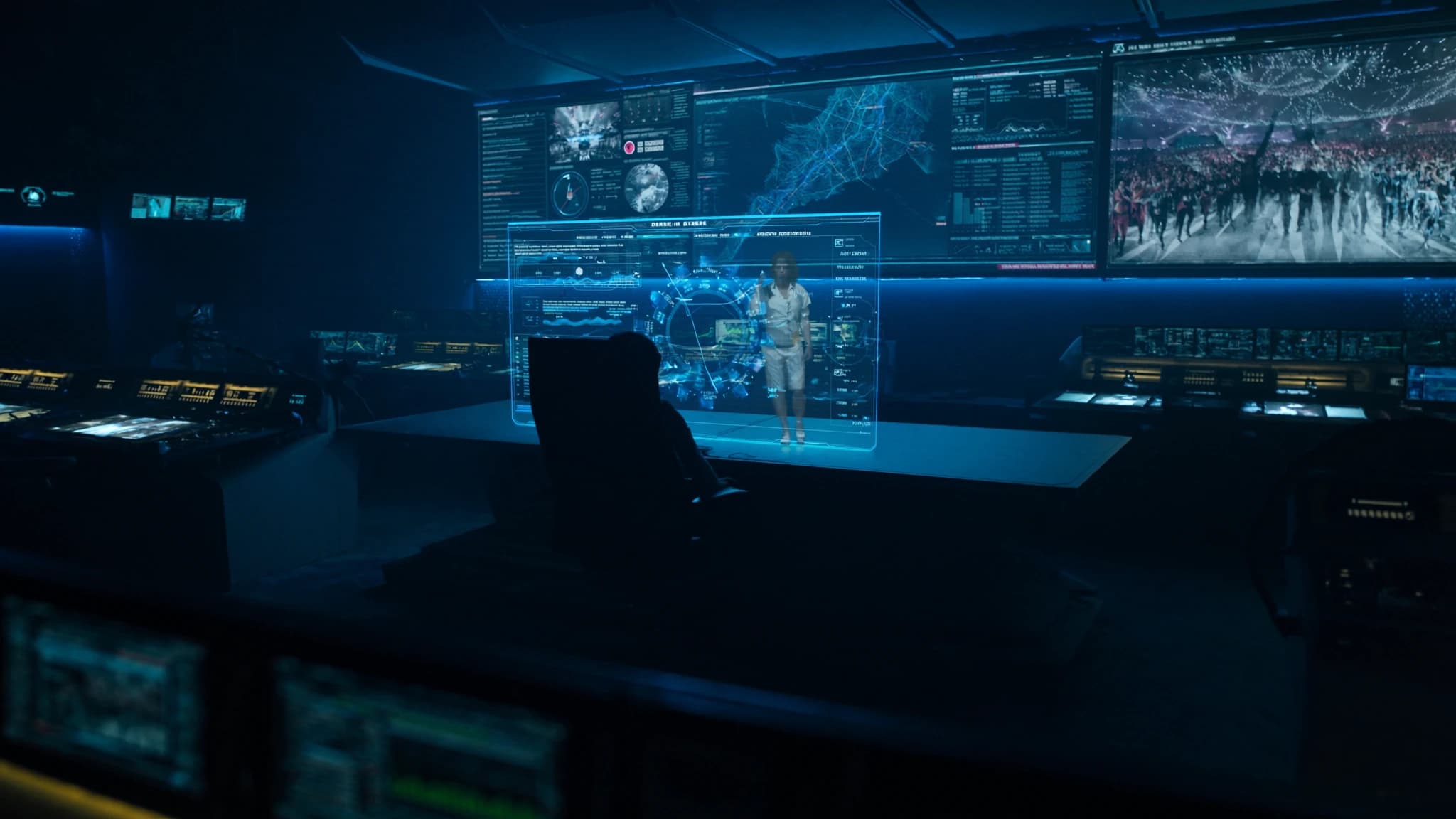
KI-generierte Visuals verändern die Live-Show-Produktion und ermöglichen Echtzeit-, skalierbare und einzigartig kreative Bühnenvisuals und IMAG-Inhalte. Dieser Leitfaden untersucht den Workflow, die Qualitätskontrolle und kreative Strategien für die Integration generativer KI in Live-Events und stützt sich auf die Expertise von SSOUNDS bei der Bereitstellung immersiver, wirkungsvoller Erlebnisse.
Wichtigste Punkte
- KI-generierte Visuals bieten Echtzeit-, skalierbare und personalisierte Inhalte für Live-Shows.
- Ein robuster Workflow umfasst Asset-Generierung, Echtzeit-Compositing und enge Audiosynchronisation.
- Qualitätskontrolle ist entscheidend: Ergebnisse kuratieren, unter Show-Bedingungen testen und Backup-Inhalte bereithalten.
- KI ermöglicht kreative Personalisierung in großem Maßstab, wie stadtspezifische Visuals oder audioreaktive Bilder.
- Ethische Nutzung erfordert Aufmerksamkeit für Urheberrecht und einen Human-in-the-Loop-Ansatz.
- Die zukünftige Integration mit räumlichem Audio wird tiefere immersive Erlebnisse schaffen.
Der Aufstieg der KI in Live-Visuals
Generative KI-Tools wie Stable Diffusion, DALL·E und Echtzeit-Videosyntheseplattformen ermöglichen es Künstlern und Produktionsteams heute, maßgeschneiderte Visuals spontan zu erstellen. Anstatt sich ausschließlich auf vorgerendertes Material zu verlassen, kann KI abstrakte Muster, reaktive Bilder und sogar narrative Sequenzen generieren, die sich an die Musik oder die Energie des Publikums anpassen.
Für Live-Shows bedeutet dies, dass Visuals reaktionsfähiger und personalisierter sein können, was die Verbindung zwischen Künstler und Publikum verstärkt. SSOUNDS beobachtet eine wachsende Nachfrage nach Systemen, die KI-gesteuerte Inhalte mit präziser Audiosynchronisation integrieren, was die Notwendigkeit robuster, latenzarmer Netzwerke unterstreicht.
Workflow: Vom Prompt zur Projektion
Ein typischer KI-Visual-Workflow beginnt mit einem kreativen Briefing, das Stimmung, Farbpalette und Bewegungsstil definiert. Künstler verwenden dann Text-zu-Bild- oder Videomodelle, um Basis-Assets zu generieren, oft mit mehreren Iterationen zur Verfeinerung der Ergebnisse. Diese werden dann in Echtzeit-Engines wie Unreal Engine oder Resolume Arena composited, wo sie getriggert, geschichtet und auf LED-Wände oder Projektionsflächen gemappt werden können.
Für IMAG (Bildvergrößerung) kann KI Live-Kamerafeeds hochskalieren oder stilisierte Overlays generieren, die zur Ästhetik der Show passen. SSOUNDS empfiehlt, KI-Verarbeitungsknoten in die Medienserver-Kette zu integrieren, um minimale Latenz und Synchronisation mit dem Audiosystem über Timecode- oder OSC-Befehle zu gewährleisten.
Qualitätskontrolle: Kohäsion und Zuverlässigkeit sicherstellen
KI-generierte Visuals können manchmal Artefakte, inkonsistente Stile oder unbeabsichtigte Inhalte produzieren. Qualitätskontrolle umfasst die Kuratierung der Ergebnisse durch menschliche Überprüfung, die Festlegung strenger Prompt-Parameter und die Verwendung negativer Prompts zur Vermeidung unerwünschter Elemente. Für den Live-Einsatz reduziert die Vorabgenerierung einer Bibliothek genehmigter Assets und die Nutzung von KI für Echtzeiteffekte (z. B. Farbkorrektur, Bewegungsinterpolation) anstelle vollständiger Generierung das Risiko.
SSOUNDS betont die Bedeutung, KI-Workflows unter Show-Bedingungen zu testen, Rendering-Pipelines, Netzwerkbandbreite und Failover-Systeme einem Stresstest zu unterziehen. Redundante Medienserver und Backup-Inhalte stellen sicher, dass die Show weiterläuft, selbst wenn die KI-Generierung stockt.
Kreativer Einsatz in großem Maßstab: Personalisierung und Reaktivität
Eine der größten Stärken der KI ist die Personalisierung. Für Tourneen kann KI einzigartige Visuals für jede Stadt generieren, die lokale Wahrzeichen, Sprache oder kulturelle Motive einbeziehen und so ein maßgeschneidertes Erlebnis für jedes Publikum schaffen. Echtzeit-KI kann auch auf Audioeingaben reagieren und Visuals generieren, die mit Bass-Hits pulsieren oder sich bei melodischen Veränderungen verschieben.
In großem Maßstab erfordert dies eine robuste Infrastruktur: Hochleistungs-GPUs, latenzarme Video-Codecs und eine enge Integration mit dem Audiopult. Die DSP- und Netzwerklösungen von SSOUNDS bieten die präzise Zeitsteuerung, die erforderlich ist, um KI-Visuals mit der Line-Array-Abdeckung zu synchronisieren, sodass jeder Platz denselben Eindruck sieht und hört.
Ethische und praktische Überlegungen
Die Nutzung von KI wirft Fragen zu Urheberrecht und Originalität auf. Künstler sollten sicherstellen, dass sie Rechte an Trainingsdaten haben oder lizenzierte Modelle verwenden. Darüber hinaus sollte KI die menschliche Kreativität erweitern, nicht ersetzen; die besten Shows verbinden KI-generierte Elemente mit traditioneller VJ-Arbeit und Live-Kamerafeeds.
Aus technischer Sicht müssen Stromversorgung und Kühlung für KI-Server in Touring-Umgebungen geplant werden. SSOUNDS empfiehlt die Zusammenarbeit mit Vermietpartnern, die den Stromverbrauch und das Thermomanagement von KI-Hardware verstehen, und rät zur Nutzung vernetzter Steuerung, um mehrere KI-Knoten von einer einzigen Konsole aus zu verwalten.
Zukünftige Trends: KI und immersive audio-visuelle Integration
Mit der Weiterentwicklung der KI werden wir eine engere Integration mit räumlichem Audio und objektbasiertem Mischen sehen. Stellen Sie sich Visuals vor, die nicht nur auf Musik reagieren, sondern auch auf die Position von Schallquellen im 3D-Raum, wodurch ein vollständig immersives, synästhetisches Erlebnis entsteht. SSOUNDS untersucht, wie KI die Lautsprecherabdeckung optimieren und visuelle Inhalte basierend auf akustischer Analyse vorhersagen kann.
Vorerst stoßen Early Adopters bereits an Grenzen. Der Schlüssel liegt darin, klein anzufangen, rigoros zu testen und mit Vertrauen zu skalieren. Mit dem richtigen Workflow und Qualitätskontrolle können KI-generierte Visuals jede Live-Show auf neue kreative Höhen heben.
Häufige Fragen
Welche Hardware ist für KI-generierte Visuals in Live-Shows erforderlich?
Sie benötigen Hochleistungs-GPUs (z. B. NVIDIA RTX 6000), latenzarme Videoserver und ein robustes Netzwerk. Für Touring sollten Sie kompakte KI-Verarbeitungsknoten und redundante Medienserver in Betracht ziehen.
Können KI-Visuals in Echtzeit mit Audio synchronisiert werden?
Ja, mit Timecode, OSC oder Audioanalysetools. Die DSP-Systeme von SSOUNDS können präzise Timing-Signale liefern, um KI-Visuals mit Line-Array-Ausgaben zu synchronisieren.
Wie vermeide ich Urheberrechtsprobleme mit KI-generierten Inhalten?
Verwenden Sie lizenzierte oder Open-Source-Modelle, vermeiden Sie Prompts, die urheberrechtlich geschützte Werke nachahmen, und generieren Sie originäre Inhalte. Einige Künstler trainieren eigene Modelle mit ihren eigenen Datensätzen.
Wie beginne ich am besten mit KI für Live-Visuals?
Beginnen Sie mit vorab generierten Assets und einfachen Echtzeiteffekten (z. B. Farbkorrektur). Fügen Sie schrittweise reaktive Elemente hinzu, während Sie Vertrauen in den Workflow und die Zuverlässigkeit gewinnen.
Wird KI menschliche VJs ersetzen?
Nein. KI ist ein Werkzeug, das menschliche Kreativität erweitert. Die besten Shows kombinieren KI-Generierung mit menschlicher Kuratierung und Live-Mixing für ein einzigartiges, fesselndes Erlebnis.
System aufbauen oder aufrüsten?
SSOUNDS entwickelt und fertigt professionelle PA weltweit, vom einzelnen Raum bis zur Stadiongröße.