KI-Upscaling und Echtzeit-Videoverarbeitung
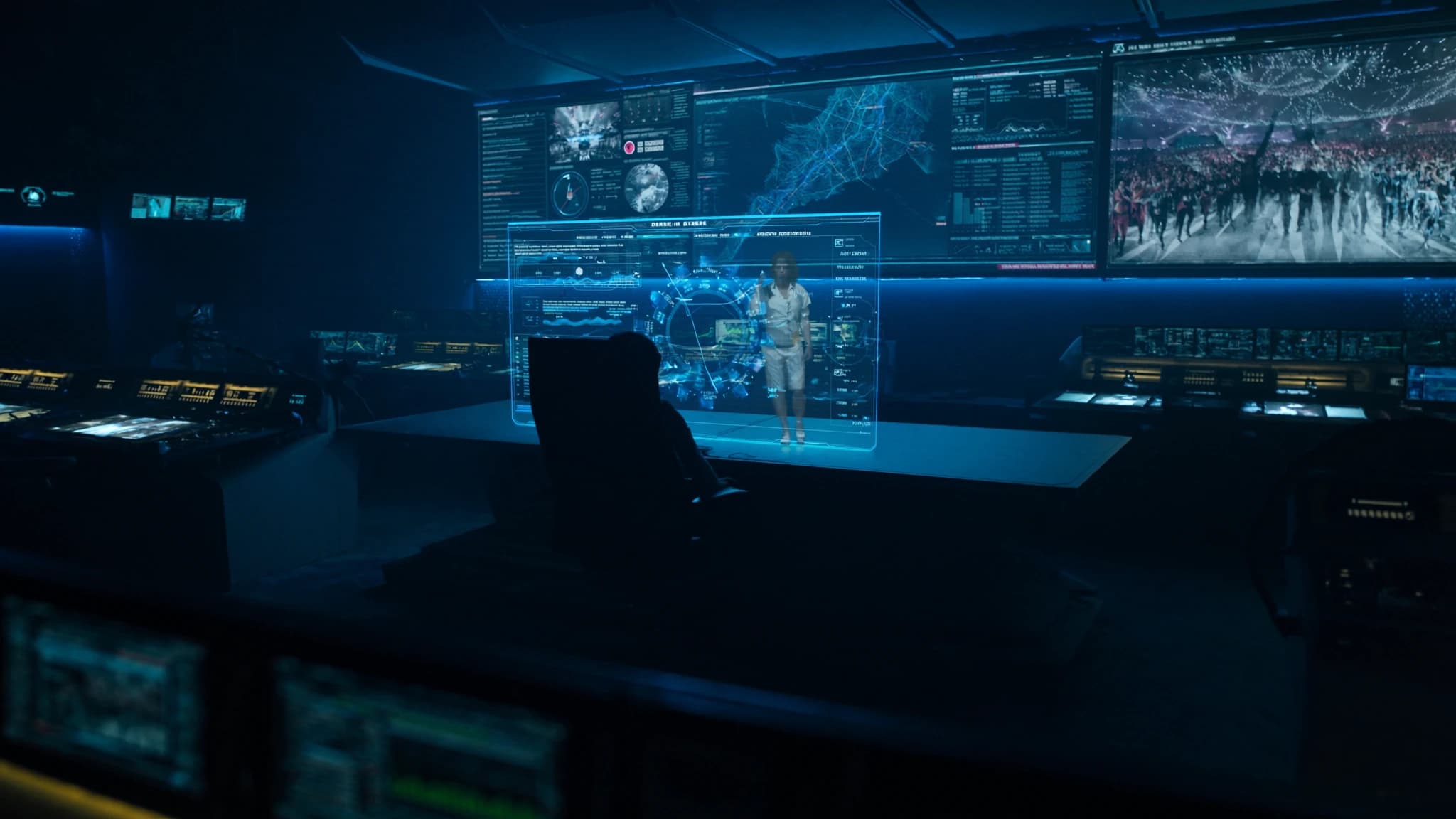
Im Zeitalter massiver LED-Wände und hochauflösendem Projektionsmapping kommt Live-Event-Content oft als Standard-Definition- oder komprimiertes Video an, das beim Hochskalieren weich und verpixelt aussieht. SSOUNDS-Ingenieure verstehen, dass Audio nur die Hälfte des Erlebnisses ist, die visuelle Qualität muss mithalten. Dieser Leitfaden untersucht, wie KI-Upscaling und Echtzeit-Videoverarbeitung niedrig aufgelöste Quellen in gestochen scharfe, immersive Visuals für Konzerte, Konferenzen und Installationen verwandeln können, damit Ihr Publikum jedes Detail sieht.
Wichtigste Punkte
- KI-Upscaling rekonstruiert fehlende Details in niedrig aufgelöstem Video und lässt es auf großen Bildschirmen wie natives 4K aussehen.
- Echtzeit-Frame-Interpolation eliminiert Bewegungsruckeln durch Generierung von Zwischenframes, wesentlich für schnelllebige Inhalte.
- KI-Verbesserungstools passen Farbe, Kontrast und Rauschen automatisch an und verbessern die visuelle Qualität ohne manuelles Tweaking.
- Hardware mit niedriger Latenz (GPU/FPGA) ist entscheidend für Live-Events; streben Sie unter 16ms Verarbeitungsverzögerung an.
- Audio-Video-Sync muss durch Messung der Videolatenz und entsprechende Verzögerung des Audios verwaltet werden.
- Zukünftige KI wird Echtzeit-Visuals und 3D-Umgebungen generieren und die Grenze zwischen Live- und vorgerendertem Inhalt weiter verwischen.
Warum KI-Upscaling für Live-Events wichtig ist
Live-Events verlassen sich häufig auf Inhalte aus mehreren Quellen: ältere Video-Feeds, benutzergenerierte Clips oder Live-Kamera-Streams, die möglicherweise 720p oder sogar 480p sind. Wenn diese auf eine 20-Fuß-Leinwand oder eine LED-Wand projiziert werden, werden diese Quellen unscharf und störend. Traditionelle bilineare oder bikubische Skalierungsalgorithmen strecken einfach Pixel, was Artefakte einführt und Kanten weicher macht.
KI-Upscaling, angetrieben von Deep-Learning-Modellen, die auf Millionen hochauflösender Bilder trainiert wurden, rekonstruiert fehlende Details intelligent. Es sagt voraus, wie das Bild bei höherer Auflösung aussehen sollte, und fügt Textur, Schärfe und Klarheit hinzu, die das Auge täuschen, natives 4K zu sehen. Für Live-Events bedeutet dies, dass Sie Archivmaterial, Streams mit niedrigerer Bitrate oder sogar Smartphone-Video selbstbewusst verwenden können, ohne den Premium-Look zu opfern, den Ihr Publikum erwartet.
Echtzeit-Frame-Interpolation: Flüssige Bewegung auf großen Bildschirmen
Eine weitere häufige Herausforderung ist Inhalt mit niedriger Bildrate, 24fps-Film, 30fps-Übertragungen oder sogar 15fps-Webcams. Auf großen Displays werden Bewegungsruckeln und Stroboskopeffekte schmerzhaft offensichtlich. Frame-Interpolation (oder Bewegungsglättung) verwendet KI, um Zwischenframes zwischen vorhandenen zu generieren, wodurch die Bildrate in Echtzeit effektiv verdoppelt oder verdreifacht wird.
Moderne KI-Algorithmen analysieren Bewegungsvektoren und Objektgrenzen, um flüssige Übergänge ohne den Soap-Opera-Effekt zu schaffen, der frühe Interpolation plagte. Für Live-Events ist dies entscheidend für schnelllebige Inhalte wie Sport, Tanzaufführungen oder Kameraschwenks. Das Ergebnis ist butterweiche Bewegung, die das Publikum engagiert hält und visuelle Ermüdung eliminiert.
Echtzeit-Verbesserung: Farbe, Kontrast und Rauschunterdrückung
Jenseits von Auflösung und Bildrate leidet Live-Video oft unter schlechter Beleuchtung, Kompressionsrauschen oder Farbungleichgewichten. KI-gesteuerte Echtzeitprozessoren können automatisch Belichtung, Weißabgleich und Kontrast an die Lichtverhältnisse des Veranstaltungsorts anpassen. Sie wenden auch intelligente Rauschunterdrückung an, die Details bewahrt, während Körnung und Makroblocking eliminiert werden.
Einige fortschrittliche Systeme verwenden temporale Filterung, analysieren mehrere Frames, um Signal von Rauschen zu trennen, und räumliche KI, die Gesichter, Text oder architektonische Linien erkennt, um sie spezifisch zu verbessern. Für Projektionsmapping auf unregelmäßigen Oberflächen kann KI sogar Helligkeit und Farbe pro Pixel anpassen, um Oberflächenfarbe und -textur zu kompensieren und eine gleichmäßige Helligkeit über die gesamte Leinwand zu gewährleisten.
Hardware-Überlegungen für Live-Verarbeitung
Echtzeit-KI-Verarbeitung erfordert erhebliche Rechenleistung. Dedizierte Videoprozessoren mit GPU-Beschleunigung (NVIDIA, AMD oder benutzerdefinierte FPGA) sind für den Betrieb mit niedriger Latenz unerlässlich, typischerweise unter einem Frame (16ms bei 60fps). Viele professionelle Medienserver integrieren jetzt KI-Upscaling-Module, aber eigenständige Einheiten bieten mehr Flexibilität für komplexe Multi-Source-Workflows.
Bei der Auswahl von Hardware berücksichtigen Sie Eingangs-/Ausgangsformate (HDMI, SDI, NDI, Dante AV), maximale Auflösungsunterstützung (4K oder 8K) und die Fähigkeit, mehrere Streams gleichzeitig zu verarbeiten. Redundanz ist auch für Live-Events entscheidend: duale Netzteile, Failover-Eingänge und hot-swap-fähige Module können Katastrophen verhindern. SSOUNDS empfiehlt die Zusammenarbeit mit Videospezialisten, die die Latenz- und Zuverlässigkeitsanforderungen der Live-Produktion verstehen.
Integration mit Audiosystemen: Die AV-Synchronisationsherausforderung
KI-Videoverarbeitung führt zu Latenz, die Audio-Video-Synchronisationsprobleme verursachen kann, wenn sie nicht sorgfältig verwaltet wird. Selbst eine 30ms-Verzögerung im Video kann dazu führen, dass Dialoge asynchron erscheinen. Um dies zu lösen, verwenden professionelle Systeme Genlock (Sync-Referenz) und Delay-Kompensation auf der Audioseite. Viele digitale Audiokonsolen und DSPs (wie SSOUNDS' eigene Netzwerkverstärker) ermöglichen eine präzise Delay-Ausrichtung, um den Videoverarbeitungspfad abzugleichen.
Für groß angelegte Events ist es am besten, die gesamte Videolatenz zu messen (Aufnahme → Verarbeitung → Anzeige) und dann das Audio um denselben Betrag zu verzögern. Einige KI-Prozessoren geben einen Latenzwert aus, der automatisch in das Audiosystem eingespeist werden kann. SSOUNDS-Ingenieure arbeiten eng mit Videoteams zusammen, um sicherzustellen, dass das Publikum perfekten Lip-Sync und Impact-Ausrichtung zwischen Ton und Bild erlebt.
Zukünftige Trends: KI-generierte Inhalte und Echtzeit-Rendering
Die nächste Grenze ist KI, die nicht nur hochskaliert, sondern Inhalte on the fly generiert. Stellen Sie sich ein Live-Konzert vor, bei dem KI Echtzeit-Visualeffekte erstellt, die auf die Musik abgestimmt sind, oder eine Konferenz, bei der KI 3D-Umgebungen aus einem einzigen Kamerafeed generiert. Echtzeit-Neuronal-Rendering wird bereits in der virtuellen Produktion für Film und Fernsehen eingesetzt und sickert in Live-Events ein.
Da Hardware leistungsfähiger und Algorithmen effizienter werden, werden wir sehen, dass KI-Upscaling und -Verbesserung zu Standardfunktionen in Videoswitchern, Medenservern und sogar Projektoren werden. Vorerst ist der Schlüssel, Lösungen zu wählen, die in Live-Umgebungen bewährt sind, mit niedriger Latenz, zuverlässigem Betrieb und Unterstützung für die von Ihnen verwendeten Formate. SSOUNDS beobachtet diese Entwicklungen weiterhin, um sicherzustellen, dass unsere Audiosysteme nahtlos mit der besten verfügbaren Videoverarbeitung integriert werden.
Häufige Fragen
Kann KI-Upscaling mit jeder Videoquelle funktionieren?
Ja, die meisten KI-Upscaler akzeptieren Standardformate wie HDMI, SDI und NDI. Stark komprimierte oder sehr niedrig aufgelöste Quellen (unter 360p) können jedoch weiterhin Artefakte zeigen. Für beste Ergebnisse verwenden Sie Quellen mit mindestens 480p und vermeiden Sie übermäßige Kompression.
Führt KI-Frame-Interpolation zu Verzögerungen?
Ja, die Interpolation erfordert die Analyse zukünftiger Frames, was einige Frames Latenz hinzufügt. High-End-Prozessoren können dies unter 2-3 Frames (30-50ms) halten, was für die meisten Live-Events akzeptabel ist. Für lip-sync-kritische Inhalte verwenden Sie Genlock und Audio-Delay-Kompensation.
Was ist der Unterschied zwischen KI-Upscaling und traditionellem Scaling?
Traditionelles Scaling (bilinear, bikubisch) streckt einfach Pixel, was zu Unschärfe und Aliasing führt. KI-Upscaling verwendet neuronale Netzwerke, die auf hochauflösenden Bildern trainiert wurden, um fehlende Details zu inferieren, was zu schärferen Kanten, feineren Texturen und weniger Artefakten führt.
Brauche ich einen dedizierten Prozessor oder kann Software das übernehmen?
Es gibt Softwarelösungen (z. B. Topaz Video AI, NVIDIA Video Effects), aber sie erreichen auf Standard-PCs möglicherweise keine Echtzeitleistung. Für Live-Events wird dedizierte Hardware mit GPU-Beschleunigung empfohlen, um niedrige Latenz und Zuverlässigkeit zu gewährleisten.
Wie synchronisiere ich Audio mit KI-verarbeitetem Video?
Messen Sie die gesamte Videolatenz vom Eingang bis zur Anzeige mit einem Testsignal. Wenden Sie dann dieselbe Verzögerung auf Ihr Audiosystem an (z. B. über eine digitale Konsole oder DSP). Einige Videoprozessoren geben einen Latenzwert aus, der für die automatische Ausrichtung verwendet werden kann.
System aufbauen oder aufrüsten?
SSOUNDS entwickelt und fertigt professionelle PA weltweit, vom einzelnen Raum bis zur Stadiongröße.